Highlighting local beers on your menu means making nearby breweries easy to spot on your print and digital menus. Guests who want something local find it fast, and you support your local beer scene. Evergreen has helped more than 4,500 bars, restaurants and local businesses since 2012. It started in craft beer as TapHunter, so local beer is in our roots. Our print menus and digital beer menu boards run from the same tap list. This guide covers why local sells and how to feature it. Here is how to put local beer front and center.
Why Highlight Local Beers on Your Menu
Many guests, especially travelers, want to drink something brewed nearby. If local beers are buried in a long list, they may order a familiar national brand instead. Calling out local options helps those guests decide. It also builds relationships with nearby breweries, which can lead to tap takeovers, events and cross-promotion. The idea came up years ago at a San Diego craft beer summit. Speakers urged bars to promote local beer on their menus. It still holds up.
6 Ways to Highlight Local Beers
- A “Local” section: put local beers in their own category at the top of the list.
- A badge or icon: add a small symbol next to local beers and explain it in a key.
- Brewery and city: list the brewery name and town under each local beer.
- Distance: note how far away it was brewed, like “brewed 4 miles away.”
- Bold or color: use your brand color or bold text for local names.
- A local flight: offer a sampler of local beers at a set price.
Highlight Local Beers on Your Print Menu
Printed beer lists change often, so keep the format simple. Use a consistent “Local” section or icon on every reprint. With Evergreen, your tap list and print menu use the same data. Change a keg once, then print a fresh menu with local beers already grouped. Custom categories let you push local beers to the top of the page.
Feature Local Beers on Digital Menu Boards
Screens give you more room to tell the story. Show brewery logos, the town and a short tasting note. Rotate a “Local Spotlight” slide between your tap list pages. When a local keg kicks, swap it in seconds so the list stays accurate. Our guide to designing custom beer menus has layout tips. See more beer menu ideas for inspiration.
Partner With Local Breweries
Highlighting local beer works best as a partnership. Invite a brewery for a tap takeover or a meet-the-brewer night. Share their posts and tag them in yours. Ask about limited releases you can feature first. Our post on hosting a meet-the-brewer night walks through planning one. Visit the Craft Beer Hub for more beer program ideas.
Train Staff to Sell Local
A menu helps, but staff close the sale. Give bartenders a one-line story for each local beer. Let them taste new arrivals. Ask them to suggest a local option when guests are unsure. Our craft beer training guide covers the basics.
Local Beer Menu FAQs
How do I mark local beers on a menu?
Use a “Local” section, a small icon or the brewery’s town under the name. Pick one method and use it on every menu.
How many local beers should I carry?
It depends on your market. Even one or two rotating local taps give guests a reason to ask what is new.
Do local beers sell better?
Often, when guests can find them. Clear labels, staff recommendations and local flights all help.
Put Local Beer Front and Center
Group local beers, label them clearly and let your staff tell the story. Your guests try more local beer, and your community wins too. Start a free trial or book a demo to see Evergreen’s beer menus.
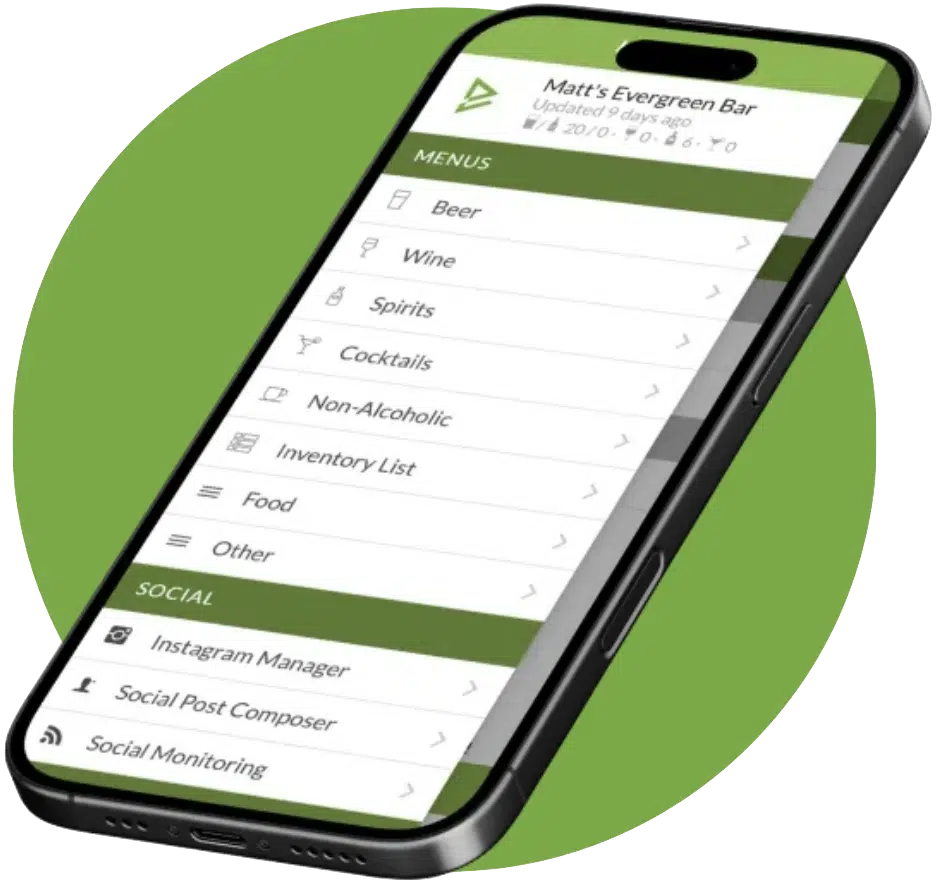
See Evergreen’s Digital Menu Software in Action
Join 4,500+ restaurants, bars, and breweries already using Evergreen to update menus in seconds.

About Casey Marte
Senior Technical Content & Product Marketing Strategist, EvergreenHQ
Casey Marte is a Senior SEO & Digital Marketing Strategist at EvergreenHQ
At EvergreenHQ, Casey works closely with the product team to shape new features, test tools, and make sure every operator, from a single taproom to a multi-unit restaurant group, has the information they need to grow.