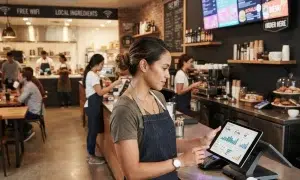
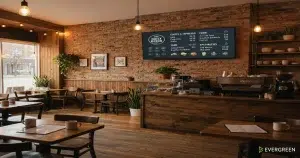
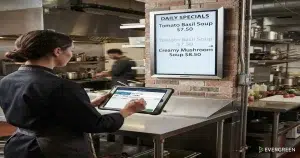
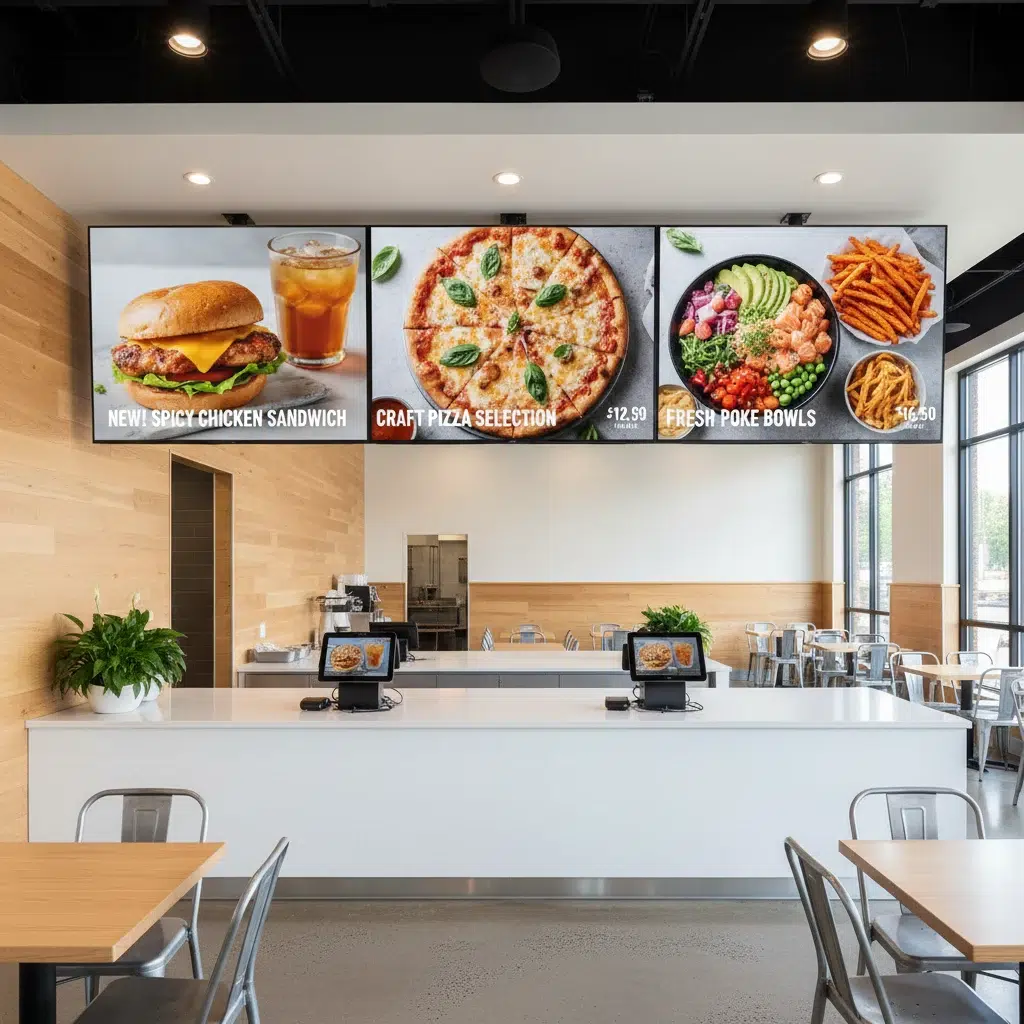
Digital menu boards for hotel restaurants solve one of the most persistent problems in hotel food and beverage operations: keeping menus accurate, on-brand, and up to date across multiple venues simultaneously. A full-service hotel might run a breakfast dining room, a lobby bar, a rooftop lounge, room service, and a poolside grill — each with its own menu, its own daypart schedule, and its own pricing. Managing that manually with printed menus is slow, expensive, and error-prone. Digital menu boards for hotel restaurants replace that process with a single cloud-based platform that updates every screen the moment you make a change.
Trusted by The Griffon, British Beer Co, Whole Foods since 2010
Why Hotel F&B Operations Struggle With Static Menus
Most hotel food and beverage teams spend more time managing menus than they realize. Reprinting menus for seasonal changes, correcting price errors across multiple outlets, and coordinating between kitchen and front-of-house take hours every week. When a menu item sells out at the rooftop bar, there is no fast way to pull it from the lobby display without walking over and physically swapping a board.
Static printed menus also create brand consistency problems. Fonts drift. Logos get stretched. Older menu versions stay in circulation longer than they should. For a hotel brand trying to maintain a consistent guest experience across every touchpoint, these small inconsistencies add up fast.
| Problem With Static Menus | What Digital Menu Boards Solve |
|---|---|
| Price changes require reprinting | Update pricing instantly from any device |
| Sold-out items still on display | Toggle availability in seconds |
| Brand inconsistency across venues | Centralized templates keep every screen on-brand |
| Daypart transitions take staff time | Scheduled dayparts switch automatically |
| Multi-location updates are manual | Push changes to every screen simultaneously |
How Daypart Scheduling Works in Hotel Dining
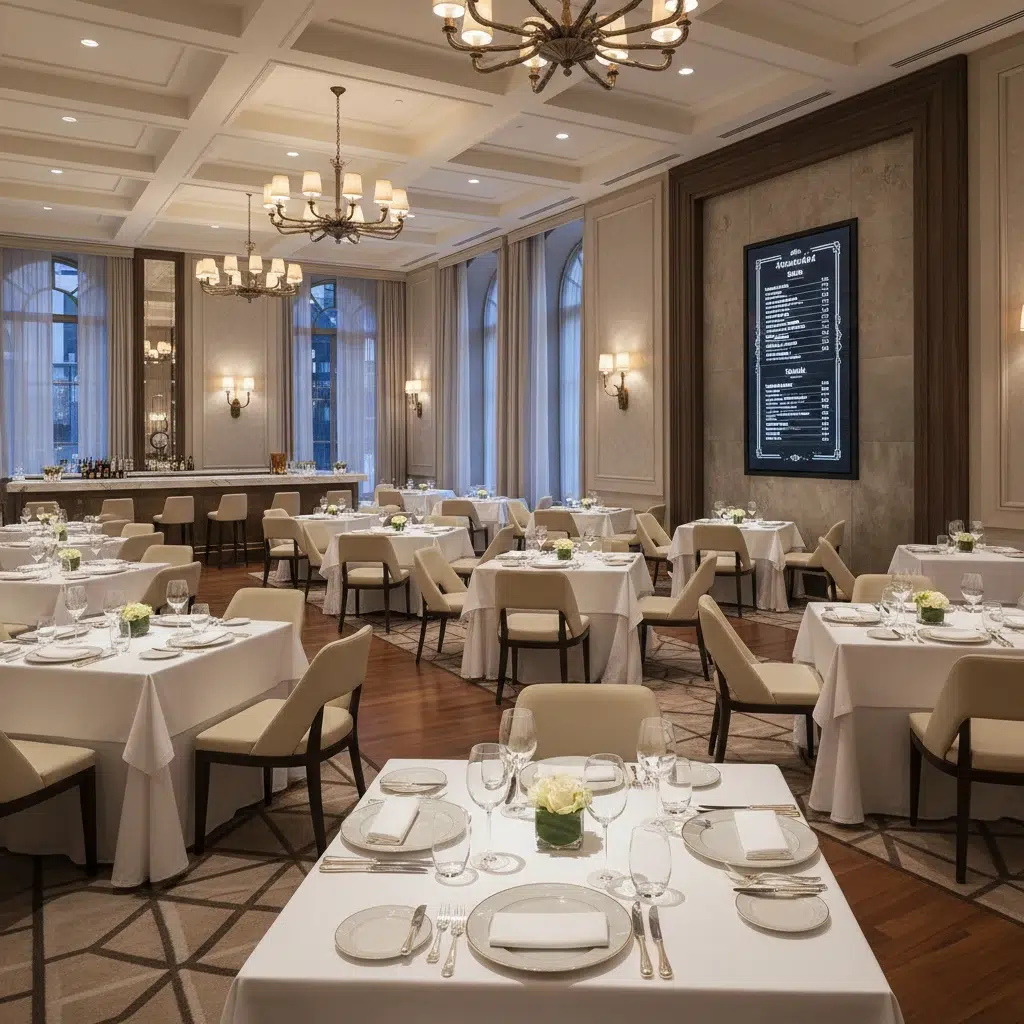
One of the most valuable features of digital menu board software for hotels is automated daypart scheduling. A hotel restaurant typically runs three to five distinct dayparts: breakfast, lunch, happy hour, dinner, and late night. Each daypart has its own menu, pricing, and layout.
With Evergreen’s digital menu board platform, you set the schedule once. At 6:00 AM, the breakfast menu appears on every screen. At 11:00 AM, lunch takes over automatically. At 4:00 PM, happy hour pricing kicks in without anyone touching a screen. Your staff focuses on guests — not on managing displays.
This matters more in hotel environments than almost anywhere else in food service. Hotel guests eat at unpredictable times. They arrive late from flights. They sleep in. They grab a drink at the bar before a business dinner. A digital menu system that adapts automatically to the time of day removes friction for guests and reduces pressure on your team.
Managing Multiple Hotel Venues From One Dashboard
A full-service hotel presents a multi-venue management challenge that most restaurant software is not designed to handle. Digital menu boards for hotel restaurants need to work across fundamentally different spaces — each with different screen sizes, different lighting conditions, different customer proximity, and different menu complexity.
- Hotel restaurant dining room: Full menu display, typically larger screens mounted at eye level or above the host stand
- Lobby bar: Cocktail and light bites focus, often portrait-orientation screens behind the bar
- Rooftop lounge: Simplified menu, weather-resistant considerations, mood-appropriate design
- Poolside grill: Casual format, grab-and-go focus, high visibility from a distance
- Room service / QR menus: In-room dining menus accessible via QR code on the guest’s own device
Evergreen handles all of these from a single dashboard. Each venue gets its own menu set and screen layout. Changes you make to a shared item — like a signature cocktail that appears on three different venue menus — propagate to every screen at once. You never have to update the same item in multiple places.
In-Room Dining and QR Code Menu Integration
In-room dining menus are one of the biggest pain points in hotel F&B. Printed in-room menus go out of date fast, collect wear and tear, and require regular replacement. Guests increasingly expect to browse on their phones rather than handle a laminated card.
With Evergreen, your in-room dining menu lives at a QR code. Guests scan from their phone and see the current menu — the same one your kitchen is actively running, with the same pricing and availability. When your kitchen runs out of a dish at 9:00 PM, you remove it from the platform and it disappears from the QR menu instantly. No more guests ordering items you cannot deliver.
This integration also gives your hotel a premium digital touchpoint that guests notice. A clean, well-designed digital menu on a guest’s phone says more about your brand than a worn printed card ever could. According to Oracle’s 2023 hospitality technology report, 54% of guests prefer to order from a digital menu over a physical one.
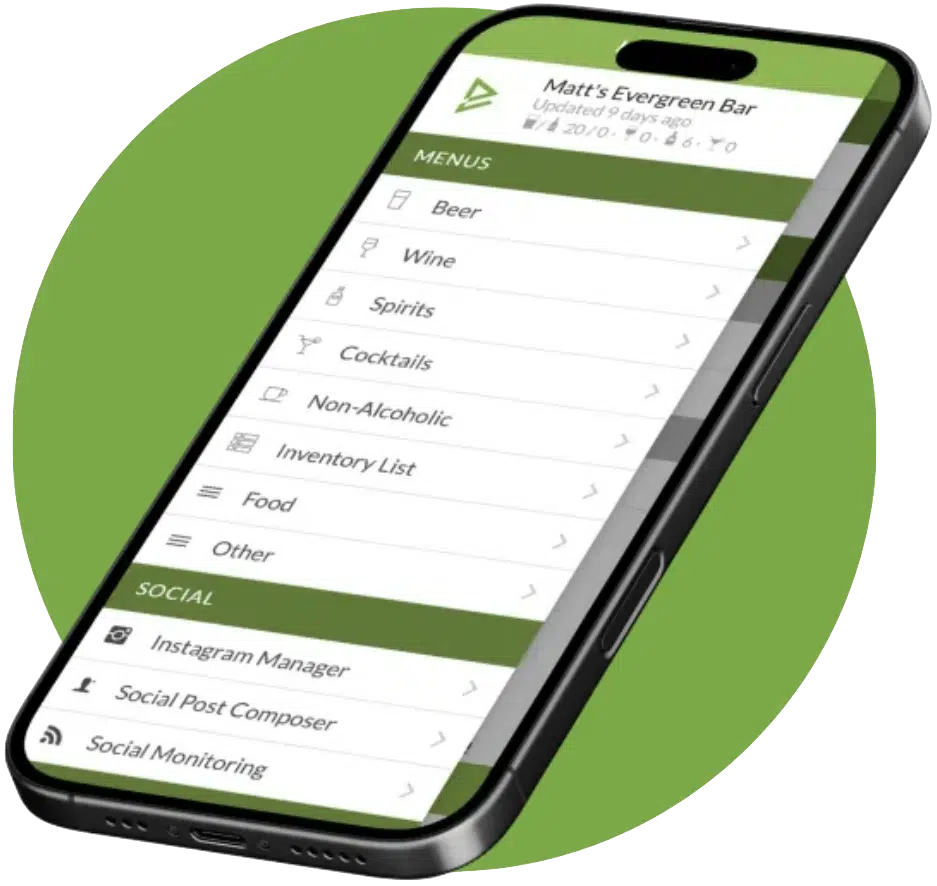
See Evergreen’s Digital Menu Software in Action
Join 4,500+ restaurants, bars, and breweries already using Evergreen to update menus in seconds.

About Casey Marte
Senior Technical Content & Product Marketing Manager, EvergreenHQ
Casey Marte is the Senior Technical Content & Product Marketing Manager at EvergreenHQ, where she turns bar and restaurant tech into clear, practical stories operators can actually use. Drawing on years of experience with POS systems, inventory platforms, and front-of-house tools, she specializes in explaining how technology and automation can simplify daily service and boost profitability.
At EvergreenHQ, Casey works closely with the product team to shape new features, test tools, and make sure every operator — from a single-location taproom to a multi-unit restaurant group — has the information they need to grow.