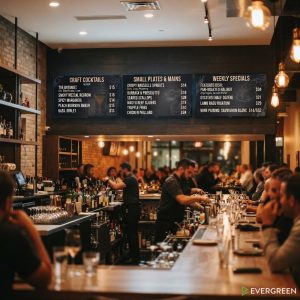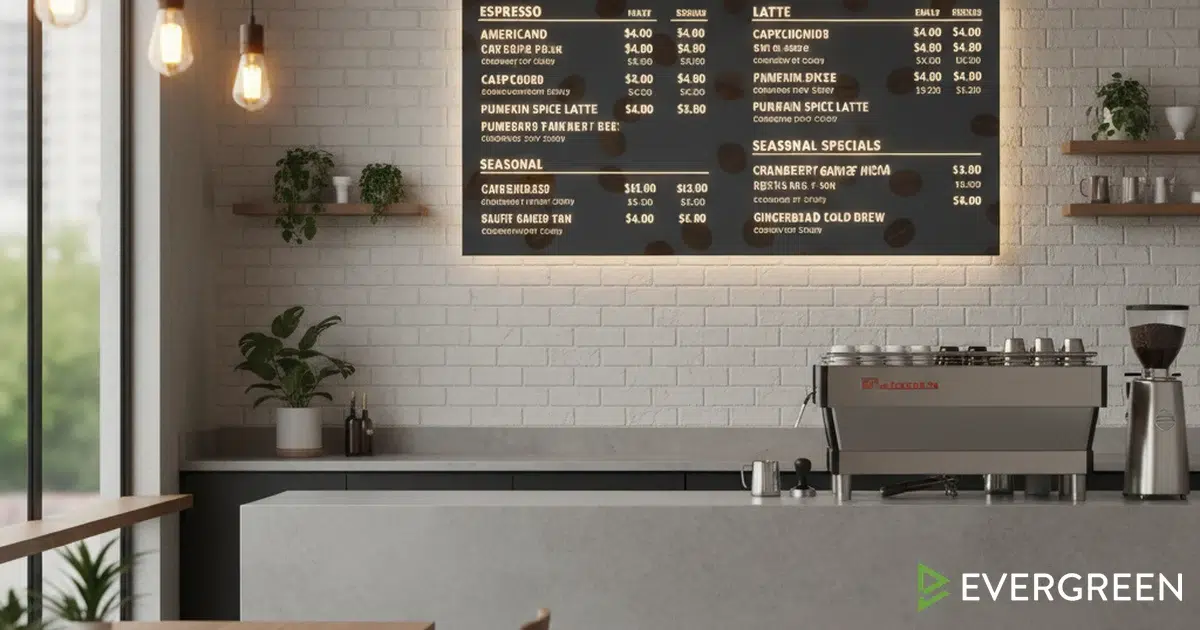
Digital menu boards for coffee shops have become essential for modern cafés looking to increase efficiency, reduce waste, and create a better customer experience. Unlike traditional printed menus that require constant reprinting when prices change or seasonal items rotate, a digital menu board system allows café owners to update their offerings instantly from any device. This real-time flexibility means your team can highlight specials, adjust pricing for peak hours, and respond to inventory changes without printing a single sheet of paper. Whether you run a single location or a regional chain, the right digital menu board software transforms how customers interact with your brand every single day.
The café industry faces unique challenges: rapid product turnover, seasonal drink rotations, and the need to manage complex pricing for different sizes and add-ons. Digital menu boards for coffee shops solve these problems by centralizing menu management into one cloud-based dashboard. Whether you’re running a single location or a multi-unit coffee franchise, modern platforms let you control every screen from one login — ensuring brand consistency while allowing local customization when needed. Pair this with a strong operational foundation and you have a recipe for consistent, profitable service.
Customers increasingly expect a digital-first experience. A digital menu board for a coffee shop creates a professional, modern impression that signals quality and attention to detail. When visitors see a sleek, well-designed display with high-quality images of your signature lattes and pastries, they’re more likely to try premium items and recommend your café to friends. The visual impact alone often increases average ticket size by 15–25% compared to traditional menus — a measurable ROI that most cafés see within the first six months.
Why Coffee Shops Choose Digital Menu Boards
Speed is everything in a coffee shop. When a barista notices the oat milk is running low, they can immediately remove that option from the digital menu board rather than manually turning over a handwritten sign. This prevents customer frustration and stops your team from repeating “we’re out of that” all morning. Digital menu boards for coffee shops also eliminate the awkward delays when prices change — no more outdated printed menus circulating or customers being surprised at checkout.
Seasonal marketing becomes effortless too. Schedule your fall pumpkin spice lineup weeks in advance, then let the software automatically swap it in on the exact date. Feature limited-time drinks with countdown timers to create urgency. According to Square’s restaurant research, businesses using digital signage see up to 33% more impulse purchases compared to static displays. These features drive spontaneous orders and keep your menu feeling fresh throughout the year.
Labor savings compound quickly. Printing, laminating, and replacing menus costs real money. A digital menu board for a coffee shop eliminates that busywork entirely. Your team spends less time on admin and more time with customers. The reduced paper waste also appeals to environmentally conscious owners and customers who value sustainability — a growing segment of the café market. If you’re looking to increase revenue without adding labor, this is one of the highest-leverage moves available.
Menu Design Best Practices for Coffee Shops
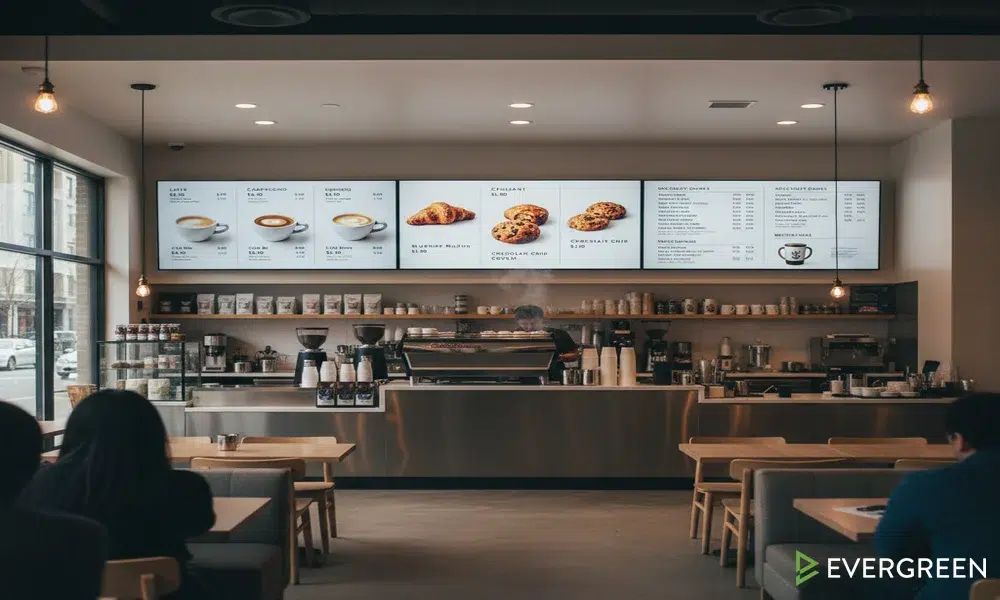
Your digital menu board should be organized by category: hot drinks, cold drinks, food, and add-ons. Group drinks by type (espresso-based, brewed, specialty) rather than alphabetically. Customers scan by what they’re in the mood for, not by spelling. High-resolution images of your best-sellers should be prominent — people order with their eyes first. A professionally styled cappuccino or croissant photo triggers immediate cravings and can single-handedly lift that item’s sales by double digits.
Font size matters on a digital menu board for coffee shops. Text must be readable from 8–10 feet away without straining. Avoid cluttered layouts with too many items crammed into one screen. Most successful coffee shop menus show 8–12 signature items per display, with secondary items accessible via an “All Drinks” section. This approach avoids decision paralysis and keeps your highest-margin items front and center. The psychology of menu engineering consistently shows that fewer visible choices increase both speed of order and average spend.
Color psychology affects ordering behavior. Warm tones (browns, oranges, creams) make coffee look rich and inviting. Green pairs well with healthy options like açai bowls and matcha lattes. Use consistent branding colors throughout your digital menu board to reinforce your café’s identity. High contrast between text and background ensures legibility even under harsh café lighting or in bright window-facing locations.
| Design Element | Best Practice for Coffee Shops |
|---|---|
| Primary Drinks Display | Espresso drinks, specialty lattes, seasonal favorites. Rotate weekly. |
| High-Margin Items | Place premium drinks (cold brew, flavored lattes, seasonal specials) at eye level or top-center of the screen. |
| Add-Ons & Upsells | Show pastries, syrups, shots, and extras to boost average ticket size on every order. |
| Dietary Info | Display vegan, dairy-free, and sugar-free options for health-conscious customers. |
| QR Code Integration | Link to your full menu, allergen info, or loyalty program signup directly from the digital menu board. |
Integrating Digital Menu Boards with Your POS System
The best digital menu board software connects directly to your POS system. When an item sells out or inventory runs low, the digital menu board automatically removes or dims that option. This prevents staff from taking orders for unavailable items, reducing waste and frustration. Prices displayed on your digital menu board sync with your POS, eliminating discrepancies between what customers see and what they’re charged. This integration is the single biggest operational upgrade most cafés make when switching from printed menus.
Real-time inventory sync also enables smart promotions. If you have excess cold brew at 2 PM, your digital menu board software can automatically display a discount to move stock before it expires. This level of automation was simply impossible with printed menus. Evergreen’s digital menu board software is built specifically with this POS-first integration in mind, making it one of the most operationally efficient platforms available for coffee shop owners.
How Digital Menu Boards Build Topical Authority & EEAT for Your Brand
From an SEO and brand trust standpoint, your digital menu board for a coffee shop is an extension of your expertise. When customers see a thoughtfully designed, up-to-date display with nutritional info, sourcing notes, and staff recommendations, it signals authority. Digital menu boards for coffee shops that feature rotating seasonal items, award-winning roasters, and local supplier callouts tell a story that builds customer loyalty far beyond a simple menu listing.
This principle mirrors what Google rewards in content: Experience, Expertise, Authoritativeness, and Trust (E-E-A-T). Cafés that use their digital menu board software to showcase origin stories for their beans, barista credentials, or sustainability sourcing see stronger brand recall and repeat visits. The National Coffee Association’s 2024 Drinking Trends report confirms that transparency around sourcing and quality directly influences purchasing decisions for 68% of specialty coffee drinkers.
Cost-Per-Install & ROI for Coffee Shops
A single digital menu board for a coffee shop typically costs $800–$2,500 depending on screen size and software features. Most cafés see return on investment within 6–12 months through increased item sales, reduced waste, and labor savings. When you factor in avoided printing costs and faster staff training — new employees learn the menu faster from a clear visual display — the payback period shrinks further.
Small coffee shops often start with one digital menu board behind the counter, then add screens for the outdoor patio or pickup window as they prove ROI. This modular approach keeps initial investment low. Multi-location café chains deploy digital menu board solutions across all stores for maximum operational consistency and bulk purchasing power. Evergreen’s transparent pricing model makes it easy for any size operation to get started without a large upfront commitment.
Common Mistakes Coffee Shops Make with Digital Menu Boards
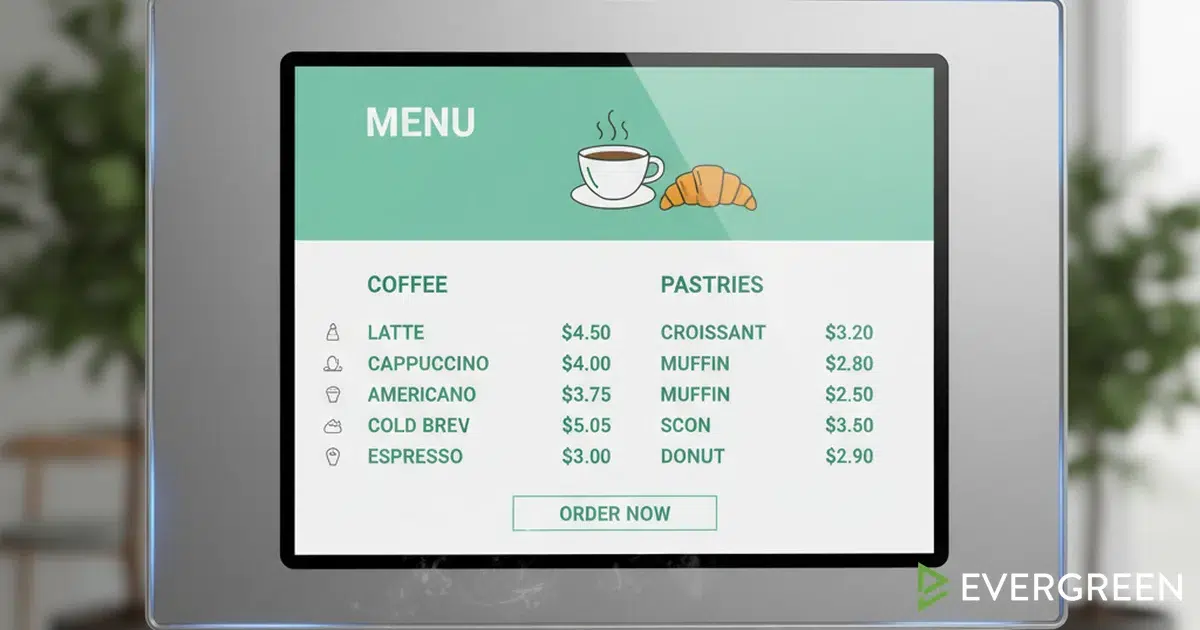
Overcrowding the screen is the #1 mistake. A digital menu board for a coffee shop should display your core menu clearly, not every possible combination. Keep it focused: espresso drinks, specialty items, and seasonal features. Rotate secondary items or group them into an “All Options” section. Less on screen means faster decisions, and faster decisions mean shorter queues and happier customers.
Outdated pricing kills credibility. If your digital menu board shows $4 lattes but you’re charging $5.50, customers lose trust immediately. Sync your digital menu board software to your POS automatically and never manually update prices. Stale content also hurts — update your seasonal specials weekly and remove sold-out items in real time. A digital menu board for coffee shops that shows yesterday’s featured drink is worse than no board at all.
Poor positioning wastes impact. Your digital menu board should be directly behind the counter where customers queue, at eye level, 6–8 feet from the order line. Some cafés add a second digital menu board at the exit to catch departing customers with a last-second upsell: “Don’t forget a pastry today!” That single placement change can add meaningful revenue per week with zero additional labor. For more on maximizing every touchpoint, see our guide on what makes small restaurants profitable.
Choosing the Right Digital Menu Board Software
Look for digital menu board software that offers drag-and-drop design (no coding required), cloud-based updates (push changes instantly to all screens), and analytics that track which items customers view most. The best platforms integrate with popular POS systems like Square, Toast, or Lightspeed. Mobile app management is essential — you should be able to update your digital menu board from your phone when an urgent pricing change is needed mid-rush.
Multi-location management is a must if you operate more than one coffee shop. A single digital menu board software dashboard should let you push global menu changes to all locations while allowing individual stores to customize for local preferences. When comparing options, check out our menu board software comparison guide to understand exactly what separates free tools from professional-grade platforms. Reliability matters — look for 24/7 monitoring and responsive support for when issues arise during morning rush.
According to Statista’s global digital signage market data, the industry is projected to reach $27 billion by 2026 — driven largely by the food and beverage sector’s rapid adoption. Choosing the right partner now puts your café ahead of the curve rather than scrambling to catch up.
Frequently Asked Questions About Digital Menu Boards for Coffee Shops
| Question | Answer |
|---|---|
| How much does a digital menu board cost for a coffee shop? | Hardware ranges from $400–$1,500 per screen. Software subscriptions typically run $25–$100/month. Most cafés recover costs within 6–12 months through increased sales and reduced printing. |
| Can I update my digital menu board from my phone? | Yes. Cloud-based digital menu board software like Evergreen lets you update pricing, add items, or swap seasonal specials from any device, anywhere, in real time. |
| Do digital menu boards integrate with my POS? | Most modern platforms integrate with Square, Toast, Lightspeed, and other major POS systems so pricing and inventory sync automatically without manual updates. |
| How many screens does a coffee shop need? | Most single-location cafés start with one or two screens behind the counter. High-volume shops add screens at the entrance, pickup window, and patio for maximum customer engagement. |
| Will a digital menu board increase my sales? | Research consistently shows digital menu boards for coffee shops increase average ticket size by 15–25% through upsell prompts, high-quality visuals, and strategic item placement. |
The Right Time to Switch Is Now
Digital menu boards for coffee shops are no longer a luxury — they’re the standard for any café serious about growth. From real-time menu updates to POS integration and upsell automation, the advantages compound month over month. If you’re still relying on printed boards, you’re leaving revenue on the table with every customer who walks through your door.
Evergreen makes the switch straightforward with no hardware lock-in, transparent pricing, and a platform built specifically for restaurants, cafés, and bars. Start your free trial today or book a demo to see exactly how digital menu boards for coffee shops can transform your business.
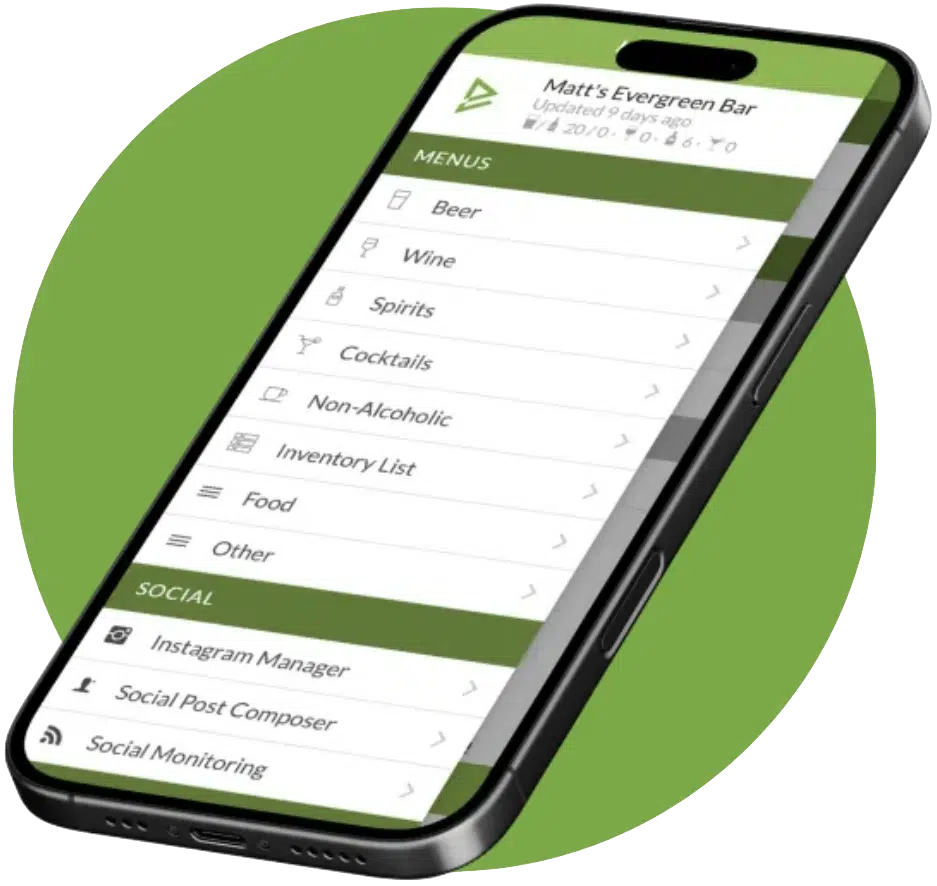
See Evergreen’s Digital Menu Software in Action
Join 4,500+ restaurants, bars, and breweries already using Evergreen to update menus in seconds.
Senior Technical Content & Product Marketing Manager, EvergreenHQ
Casey Marte is the Senior Technical Content & Product Marketing Manager at EvergreenHQ, where she turns complex bar and restaurant tech into clear, practical stories operators can actually use. Drawing on years of experience with POS systems, inventory platforms, and front-of-house tools, she specializes in explaining how technology, automation, and AI can simplify daily service and boost profitability.
At EvergreenHQ, Casey partners closely with the product team to shape new features, test tools, and make sure every operator — from a single-location taproom to a multi-unit restaurant group — has the information they need to grow.

About Casey Marte
Senior Technical Content & Product Marketing Strategist
Casey Marte is a Senior SEO & Digital Marketing Strategist at EvergreenHQ. With over 14 years of experience across content strategy, search optimization, and now AI-driven marketing, she specializes in making complex digital concepts practical for the operators who need them most.
At EvergreenHQ, Casey brings a data-first mindset to everything from how your business ranks in search to how your brand shows up across platforms. Whether you’re running a single taproom or a growing multi-unit restaurant group, she’s focused on making sure your digital presence works as hard as your team does.