Menu Board Software Comparison 2026: Free vs. Premium Solutions
Choosing the right menu board software is one of the most impactful technology decisions a restaurant or bar owner makes. The wrong choice means hours of manual updates, screens that go out of sync, and a platform that doesn’t grow with your business. This menu board software comparison breaks down the real differences between free tools and premium platforms — so you can make the right call for your operation.
What to Look for in Menu Board Software
Before comparing platforms, define what matters most for your operation. The right menu board software should handle real-time updates, integrate with your POS, work on the hardware you already own, and scale with your business. Here are the core criteria this comparison uses:
- Real-time update speed — how fast does a menu change appear on screen?
- Ease of use — can your staff manage it without a tech background?
- POS integration — does it sync with your point-of-sale system?
- Template quality — do the designs look professional out of the box?
- Multi-location support — can you manage multiple venues from one account?
- Total cost — software + hardware + ongoing fees
Free vs. Premium Menu Board Software: The Real Tradeoffs
| Factor | Free Tools | Premium Menu Board Software |
|---|---|---|
| Real-time updates | Manual or delayed | ✅ Instant across all screens |
| POS integration | ❌ Rarely available | ✅ Standard in most premium platforms |
| Template design quality | Basic / generic | ✅ Professional, brand-customizable |
| Website menu sync | ❌ Not included | ✅ Automatic in platforms like Evergreen |
| Multi-location support | ❌ Usually not available | ✅ Standard in enterprise tiers |
| Support | Community forums only | ✅ Dedicated support team |
| Offline fallback | ⚠️ Varies | ✅ Local caching keeps screens running |
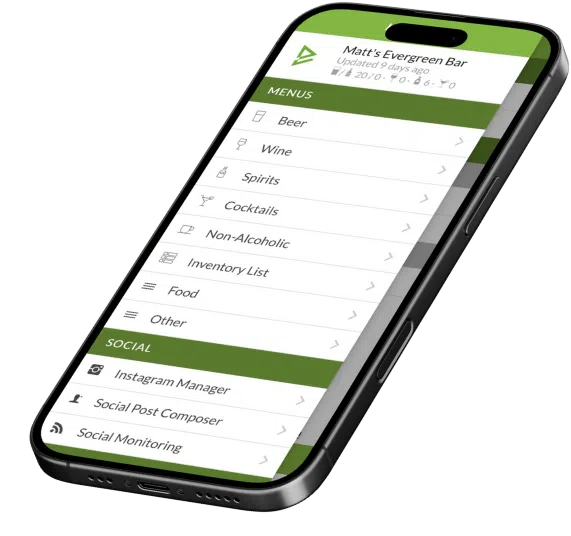
See Why 4,500+ Operators Choose Evergreen
Real-time updates, POS sync, and professional templates — all in one platform. Start your free trial today.
Top Menu Board Software Platforms Compared (2026)
| Platform | Best For | Starting Price | Key Strength |
|---|---|---|---|
| Evergreen | Bars, restaurants, breweries | From $20/Screen//mo | All-in-one: boards + website + social + Full POS Integration (Toast, Square, Clover) |
| ScreenCloud | General digital signage | From $20/screen/mo | Broad app integrations, no POS sync |
| Navori | Enterprise chains | Custom pricing | Enterprise-grade hardware support, no POS sync |
| MustHaveMenus | Print + digital menus | From $29/mo | Design-focused for print and QR, limited POS integration |
| Canva (free) | Static menu design only | Free / $15/mo Pro | Design tool — not a menu board platform(no social/no POS sync) |
| Google Slides (free) | Very small operators | Free | No cost — but fully manual, no POS sync |
When Free Menu Board Software Makes Sense
Free tools like Google Slides or Canva work as a starting point for operators who update their menu rarely — think a food truck with a fixed menu or a pop-up with three items. But as soon as you’re making daily changes, running seasonal specials, or managing more than one screen, the time cost of a free tool exceeds the monthly cost of a premium menu board software platform.
When to Upgrade to Premium Menu Board Software
- You’re spending more than 30 minutes per week on manual menu updates
- Your screens and website menu show different prices or items
- You’re running daily specials or seasonal rotations
- You have (or plan to have) more than one location
- You want your menu boards to integrate with your POS system
Frequently Asked Questions — Menu Board Software Comparison
| Question | Answer |
|---|---|
| What’s the best free menu board software? | Google Slides or Canva work for static menus. Neither offers real-time updates or POS integration. |
| What’s the best menu board software for restaurants? | Evergreen is built specifically for restaurants and bars — real-time updates, POS sync, website menu, and social in one platform. |
| How much does menu board software cost? | Premium platforms range from ~$20/screen/month to $150+/month for full-featured solutions like Evergreen. |
| Can I try premium menu board software before paying? | Yes — Evergreen offers a full free trial with no credit card required. |
| Does menu board software work with any screen? | Most premium platforms including Evergreen work with any commercial TV or monitor via HDMI media player. |
The Right Menu Board Software Pays for Itself
The best menu board software for your restaurant isn’t the cheapest — it’s the one that saves your staff the most time and keeps your menus accurate across every channel. Start your free Evergreen trial today and see how it compares to whatever you’re using now. Or book a demo for a side-by-side walkthrough.
About Evergreen
Evergreen is digital menu software built for bars, restaurants, and breweries. Since 2010, Evergreen has helped 4,500+ operators replace disconnected, manual menu board software setups with one unified platform that manages boards, website, social, and loyalty automatically.
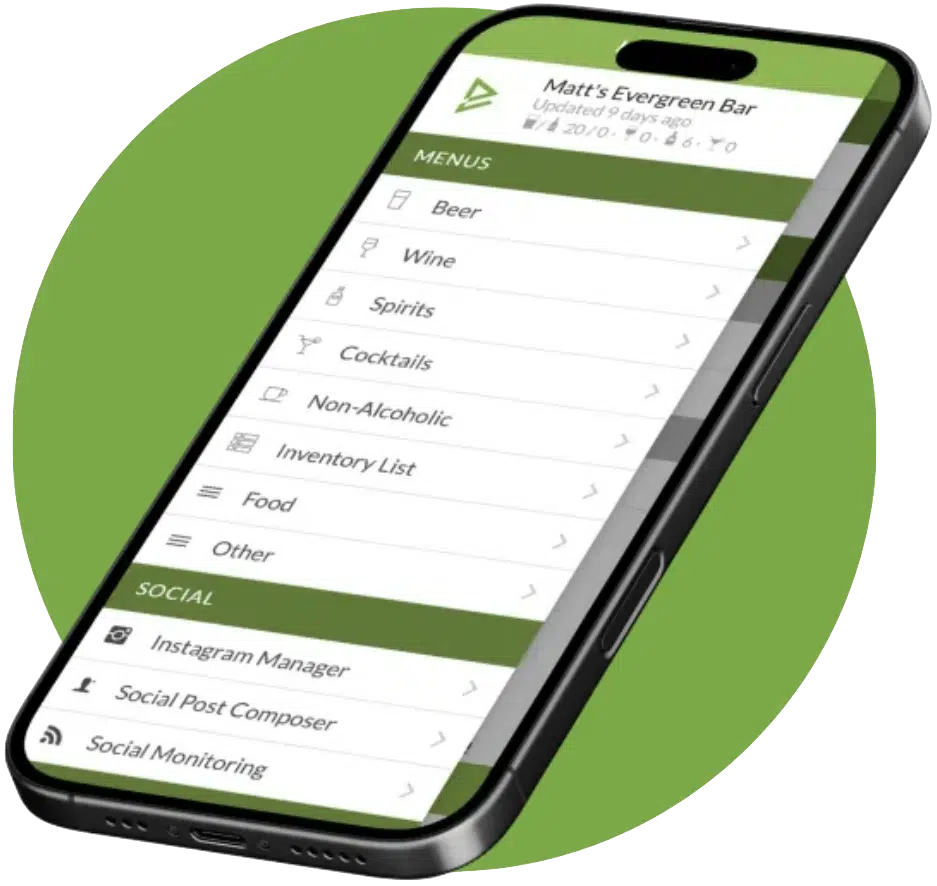
See Evergreen’s Digital Menu Software in Action
Join 4,500+ restaurants, bars, and breweries already using Evergreen to update menus in seconds.

About Casey Marte
Senior Technical Content & Product Marketing Manager, EvergreenHQ
Casey Marte is the Senior Technical Content & Product Marketing Manager at EvergreenHQ, where she turns bar and restaurant tech into clear, practical stories operators can actually use. Drawing on years of experience with POS systems, inventory platforms, and front-of-house tools, she specializes in explaining how technology and automation can simplify daily service and boost profitability.
At EvergreenHQ, Casey works closely with the product team to shape new features, test tools, and make sure every operator — from a single-location taproom to a multi-unit restaurant group — has the information they need to grow.