Digital menu boards and printed menus serve the same basic function — communicating what you sell and what it costs. But the operational reality of each format is completely different. Printed menus are fixed. They cost money every time something changes. They create brand inconsistency across locations. They cannot respond to a sold-out item or a last-minute price adjustment. Digital menu boards do all of the things printed menus cannot — and they do them faster, cheaper over time, and with less burden on your team. This comparison covers every dimension that matters to a restaurant operator making this decision.
Cost Comparison: Upfront vs. Long-Term
The most common objection to digital menu boards is upfront cost. A commercial screen plus a media player represents a real investment. Printed menus, by comparison, feel cheap — until you add up what you spend on them over a year.
| Cost Category | Printed Menus | Digital Menu Boards |
|---|---|---|
| Initial cost | Low ($100–$500 per print run) | Medium ($300–$800 per screen + media player) |
| Update cost | Full reprint every change ($100–$2,000+) | $0 — update from any device instantly |
| Design fees | Per update ($150–$500 per revision) | Template-based, no ongoing fees |
| Annual total (1 location, 4 seasonal updates) | $1,500–$10,000+ | Software subscription only after hardware |
| Multi-location scaling | Costs multiply with each location | Software cost does not scale proportionally |
For most operators, digital menu boards reach cost parity with printed menus within 12 to 18 months — and every year after that, the digital format is significantly cheaper. Multi-location operators often reach parity in under six months.
Flexibility and Update Speed
This is where printed menus lose decisively. A printed menu is fixed the moment it comes off the press. Changing a price means reprinting. Adding a seasonal item means reprinting. Pulling an item that sold out means either crossing it out manually, covering it with tape, or leaving it on the menu and disappointing every guest who orders it.
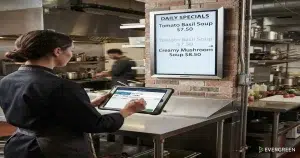
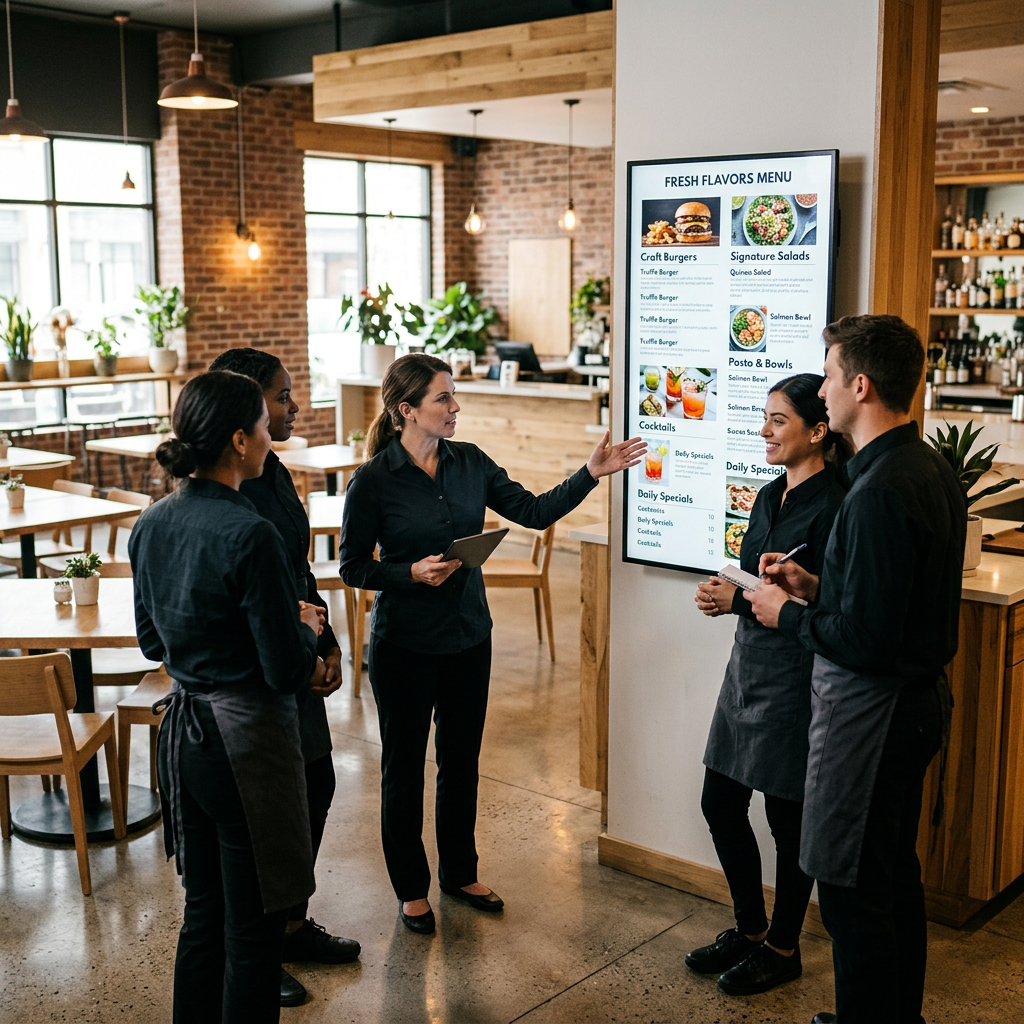
Digital menu boards update in seconds from any device. Your kitchen runs out of a special at 1:00 PM — you remove it from the screen before the next guest reaches the counter. You decide to run a happy hour promotion at 3:00 PM — you turn it on from your phone in the parking lot. You change your seasonal menu on a Tuesday — every screen in every location updates simultaneously.
Evergreen’s platform also lets you schedule these changes in advance. Build your weekend brunch menu on Wednesday. Set it to go live Saturday at 10:00 AM. It happens automatically, without anyone touching a screen.
Upsell Performance and Revenue Impact
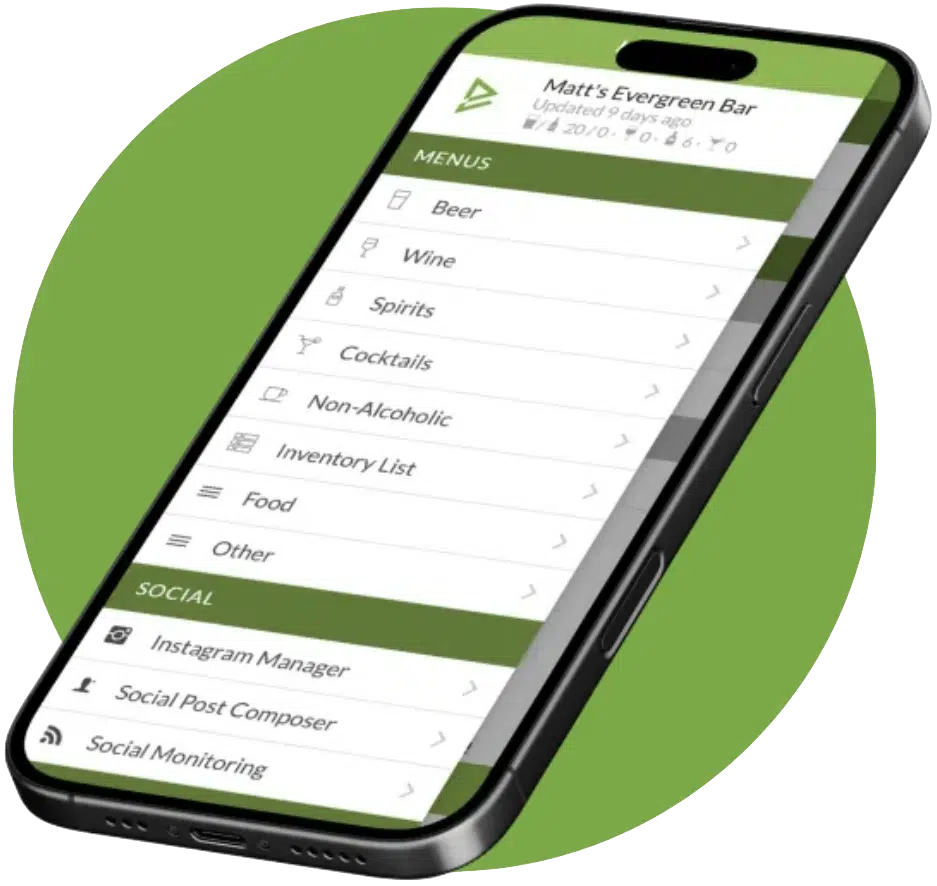
See Evergreen’s Digital Menu Software in Action
Join 4,500+ restaurants, bars, and breweries already using Evergreen to update menus in seconds.

About Casey Marte
Senior Technical Content & Product Marketing Manager, EvergreenHQ
Casey Marte is the Senior Technical Content & Product Marketing Manager at EvergreenHQ, where she turns bar and restaurant tech into clear, practical stories operators can actually use. Drawing on years of experience with POS systems, inventory platforms, and front-of-house tools, she specializes in explaining how technology and automation can simplify daily service and boost profitability.
At EvergreenHQ, Casey works closely with the product team to shape new features, test tools, and make sure every operator — from a single-location taproom to a multi-unit restaurant group — has the information they need to grow.