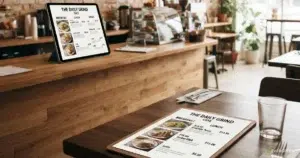
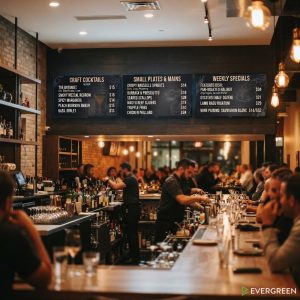
Digital menu boards for restaurants have changed how food businesses attract customers, communicate specials, and drive revenue — and setting one up is far simpler than most restaurant owners expect. Whether you run a single location or manage a multi-unit chain, switching from printed menus or static displays to a digital menu board gives you real-time control over your content, your pricing, and your brand. Evergreen is digital menu board software built specifically for food and beverage businesses — no design experience required, no proprietary hardware lock-in.
Why Restaurants Are Moving to Digital Menu Boards
The shift from static to digital menu displays is not a trend — it is a fundamental operational upgrade. Restaurants using digital menu board software see measurable results across three areas:
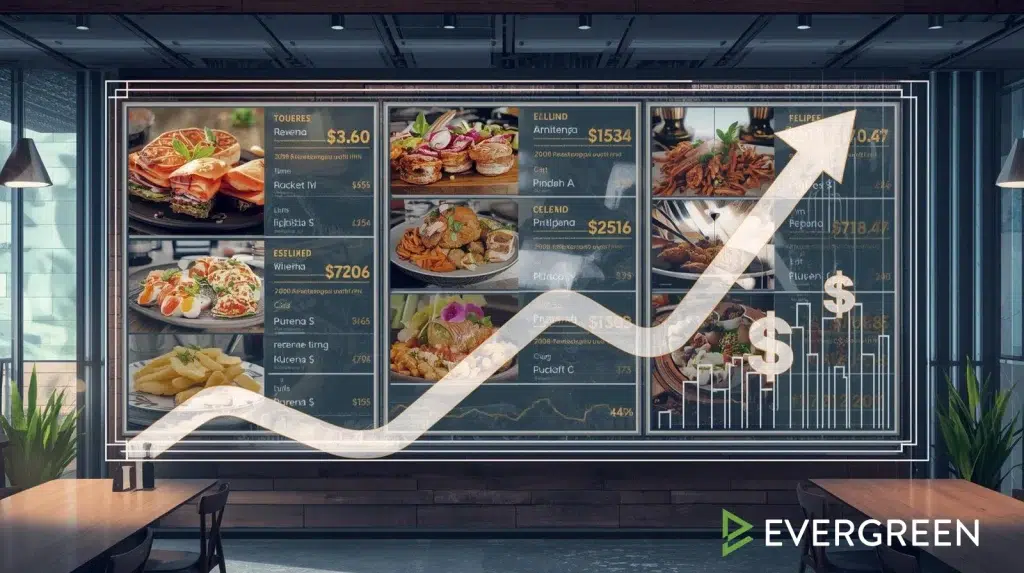
- Higher average ticket size — Digital displays that highlight high-margin items and limited-time offers consistently increase upsells. Studies show digital menu boards lift sales of promoted items by up to 38%.
- Reduced perceived wait times — Customers who have something engaging to look at while waiting report shorter perceived waits and higher satisfaction scores.
- Instant price and menu updates — No reprinting costs. Change a price, add a special, or remove a sold-out item in seconds from any device.
How to Set Up a Digital Menu Board for Your Restaurant
| Step | What to Do | Evergreen Makes This Easy |
|---|---|---|
| 1. Choose your screen | Any commercial display TV works — 40″ to 85″ depending on your space. Horizontal or vertical orientation both work. | Evergreen works with any screen. No proprietary hardware required. |
| 2. Connect a media player | A small device (like a Firestick, Chrome device, or dedicated media player) connects your screen to the software. | Plug in, log in, and your menu appears. Setup takes under 10 minutes. |
| 3. Build your menu | Add your items, prices, photos, and categories using a drag-and-drop editor. | Pre-built restaurant templates. Add your branding in minutes. |
| 4. Schedule your content | Set different menus for breakfast, lunch, and dinner. Schedule limited-time offers to appear and disappear automatically. | Full scheduling built in — set it once, it runs itself. |
| 5. Manage remotely | Update your menu from your phone, laptop, or tablet — even if you’re not at the restaurant. | Cloud-based. Update one screen or 50 locations simultaneously. |
What to Look for in Restaurant Digital Menu Board Software
Not all digital menu board software is built the same. Here is what matters for a food service operation:
- Real-time updates — Changes should push to your screens instantly, not after a delay or manual refresh
- Menu scheduling — The ability to set different displays by time of day or day of week automatically
- Multi-location support — If you run more than one location, you need centralized control with location-level customization
- No hardware lock-in — Software that forces you to buy proprietary screens or players drives up costs unnecessarily
- Simple content editor — Your staff should be able to make updates without calling a tech team
- Reliable uptime — A digital menu board that freezes or goes blank during the dinner rush is worse than a printed menu
According to the National Restaurant Association, restaurants that invest in digital technology tools see faster table turns and higher customer satisfaction scores. The Digital Signage Today report confirms that digital menu boards increase impulse purchases by 29% on average. Cornell’s hospitality research shows that menu design directly impacts ordering behavior — and digital menu boards give you control over that in real time.
Digital Menu Boards for Different Restaurant Types
The right setup varies depending on your restaurant format. Here is how leading operators across different segments are using digital menu boards today:
- Quick service (QSR) — Multiple overhead boards above the counter, high-contrast design, fast-reading layout for speed-of-service. See how QSR operators use Evergreen.
- Fast casual — Single or dual boards with menu photography and ingredient callouts that match premium brand positioning
- Bar and nightlife — Drink menus with daily specials, happy hour countdowns, and event promotion on a rotating display. Learn more about how bars use digital boards to increase revenue.
- Food trucks — Compact single-screen setup mounted externally, visible from the order window, easy to update between stops
- Coffee shops and cafes — Seasonal menus, daily specials, and loyalty program promotion. See how cafes use digital menu boards.
- Breweries and taprooms — Rotating tap lists updated in real time as kegs kick. Read about digital menu boards for breweries.
Watch: Digital Menu Boards in Action
See how restaurants are making the switch from static signage to fully managed digital menu board software:
The Real Cost of Restaurant Digital Menu Boards
One of the biggest misconceptions about digital menu boards is that they require a large upfront investment. In reality, the math works in your favor fast. Most restaurants spend $400–$800 per year on menu reprinting alone. A digital menu board setup with Evergreen costs a fraction of that in monthly software fees — with no reprinting, no design agency fees, and no lag between a price change decision and your customer seeing it.
Check out our full breakdown of bar and restaurant inventory management strategies that pair well with a digital menu board system to maximize profitability.
Frequently Asked Questions — Restaurant Digital Menu Boards
| Question | Answer |
|---|---|
| How much does a digital menu board cost for a restaurant? | Hardware (TV + media player) runs $300–$800 per screen. Software like Evergreen is a monthly subscription — far less than annual reprinting costs for most restaurants. |
| Do I need a designer to create my menu? | Not with modern software. Evergreen provides templates built for restaurants — add your items, photos, and brand colors without any design experience. |
| Can digital menu boards work without internet? | Most platforms cache content locally so your display keeps running if internet drops temporarily. Updates require a connection. |
| What size screen should I use? | 55″–65″ is the most common for counter-top placement. Larger (75″+) for overhead installations viewed from 10 or more feet away. |
| Can I run video on a digital menu board? | Yes. Short looping videos and animations of food and drinks are highly effective at driving attention to featured items. |
| Does Evergreen work for multi-location restaurants? | Yes. Evergreen is built for both single-location operators and multi-unit chains — manage all screens from one dashboard. |
Get Your Restaurant’s Digital Menu Board Up and Running Today
Setting up a digital menu board for your restaurant does not require a big budget, a tech team, or proprietary hardware. Evergreen gets you live in under 10 minutes — on any screen, at any location. The last thing your restaurant needs is a menu that can’t keep up with your business.

About Casey Marte
Senior Technical Content & Product Marketing Strategist
Casey Marte is a Senior SEO & Digital Marketing Strategist at EvergreenHQ. With over 14 years of experience across content strategy, search optimization, and now AI-driven marketing, she specializes in making complex digital concepts practical for the operators who need them most.
At EvergreenHQ, Casey brings a data-first mindset to everything from how your business ranks in search to how your brand shows up across platforms. Whether you’re running a single taproom or a growing multi-unit restaurant group, she’s focused on making sure your digital presence works as hard as your team does.