Digital menu boards for food courts solve a management challenge that printed menus simply cannot address: keeping dozens of vendor menus accurate, visible, and on-brand inside a shared dining environment. A busy food court might run 10 to 20 vendor stalls, each with its own menu, pricing, and daily specials. When operators rely on printed boards, outdated items stay visible long after they sell out, price changes take days to implement, and the visual inconsistency between stalls creates a chaotic guest experience. Digital menu boards for food courts replace all of that with centralized, real-time control.
The Unique Management Problem Food Courts Face
Food courts operate differently from single-concept restaurants. The operator — whether that is a mall, an airport, a university, or an entertainment complex — is managing a collection of independent vendors, each with their own kitchen, their own staff, and their own menu identity. Keeping that environment looking professional and running efficiently requires tools that work at the operator level, not just the vendor level.
Printed menus create vendor-by-vendor inconsistency. One stall has a professional printed board. Another has a handwritten chalkboard. A third has a printout taped to the counter. The overall environment looks fragmented, which affects how guests perceive the quality of the food — even before they taste it. Digital menu software gives food court operators the ability to standardize the visual presentation of every vendor stall without taking away vendors’ ability to manage their own menus.
| Challenge | Digital Menu Board Solution |
|---|---|
| Inconsistent visual branding across stalls | Shared templates with locked brand elements |
| Sold-out items still showing | Vendors toggle availability in real time |
| Price updates require reprinting | Price changes go live instantly from any device |
| Operator has no visibility into vendor menus | Centralized dashboard shows all vendor menus |
| New vendor onboarding is slow | Templates get a new vendor live in under an hour |
Centralized Control With Vendor-Level Flexibility

The right digital menu board platform for a food court gives operators and vendors different levels of access. Operators set the visual templates — brand colors, fonts, logo placement, screen layout — that all vendor menus must work within. Vendors then manage their own items, pricing, and availability within that template. The result is a consistent visual environment that still lets each vendor express their own identity and manage their daily operations independently.
Evergreen’s platform is built for exactly this kind of tiered access. A food court operator can create a master account, set up vendor sub-accounts, build approved templates, and then hand off day-to-day menu management to each individual vendor. When a taco stall runs out of a protein at 1:00 PM, that vendor marks it unavailable from their phone. The screen updates instantly. No one has to call the operator. No one has to put up a handwritten “SOLD OUT” sign.
Real-Time Menu Updates During Peak Service
Trusted by The Griffon, British Beer Co, Whole Foods since 2010
Food courts are high-volume environments. Lunch peaks can move hundreds of transactions per hour across a full court. In that kind of volume, having an inaccurate menu on display is not just an inconvenience — it creates line confusion, order errors, and guest frustration that ripples through the entire environment.
Digital menu boards for food courts make real-time updates possible without any technical skill. A vendor taps a button on their phone to mark an item unavailable. A manager pushes a flash sale promotion to the overhead display board. An operator updates the court-wide happy hour graphic at 3:00 PM. All of these happen in seconds, not hours. According to Nation’s Restaurant News, operators who switch to digital menu boards report up to 8% increases in average check size — largely from better upsell visibility during peak periods.
Screen Placement Strategy in Food Court Environments
Screen placement is one of the most important decisions in a food court digital menu rollout. Unlike a single-concept restaurant where all screens face the same direction, food courts require a multi-directional strategy that addresses different guest sight lines depending on where they are in the court.
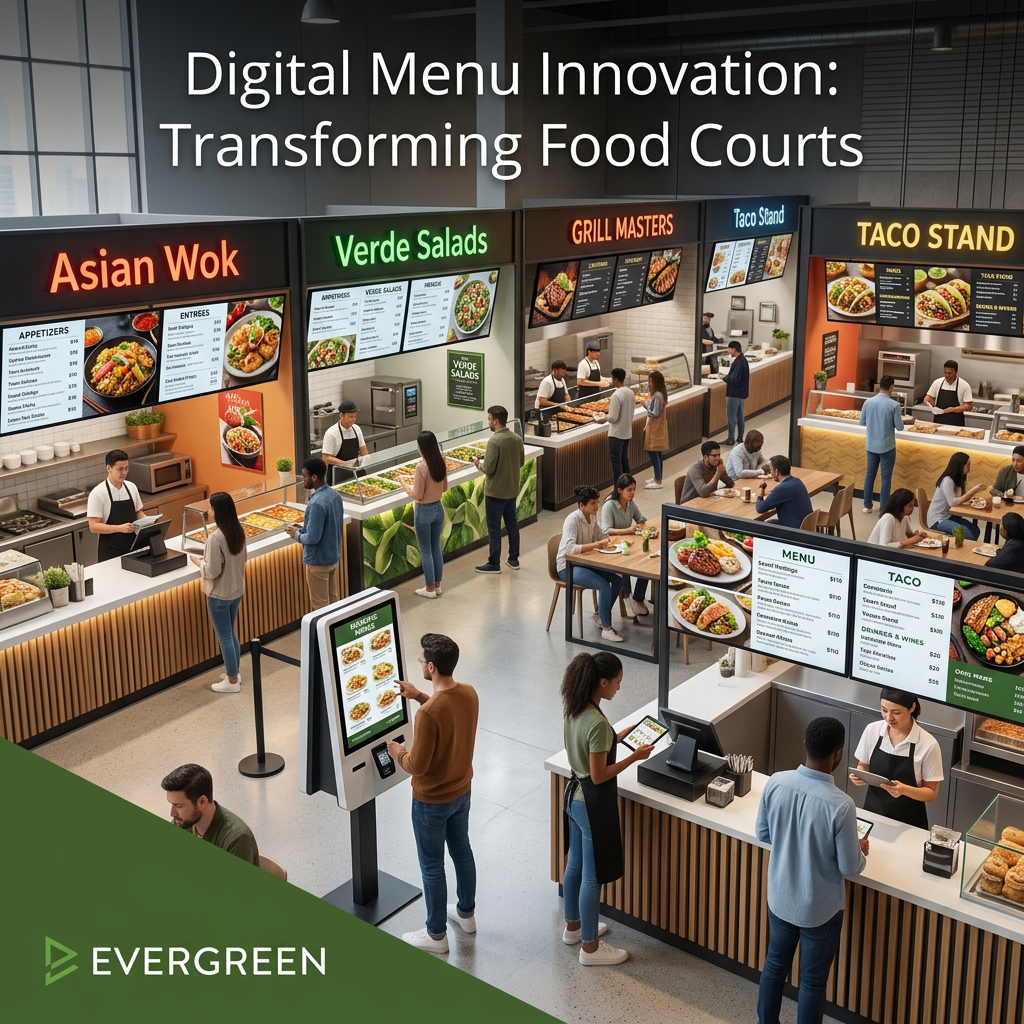
- Above-stall displays: The primary menu board positioned directly above each vendor’s counter — visible from 15 to 30 feet away
- Wayfinding displays: Larger screens at court entrances showing an overview of all vendors — helps guests decide before they walk the court
- Counter-level displays: Smaller screens at the point of purchase showing current specials or upsell items
- Promotional displays: Shared screens in seating areas running court-wide promotions, loyalty programs, or event announcements
Evergreen supports all of these display types from one account. Each screen gets its own content assignment. A wayfinding display at the entrance shows a vendor directory. The stall-level screens show individual menus. The promotional screens in the seating area run a separate playlist. All managed from one dashboard.
Onboarding New Food Court Vendors Quickly
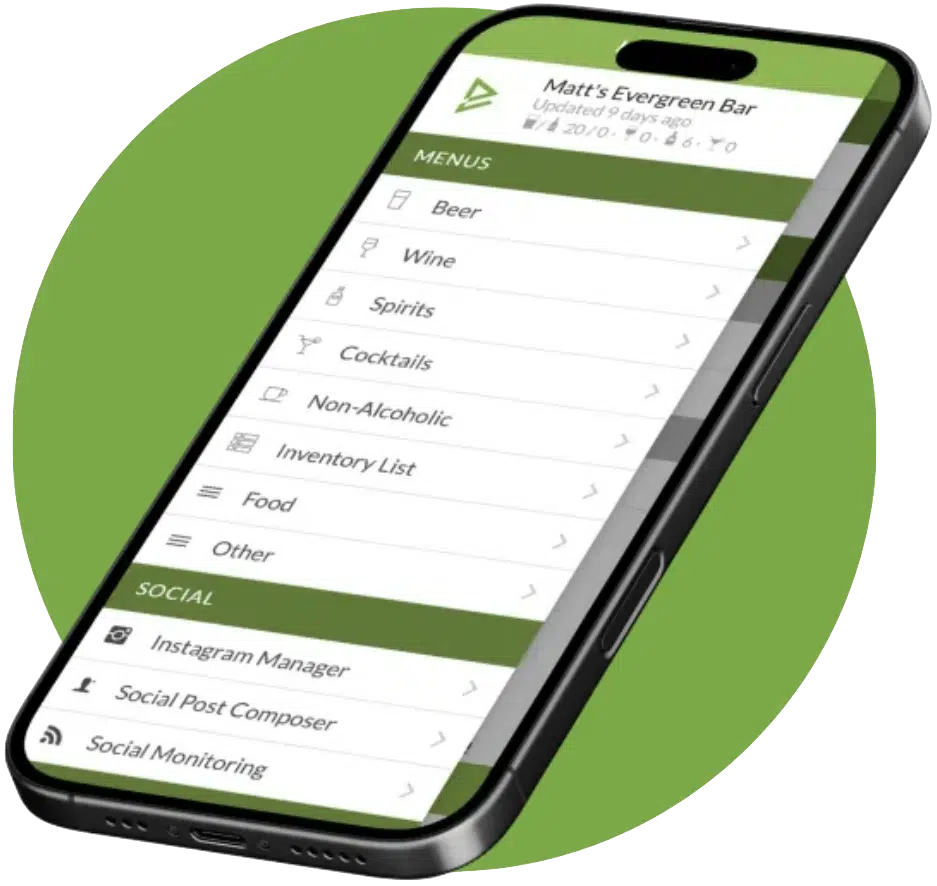
See Evergreen’s Digital Menu Software in Action
Join 4,500+ restaurants, bars, and breweries already using Evergreen to update menus in seconds.

About Casey Marte
Senior Technical Content & Product Marketing Manager, EvergreenHQ
Casey Marte is the Senior Technical Content & Product Marketing Manager at EvergreenHQ, where she turns bar and restaurant tech into clear, practical stories operators can actually use. Drawing on years of experience with POS systems, inventory platforms, and front-of-house tools, she specializes in explaining how technology and automation can simplify daily service and boost profitability.
At EvergreenHQ, Casey works closely with the product team to shape new features, test tools, and make sure every operator — from a single-location taproom to a multi-unit restaurant group — has the information they need to grow.