
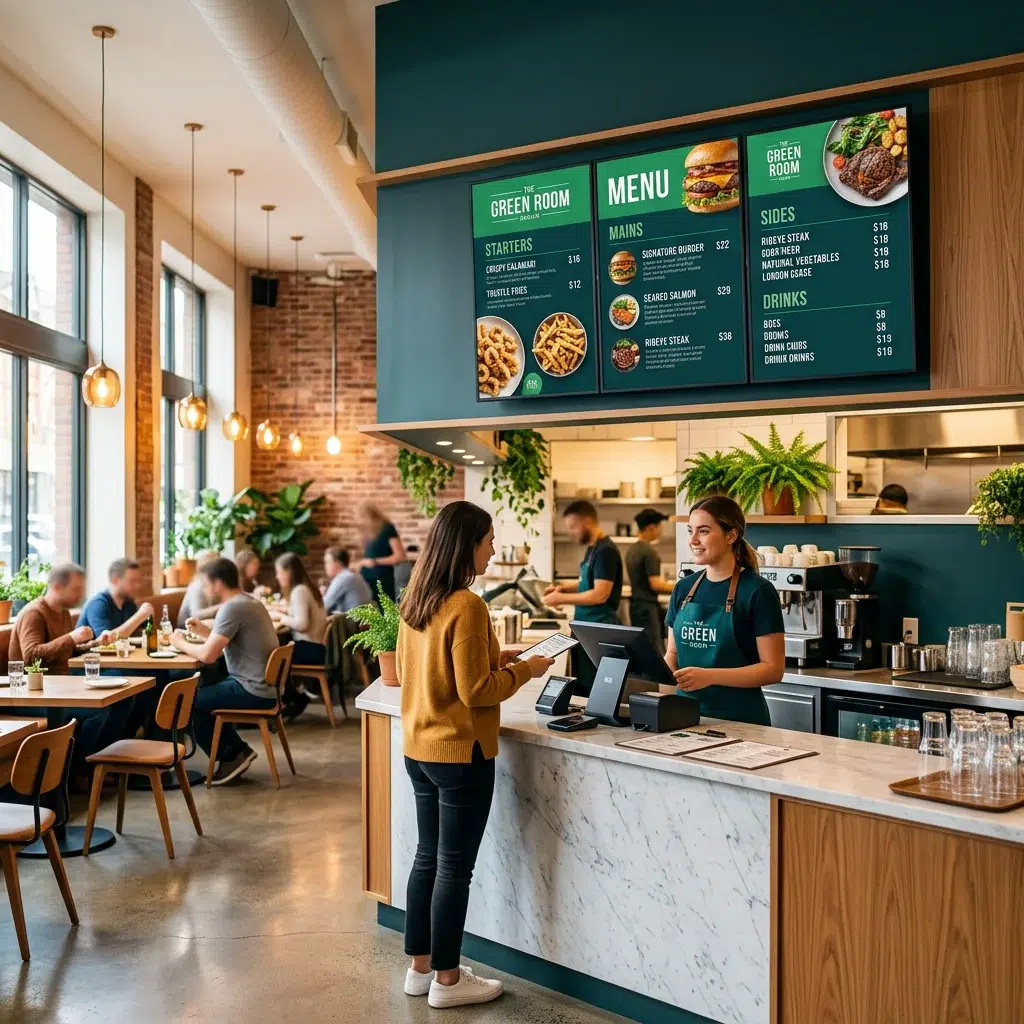
A digital menu board for restaurants does more than display your menu — it drives sales, cuts labor costs, and keeps your brand consistent across every screen. Whether you run a single location or a multi-site operation, restaurant digital menu boards have become one of the highest-ROI investments in the industry. This guide covers everything you need to know about setting up, managing, and maximizing your digital menu board software for maximum impact.
Why Restaurants Are Switching to Digital Menu Boards
Static printed menus are expensive to reprint, slow to update, and impossible to schedule. A digital menu board for restaurants lets you change prices, highlight specials, and rotate seasonal items in real time — from anywhere. Studies consistently show that digital menu displays increase average order value by 3–5% through strategic item placement and upsell prompts.
- Update pricing instantly without reprinting costs
- Schedule breakfast, lunch, and dinner menus automatically
- Highlight high-margin items with animated callouts
- Ensure brand consistency across all locations
- Reduce perceived wait time with engaging visuals
What to Look For in Restaurant Digital Menu Board Software
| Feature | Why It Matters |
|---|---|
| Cloud-based management | Update all screens from one dashboard — no USB drives, no on-site visits |
| Dayparting / scheduling | Auto-switch between breakfast, lunch, dinner, and late night menus on a set schedule |
| Multi-location support | Manage every restaurant location from one account with location-specific overrides |
| Template library | Pre-built restaurant menu board templates save hours of design time |
| Hardware compatibility | Works with commercial displays, consumer TVs, and media players you already own |
| Real-time updates | 86 an item the moment you run out — no customer ordering something unavailable |
How to Set Up a Digital Menu Board for Your Restaurant
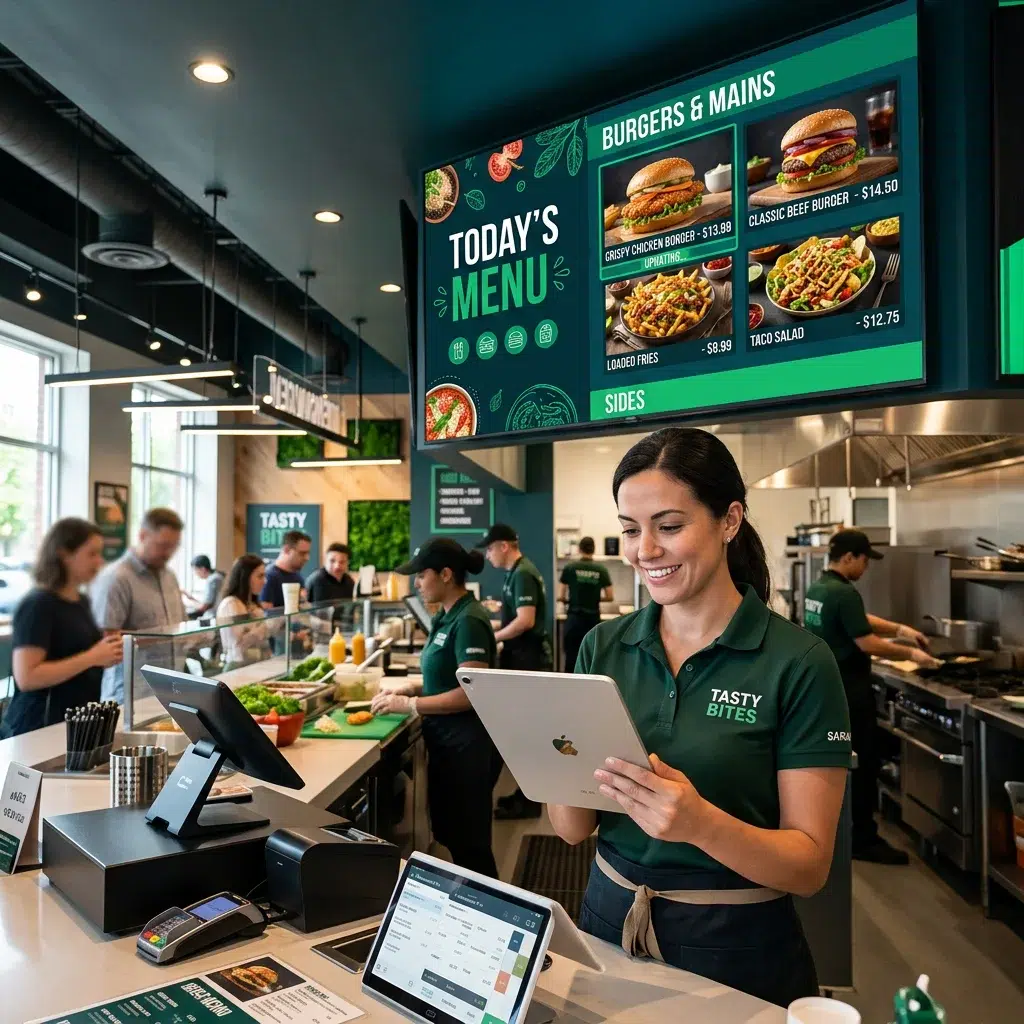
Setting up a restaurant digital menu board with Evergreen takes less than an hour from start to first display. Here’s the basic workflow:
- Step 1 — Choose your hardware: Any commercial display or consumer TV works. Pair with a media player or plug directly into a smart TV with the Evergreen app.
- Step 2 — Log into Evergreen: Access your dashboard from any browser. No software to install.
- Step 3 — Choose a template: Pick from restaurant-specific layouts or build your own from scratch.
- Step 4 — Add your menu items: Upload photos, enter item names, descriptions, and prices. Drag and drop to arrange.
- Step 5 — Set your schedule: Define daypart rules — breakfast runs 6–11am, lunch 11am–4pm, etc.
- Step 6 — Publish and go live: Push your content to all screens simultaneously.
See Evergreen in Action
Thousands of bars and restaurants use Evergreen to manage their digital menus. Start your free trial — no credit card required.
Frequently Asked Questions
| Question | Answer |
|---|---|
| What hardware do I need for a digital menu board? | Any commercial display or consumer TV with HDMI input. Pair with a media player or use a compatible smart TV with the Evergreen app installed. |
| Can I update my menu board from my phone? | Yes. Evergreen is fully cloud-based, so you can push updates from any device — phone, tablet, or computer. |
| How many screens can I run? | Evergreen supports unlimited screens across unlimited locations on appropriate plans. |
| Does Evergreen work for drive-thru menu boards? | Yes — Evergreen supports outdoor-rated displays and drive-thru configurations with dayparting and promotional scheduling. |
| Is there a free trial? | Yes. Evergreen offers a free trial so you can test the platform with your actual menu before committing. |
Start Your Restaurant Digital Menu Board Free Trial Today
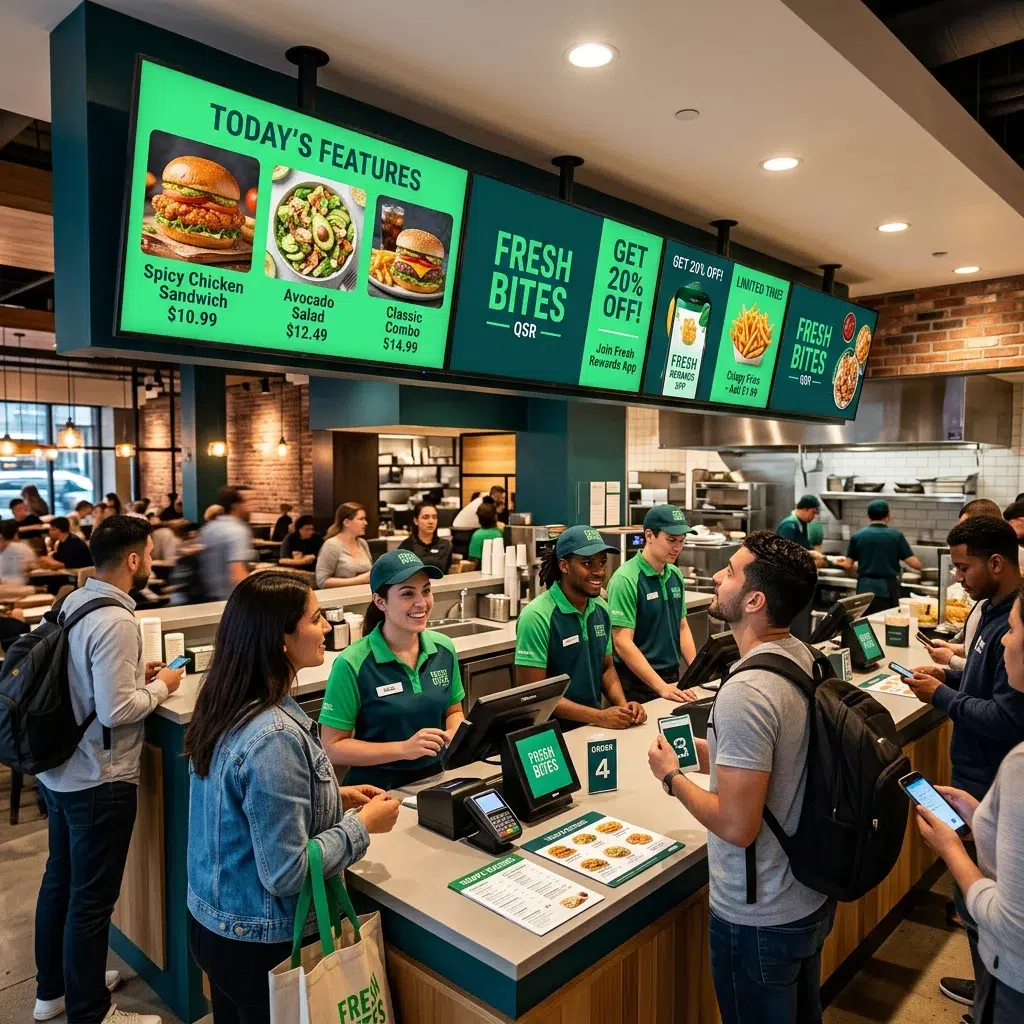
The fastest way to see what a digital menu board for restaurants can do is to try it. Evergreen makes setup simple and the results speak for themselves. Start your free trial or contact us to talk through your setup.
About Evergreen
Evergreen is a cloud-based digital menu board software platform built for restaurants, bars, food trucks, hotels, and foodservice operators of all sizes. Design, schedule, and manage stunning menu displays across any number of screens — from one location to hundreds.
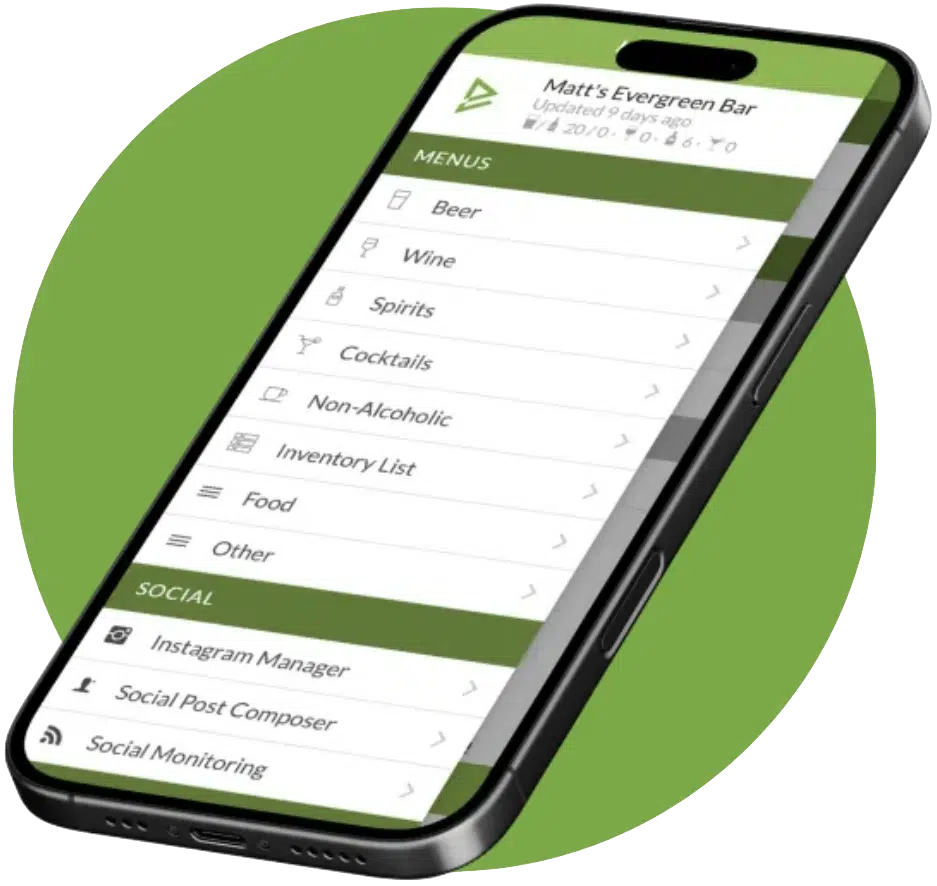
See Evergreen’s Digital Menu Software in Action
Join 4,500+ restaurants, bars, and breweries already using Evergreen to update menus in seconds.

About Casey Marte
Senior Technical Content & Product Marketing Manager, EvergreenHQ
Casey Marte is the Senior Technical Content & Product Marketing Manager at EvergreenHQ, where she turns complex bar and restaurant tech into clear, practical stories operators can actually use. Drawing on years of experience with POS systems, inventory platforms, and front-of-house tools, she specializes in explaining how technology, automation, and AI can simplify daily service and boost profitability.
At EvergreenHQ, Casey partners closely with the product team to shape new features, test tools, and make sure every operator — from a single-location taproom to a multi-unit restaurant group — has the information they need to grow.





