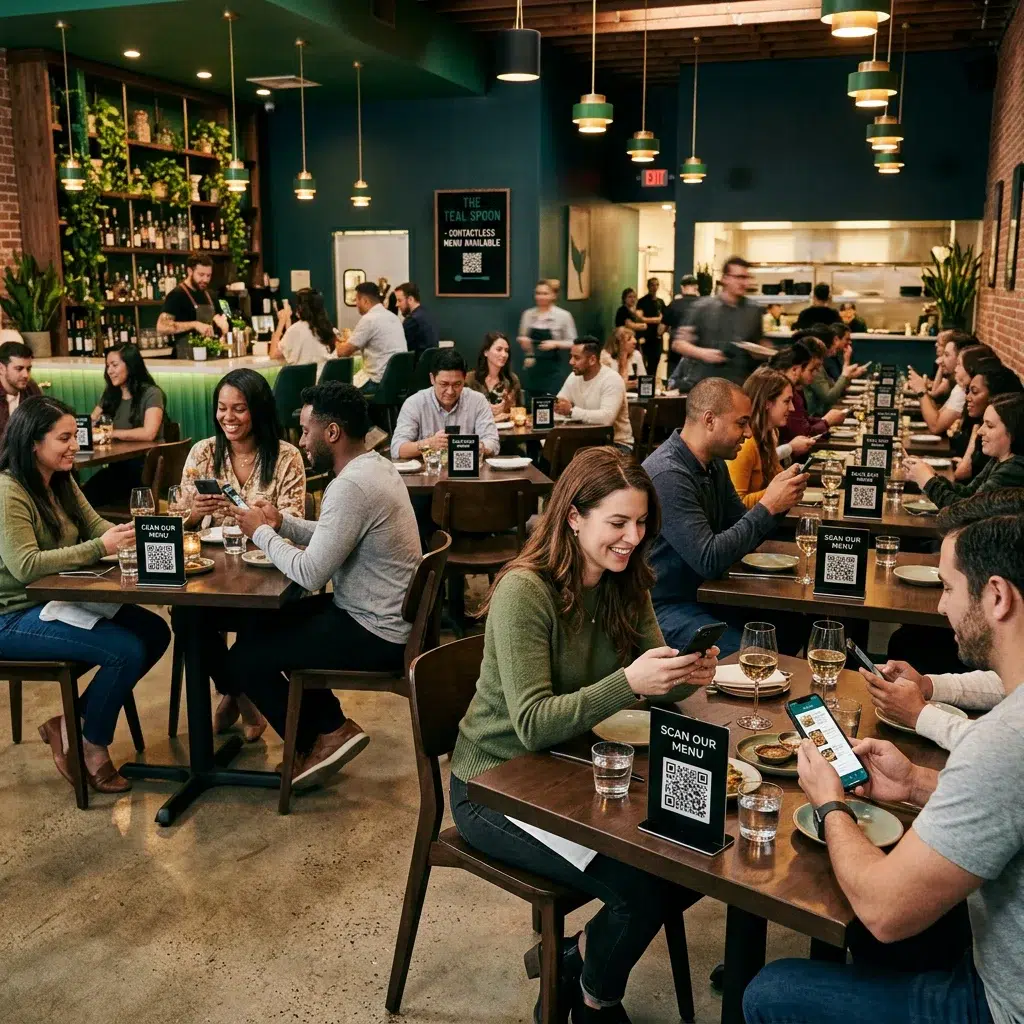
The contactless digital menu is no longer a pandemic-era workaround — it has become a permanent fixture in how restaurants and bars operate. Guests expect fast, clean, digital interactions from the moment they sit down. Restaurants that have made the switch to contactless menu solutions report fewer order errors, faster table turns, and higher average check sizes. This guide covers everything you need to know about going contactless with your menu today.
What Is a Contactless Digital Menu?
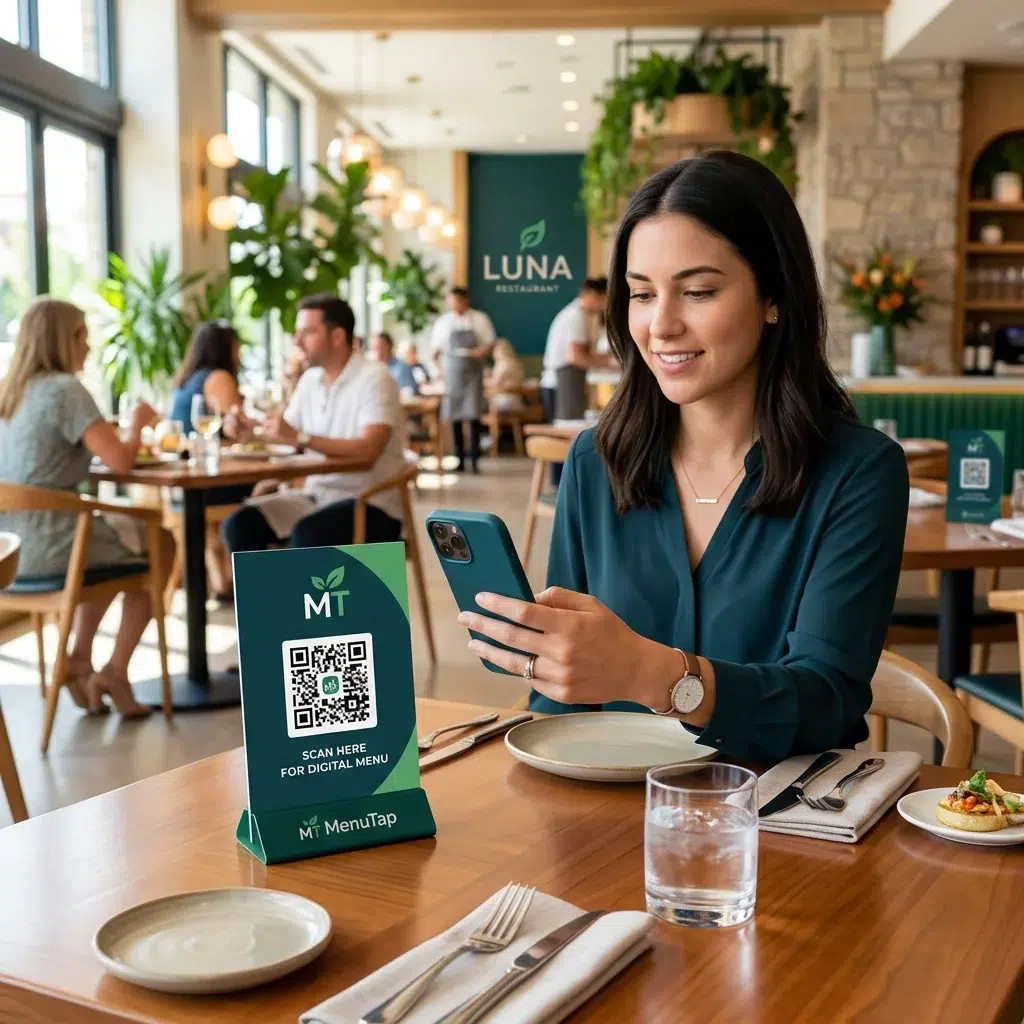
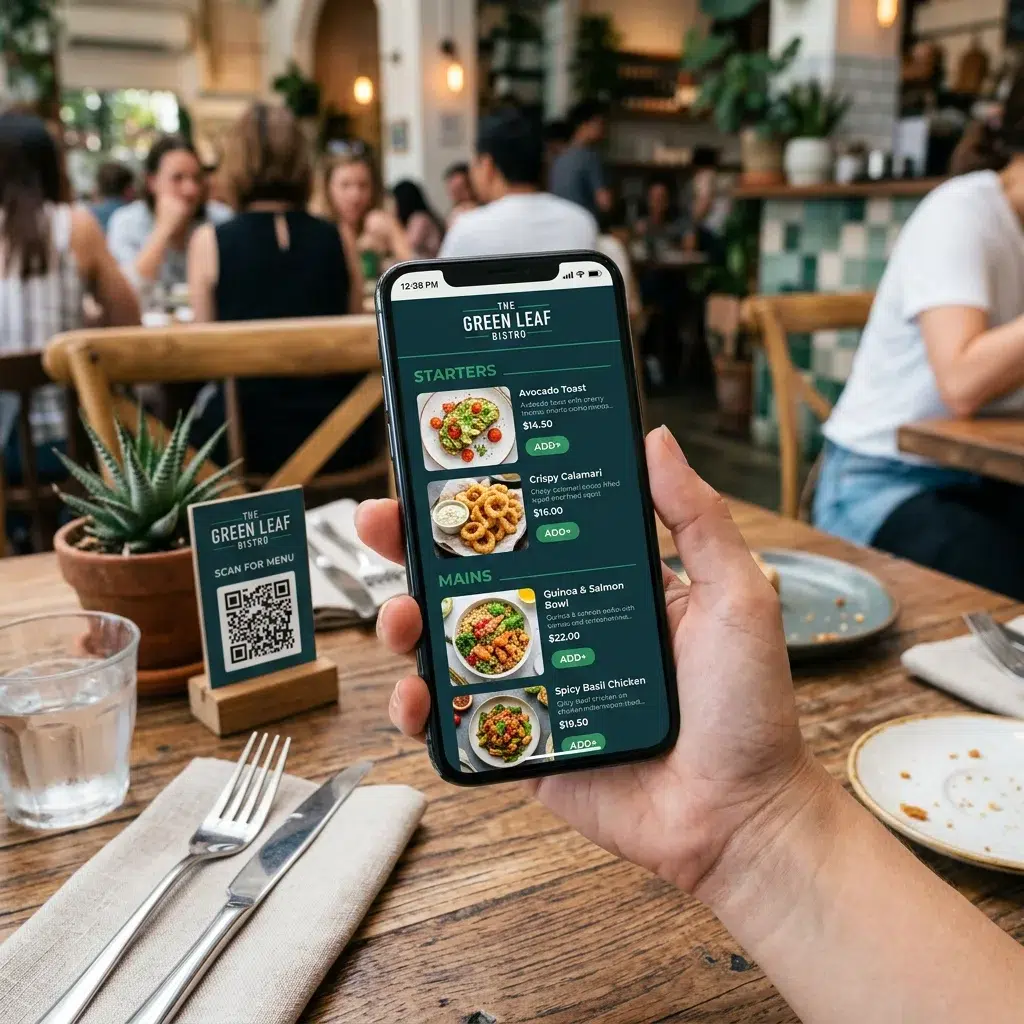
A contactless digital menu gives guests access to your full menu through a QR code scan on their phone — no physical menu required. Diners scan the code at their table and view the menu directly in their browser. No downloads needed. No waiting for a server to bring them a laminated binder.
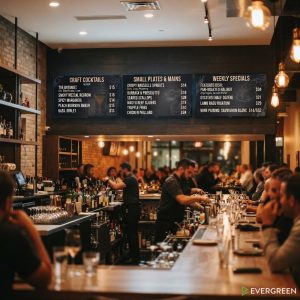
The real power comes when you pair QR-based table menus with digital menu boards on your walls. Both are managed from the same Evergreen dashboard — so when you update a price or 86 an item, it changes everywhere at once. That’s the efficiency operators actually care about.
Why Restaurants Are Making the Switch Now
| Reason | Impact |
|---|---|
| Zero printing costs | No more reprinting every time prices or items change — saves $600–$3,000+ per year |
| Real-time updates | 86 an item the second it runs out — guests never order something unavailable |
| Higher engagement | Digital menus with food photos drive higher add-on and upsell orders |
| Sanitation | No shared physical menus passed between tables — cleaner guest experience |
| Analytics | See which items get the most views and use that data to improve your menu layout |
If you’re still weighing the options, our print vs. digital menu breakdown shows exactly where each format wins and where digital pulls ahead for most operators.
Boost Loyalty While You’re at It
A contactless menu is also a natural touchpoint for growing your restaurant rewards program. Add a loyalty signup prompt directly to your digital menu — guests are already on their phones. That’s a frictionless enrollment moment most restaurants miss entirely with printed menus.
Frequently Asked Questions
| Question | Answer |
|---|---|
| Do guests need an app to use a contactless menu? | No. Evergreen’s QR menus open directly in the phone’s browser — no download required. |
| Can I use both a QR menu and digital menu boards? | Yes. Evergreen manages both from one dashboard, keeping table menus and wall boards in sync. |
| What happens when I update the menu? | Changes go live instantly. Every QR scan shows the updated version automatically — no reprinting QR codes. |
| Can I track which items are viewed most? | Yes — Evergreen provides analytics on item views so you can optimize your menu layout based on real data. |
| Does contactless work for bars too? | Absolutely. QR-based drink menus work great at the bar top, on tables, or at the entrance. Pair with a digital beer board for a complete setup. |
Time to Go Contactless — Start Your Free Trial
The contactless digital menu is the standard now — not the exception. Evergreen makes it easy to manage your QR menus and digital menu boards from one platform. Start your free trial or contact us to see a live demo.
About Evergreen
Evergreen is a cloud-based digital menu board software platform used by bars, restaurants, breweries, food trucks, and multi-location operators. Manage every screen and every menu from one place — in real time, from anywhere.