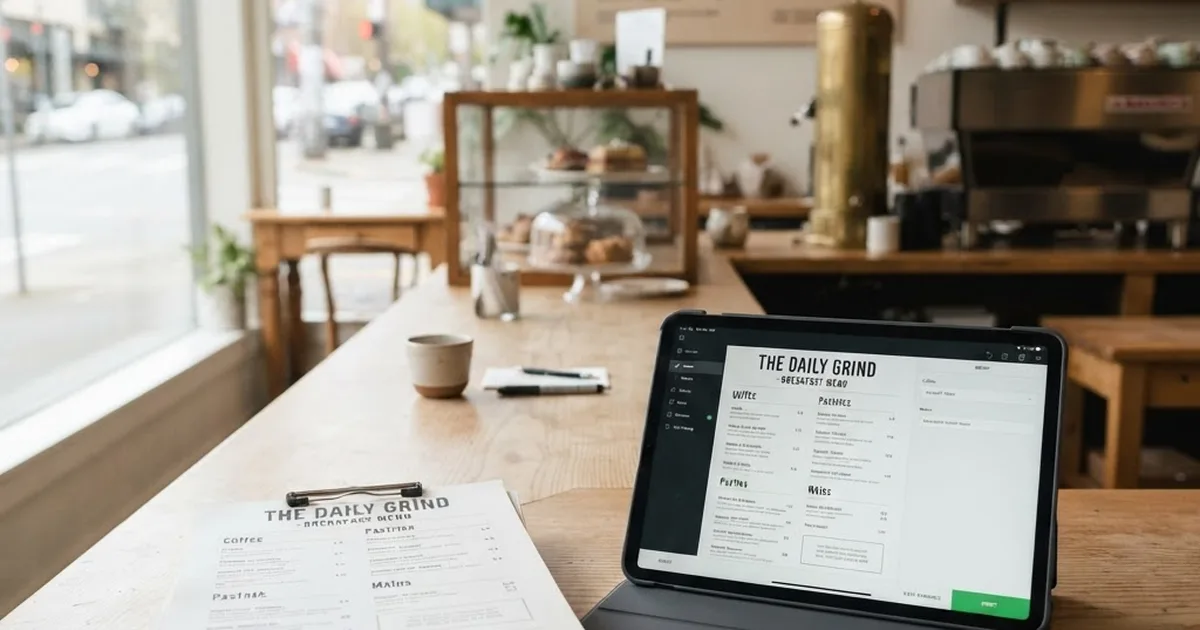
Menu printing is the bridge between the menu you edit on screen and the copy a guest actually holds at the table. Paper stock, size, finish, and who runs the printer all shape what that copy costs, how long it lasts, and how professional your dining room feels. Get those choices right and reprints stop being a project. This guide covers practical menu printing for restaurants: paper weights, standard sizes, lamination, in-house versus print shop math, and how a digital menu app makes every reprint a two-minute job instead of a two-week errand.
Restaurant Owners See Evergreen’s Digital Menu Software in Action
Join 4,500+ restaurants, bars, and breweries using Evergreen to modernize their menus.
Why Menu Printing Still Deserves Budget
Screens carry speed, but paper carries trust. Guests hold a printed menu, lean over it, and order from it, which makes menu printing quality a direct sales factor. Cornell’s hospitality research library tracks how menu presentation shapes ordering behavior, and the paper format is still where most of that psychology plays out.
A breakfast spot in Austin moved its weekend specials insert to in-house menu printing on Fridays, one page, printed in the back office. The insert changed weekly and regulars started asking what was new before they sat down.
The economics changed too. Rather than paying a shop every time a price moved, the kitchen printed on demand. That shift, no designer, no proof cycle, is the same one small concepts capture in our best digital menu boards for small restaurants rundown.
Choose the Right Paper Stock
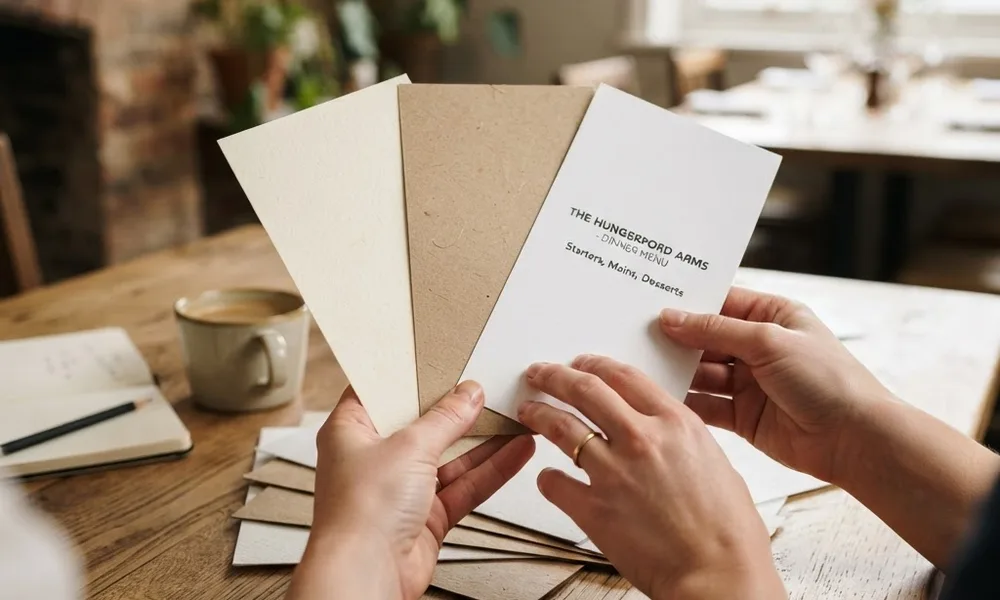
Paper is where most menu printing budgets get wasted or saved. Three weights cover almost every restaurant use case:
- 80 to 100 lb cover stock: everyday single-sheet menus, stiff enough to survive a table.
- Textured or kraft stock: casual concepts, adds warmth without cost.
- Premium cotton or linen: fine dining, where the menu touch is part of the meal.
Thinking about sustainability? Recycled and certified stocks are widely available, and the EPA’s recycling guidance is a good baseline for what happens to menus after they leave your restaurant.
Standard Menu Sizes and Folds
Match the size to how guests actually use it.
| Format | Best For |
|---|---|
| Letter, single-sided | Quick-service and cafe inserts |
| Letter, bifold | Full-service restaurants |
| Half-letter card | Bar and dessert menus |
| Trifold letter | To-go and delivery menus |
Smaller formats cost less for menu printing runs and reprice faster, which suits high-turnover sections. A bar menu card, for example, fits the half-letter format that pairs naturally with the digital boards described in setting up a digital menu board for your bar or restaurant.
Laminate, Waterproof, or Bare?
Finish is a durability decision. Laminated menus wipe clean and last months, but they feel dated in upscale rooms. Bare premium stock feels right at a white-tablecloth spot but stains after one sauce incident. Poly and waterproof papers split the difference for patios and dive bars.
Whatever you choose, plan menu printing cycles around it: laminated monthly, bare stock weekly or per change. The design side of that choice is covered in crafting print menus that leave a lasting impression.
In-House or Print Shop?
- In-house: weekly specials, inserts, price changes, anything under fifty copies.
- Print shop: large runs, premium finishes, embossing, spot gloss.
- Hybrid: shop-print your core menu, in-house the rotating sections.
One menu source also keeps every copy honest across formats, the failure modes our printed menu consistency guide breaks down. When your menu lives in a digital menu app, the calculus tilts in-house. You update the menu in seconds, then print, with no reformatting. That is the workflow our digital menu platform was built around, and it is why the stale-print-menu problem disappears: the paper is always one click old.
Compliance Notes for Printed Menus
Chains should remember that calorie labeling rules apply to printed menus too. The FDA’s menu labeling requirements cover covered establishments, and one menu source makes the counts easier to keep honest across print and screens.
FAQ: Menu Printing
| Question | Answer |
|---|---|
| How much does menu printing cost? | In-house runs cost cents per page; shop printing typically runs 50 cents to 2 dollars per menu. |
| What paper weight is best for menus? | 80 to 100 lb cover stock covers most single-sheet menus. |
| Should menus be laminated? | Laminate for high-traffic and patio use; go bare premium stock for upscale rooms. |
| How often should I reprint menus? | Reprint whenever prices or items change, and deep clean or retire stock monthly. |
| Can I print from a digital menu app? | Yes. Evergreen turns your live menu into a print-ready page with one click. |
Restaurant Owners See Evergreen’s Digital Menu Software in Action
Join 4,500+ restaurants, bars, and breweries using Evergreen to modernize their menus.
Print Menus Worth Holding
Good menu printing comes down to the right stock, the right size, and a reprint process that takes minutes. Evergreen feeds your printed menus from the same list as your screens, so every copy is current. Book a free demo and make menu printing the easiest task in your week.

About Casey Marte
Senior SEO & Digital Marketing Strategist, EvergreenHQ
Casey Marte is a Senior SEO & Digital Marketing Strategist at EvergreenHQ, with over 14 years of experience across content strategy, search optimization, and AI-driven marketing. She specializes in making complex digital concepts practical for the operators who need them most.
At EvergreenHQ, Casey brings a data-first mindset to everything from how your business ranks in search to how your brand shows up across platforms. Whether you are running a single taproom or a growing multi-unit restaurant group, she is focused on making sure your digital presence works as hard as your team does.