Restaurant Owners See Evergreen’s Digital Menu Software in Action
Join 4,500+ restaurants, bars, and breweries using Evergreen to modernize their menus.
Paper Menus Still Matter
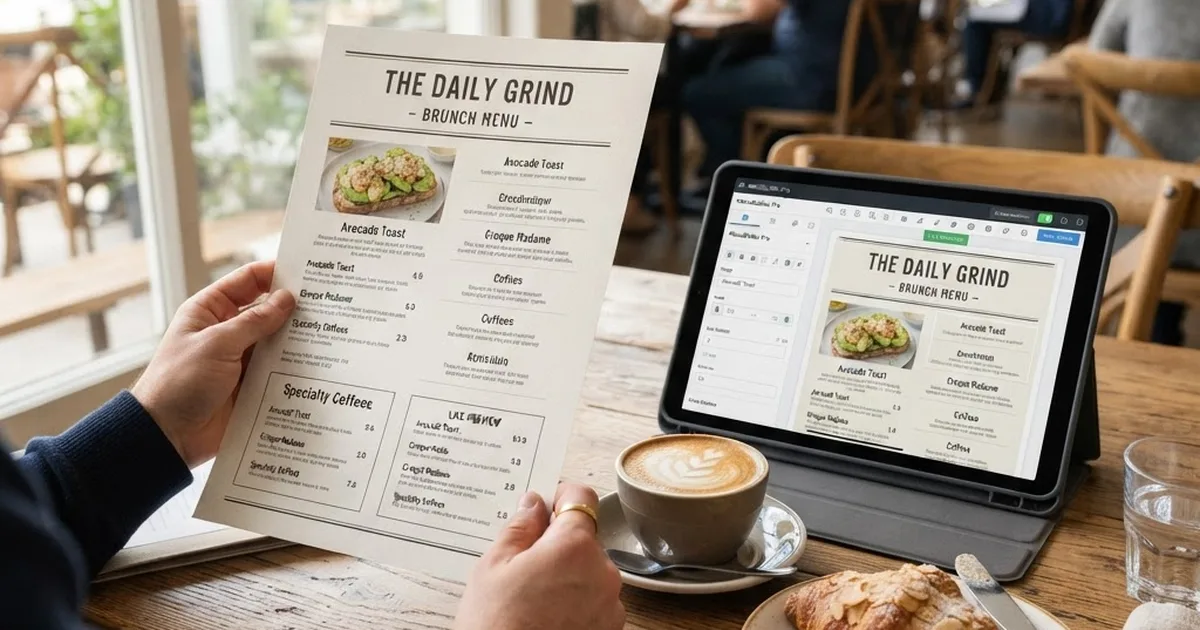
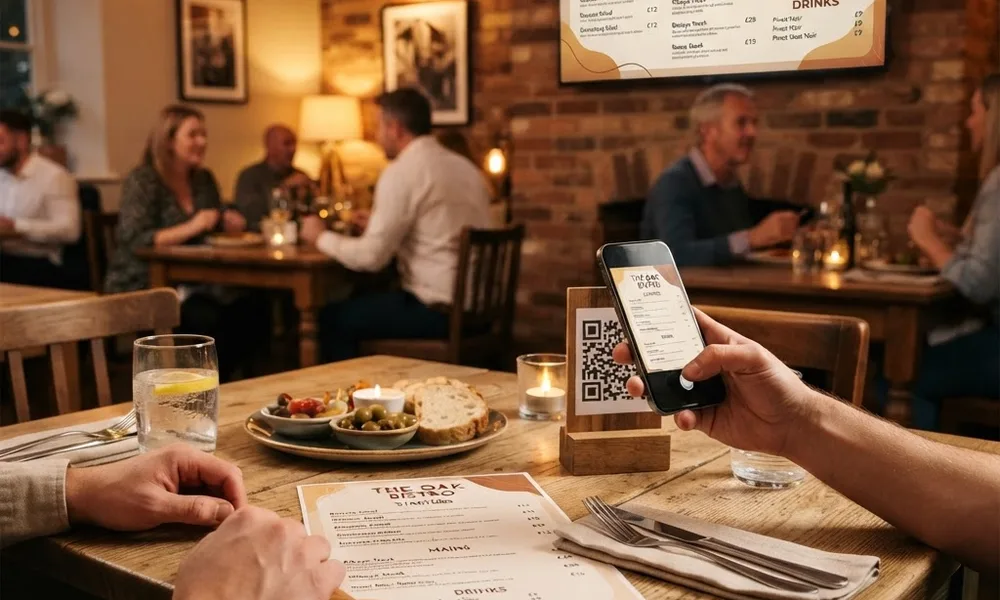
Screens get the attention, but paper still closes the sale. Guests linger over a printed print menu at the table, mark it up with a pen, and hand it back with confidence. Older guests and families often prefer holding something physical while they decide. A family-style Italian spot in Chicago kept its laminated print menu after adding TV screens, and the owner noticed why: tables studied the paper together while the screens handled drinks and specials. The two formats did different jobs, and the ones who tried dropping paper missed it within a month. The catch is consistency. Industry research on hospitality menu strategy from the Cornell Center for Hospitality Research shows how much menu presentation shapes ordering. When paper and screens disagree, guests trust both less.How the Print Menu Option Works
With Evergreen’s digital menu app, your menu lives in one place. You edit items once, and the change flows everywhere.- Edit once in the app: price, description, sold-out status.
- Screens update instantly, on every TV and tablet.
- Website menu refreshes with the same edit.
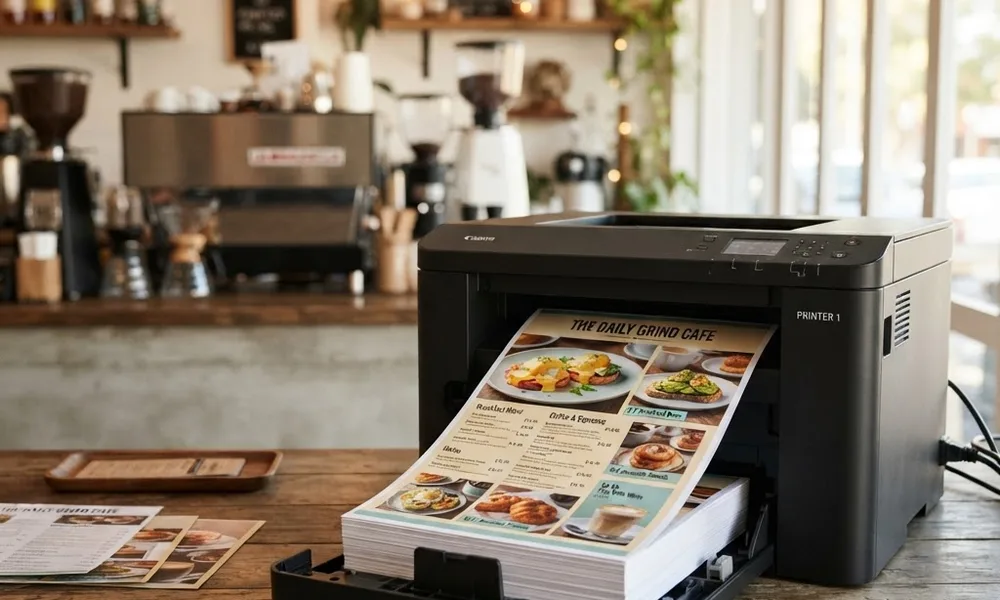
- Hit print, and the app generates a fresh, formatted print menu PDF.
- Swap the paper at the host stand and tables, no designer needed.
Keeping Every Copy Consistent
Mixed formats drift when you manage them separately. The guide to keeping TV, website, and printed menus consistent covers the failure modes: one copy says Tuesday special, another says Wednesday. A single print menu source kills the drift because there is only one list to be wrong. Sold-out handling shows the difference. On screens, the item disappears instantly. On paper, your staff can flag it until the next print run, and the next print run takes minutes instead of days. Consistency like that is why small concepts win with digital systems, a point we make in the best digital menu boards for small restaurants rundown.Designing a Print Menu That Matches Your Screens
The app templates carry your brand across formats. The design fundamentals of a strong print menu are covered in depth in crafting print menus that leave a lasting impression. A few rules do most of the work:- Match fonts and colors to your on-screen templates.
- Photograph top sellers once and reuse across formats.
- Keep prices aligned so tiers compare at a glance.
- Flag allergens consistently on paper and screens.
When to Reprint
Reprint triggers are simple. Print fresh when prices change, when the seasonal section rotates, or when sold-out flags accumulate. A print menu in a digital menu app makes that a two-minute task, not a project. Service habits shift with the times, and the National Restaurant Association’s industry statistics are a useful reality check on how guests actually order.FAQ: Print Menu Options
| Question | Answer |
|---|---|
| What is a print menu option? | A feature in digital menu software that turns your live menu into a print-ready formatted page. |
| Does Evergreen offer a print menu? | Yes. The digital menu app generates print-ready menus from the same menu that feeds your screens and website. |
| How often should I reprint? | Reprint whenever prices change, seasonal sections rotate, or sold-out items stack up. |
| Does print replace digital menus? | No. The two work together, with one source feeding screens, web, and paper. |
| Do I need a designer? | No. Templates use your fonts, colors, and photos automatically. |
Restaurant Owners See Evergreen’s Digital Menu Software in Action
Join 4,500+ restaurants, bars, and breweries using Evergreen to modernize their menus.
One Menu, Every Format
A print menu that flows from the same source as your screens and website stops stale pricing and keeps every guest looking at the same list. Evergreen builds exactly that. Book a free demo and see how one edit becomes a fresh print menu, a live screen, and an updated website at once.
About Casey Marte
Senior SEO & Digital Marketing Strategist, EvergreenHQ
Casey Marte is a Senior SEO & Digital Marketing Strategist at EvergreenHQ, with over 14 years of experience across content strategy, search optimization, and AI-driven marketing. She specializes in making complex digital concepts practical for the operators who need them most.
At EvergreenHQ, Casey brings a data-first mindset to everything from how your business ranks in search to how your brand shows up across platforms. Whether you are running a single taproom or a growing multi-unit restaurant group, she is focused on making sure your digital presence works as hard as your team does.