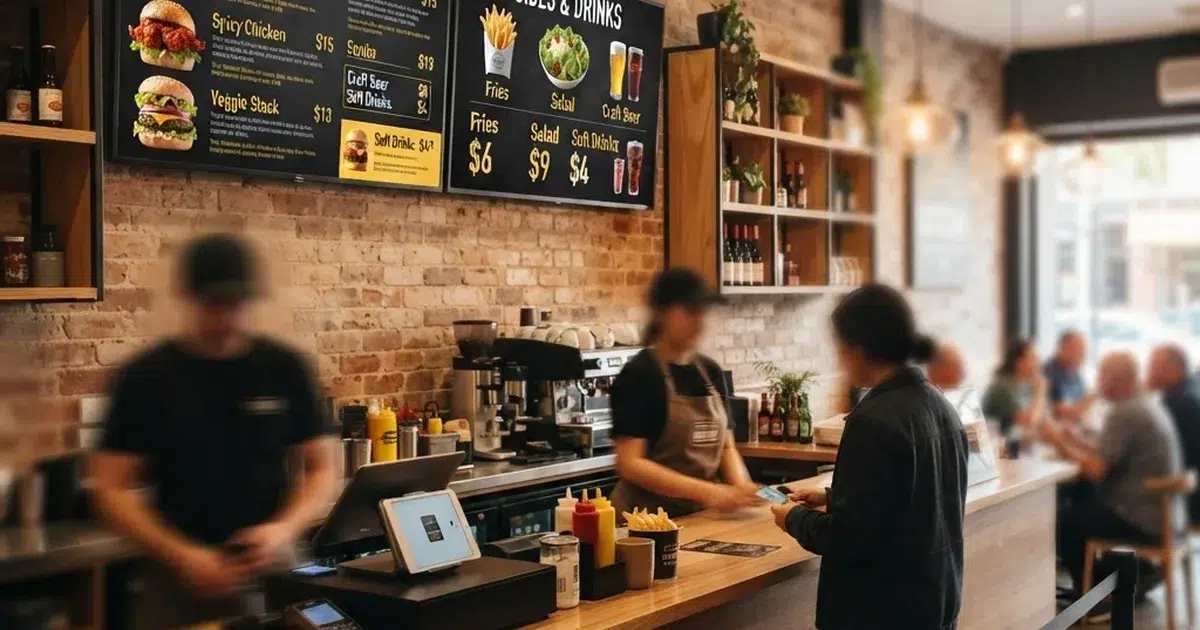
A digital menu display is a screen-based menu system that shows your food and drink offerings on TVs, tablets, or video walls instead of printed boards. Restaurants use them to change prices in seconds, promote high-margin items, and keep every menu location in sync. This guide explains what a digital menu display is, what hardware and software you need, and how to launch one without a designer or an IT team.
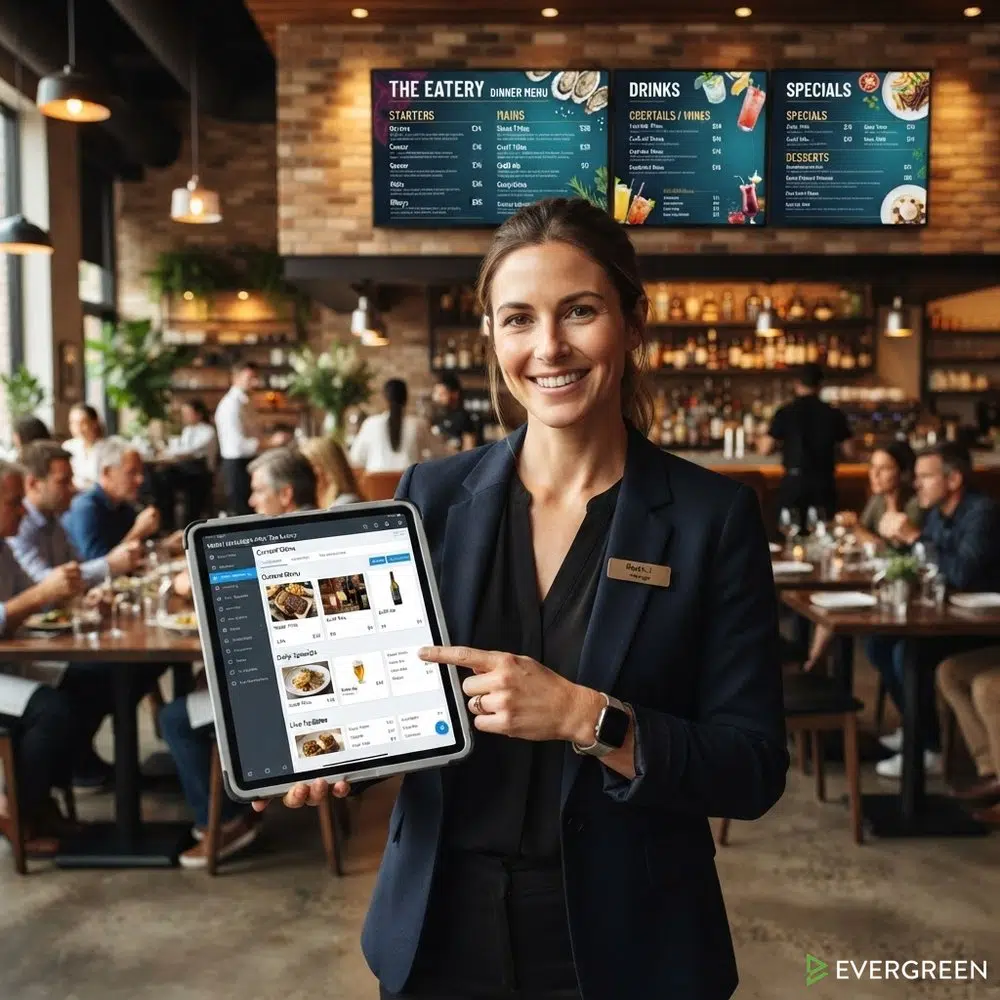
Restaurant Owners See Evergreen’s Digital Menu Software in Action
Join 4,500+ restaurants, bars, and breweries using Evergreen to modernize their menus.
What Is a Digital Menu Display?
A digital menu display pairs a screen, like a smart TV or tablet, with menu software that controls what appears on it. The software lives in the cloud. You edit your menu from a phone, laptop, or tablet, and every connected screen updates instantly.
That is the whole trick. The screen is just the canvas. The digital menu display software decides the layout, colors, prices, and photos. Because edits happen in real time, a single price change rolls out to every screen at once.
A family diner in Ohio swapped its aging backlit lightbox for a digital menu display and pushed its first Tuesday price change live in under ten minutes. The old routine of ordering new printed panels vanished overnight.
Why Restaurants Are Switching to a Digital Menu Display
Printed menus lock you into yesterday’s prices. A digital menu display keeps pace with food costs, seasonal items, and sold-out dishes. Industry coverage of digital menu board adoption points to three drivers: speed, labor savings, and upsell power.
- Instant price changes. Update a item cost once and every screen reflects it.
- Daypart switching. Breakfast, lunch, and dinner menus rotate automatically.
- Upsell placement. High-margin items get prime screen space by design.
- No reprint costs. Menu changes stop eating into your print budget.
- Sold-out control. 86 an item in seconds so guests never order it.
Restaurants that manage menus digitally also cut a hidden cost: the staff hours spent taping paper over old boards. A digital menu display turns that task into a thirty-second edit from anywhere.
Digital Menu Display Hardware Options
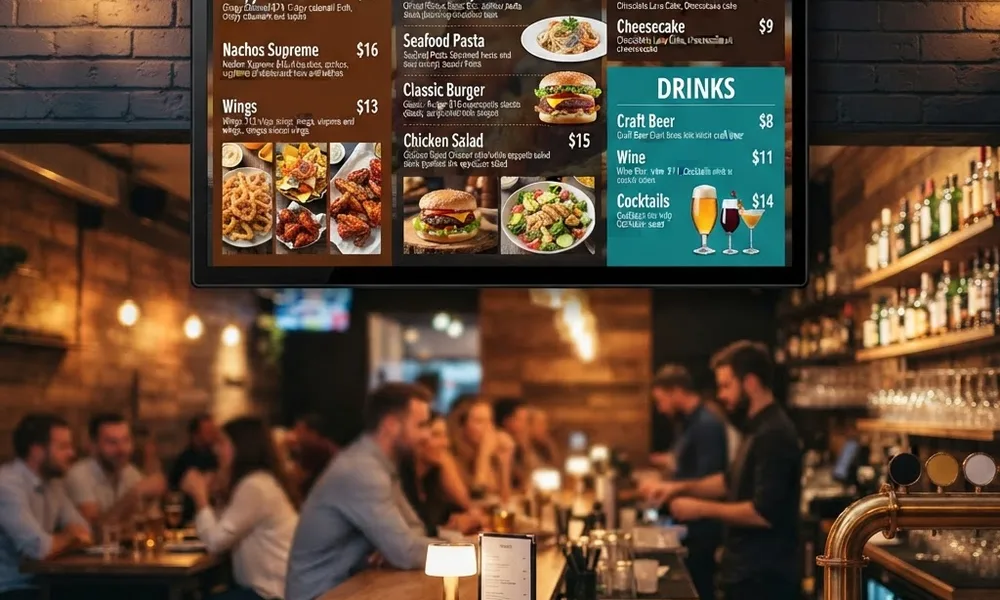
Any digital menu display setup starts with three pieces: a screen, a media player or smart app, and an internet connection. Most restaurants already own the screen.
Screens and TVs
Commercial displays last longer, but a quality consumer TV works fine for most venues. Our guide to the best TV for a digital menu board covers brightness, size, and mounting for every budget.
Players and Apps
Options include streaming sticks, built-in smart TV apps, and small media player boxes. Each one just needs to load your digital menu display in a browser or app. The digital signage category has grown around exactly this pattern.
Countertop Tablets
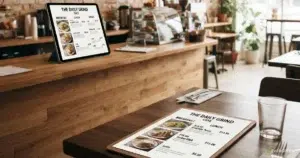
Small counters often use a mounted tablet as a compact digital menu screen. It works well for cafes, food trucks, and host stands where wall space is tight.
Choosing Digital Menu Display Software
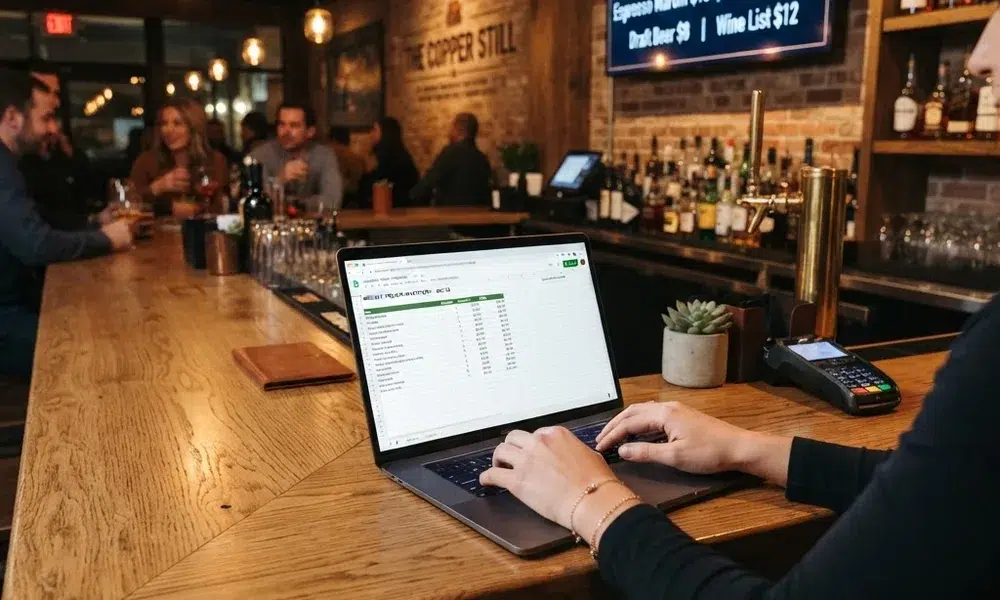
The software is where the real differences show up. A strong digital menu display platform should offer restaurant-specific templates, remote updates, and multi-screen support. The setup guide we published on how to set up a digital menu board walks through the full checklist.
Look for these features before you commit:
| Feature | Why It Matters |
|---|---|
| Cloud editing | Change menus from anywhere, on any device. |
| Menu templates | Launch a polished layout without a designer. |
| Multi-screen sync | Keep every display consistent automatically. |
| Scheduling | Rotate breakfast, lunch, and dinner on a timer. |
| POS connection | Pull prices straight from your point of sale. |
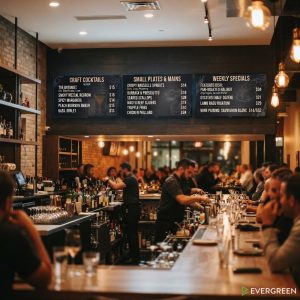
If your venue posts rotating specials, look for software with a built-in specials tool. Our walkthrough on displaying daily specials on a bar TV shows how simple that flow can be.
How to Set Up Your Digital Menu Display
Most venues go from box to live screen in under an hour.
- Mount the screen where every guest in line can read it.
- Connect your player to wifi and the screen’s HDMI or app store.
- Build your menu once in the software using a template.
- Publish to the display and check readability from the doorway.
- Schedule dayparts so menus rotate without staff involvement.
Restaurant Owners See Evergreen’s Digital Menu Software in Action
Join 4,500+ restaurants, bars, and breweries using Evergreen to modernize their menus.
Digital Menu Display Best Practices
Keep text large and menus short. A digital menu display earns its keep when guests can scan it in seconds. Limit each screen to seven items or fewer per category and let photos do the selling.
Menus with calorie counts should follow the FDA menu labeling rules, which a digital format makes far easier to maintain. And if you run multiple screens, manage them from one dashboard so a digital menu display never drifts out of sync.
FAQ: Digital Menu Display Basics
| Question | Answer |
|---|---|
| What is a digital menu display? | A screen paired with cloud software that shows and updates your restaurant menu in real time. |
| How much does a digital menu display cost? | Most venues spend a few hundred dollars on a TV plus a monthly software subscription per screen. |
| Can I use a regular TV? | Yes. A quality consumer TV with a streaming stick or app works for most restaurants. |
| How long does setup take? | Most operators mount, connect, and publish their first menu in under an hour. |
| Do I need a designer? | No. Good software includes restaurant templates you can edit in minutes. |
One Screen Away From a Better Menu
A digital menu display replaces reprinting, taping, and apologizing for outdated boards with one screen you control from your phone. Evergreen helps restaurants and bars launch beautiful digital menus fast. See how it works with a live demo, then put your first digital menu display on the wall this week.

About Casey Marte
Senior SEO & Digital Marketing Strategist, EvergreenHQ
Casey Marte is a Senior SEO & Digital Marketing Strategist at EvergreenHQ, with over 14 years of experience across content strategy, search optimization, and AI-driven marketing. She specializes in making complex digital concepts practical for the operators who need them most.
At EvergreenHQ, Casey brings a data-first mindset to everything from how your business ranks in search to how your brand shows up across platforms. Whether you are running a single taproom or a growing multi-unit restaurant group, she is focused on making sure your digital presence works as hard as your team does.