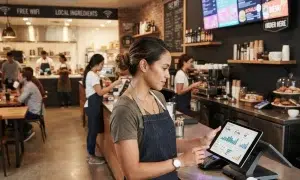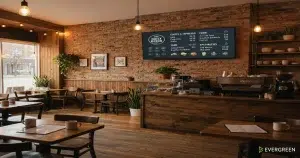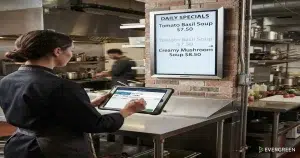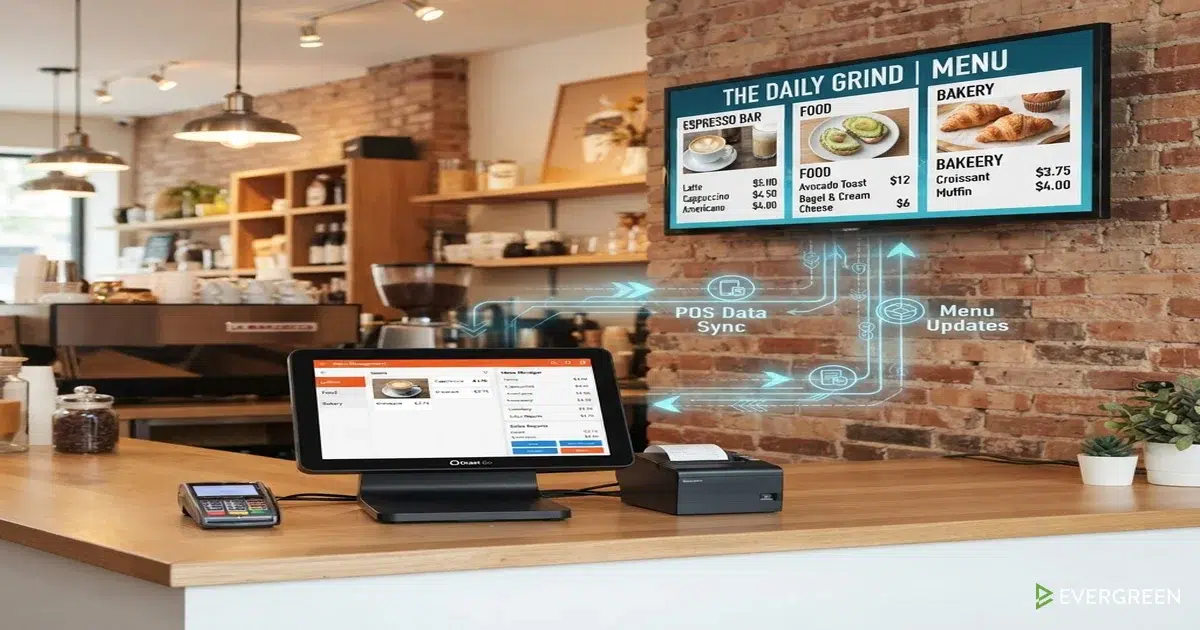
Understanding a POS integration restaurant menu system helps operators automate daily menu updates without manual work. Many restaurant owners hear tech terms like restaurant POS connection without knowing what happens behind the scenes. Simply put, this software link acts as a communication bridge between your point-of-sale register and digital screens.
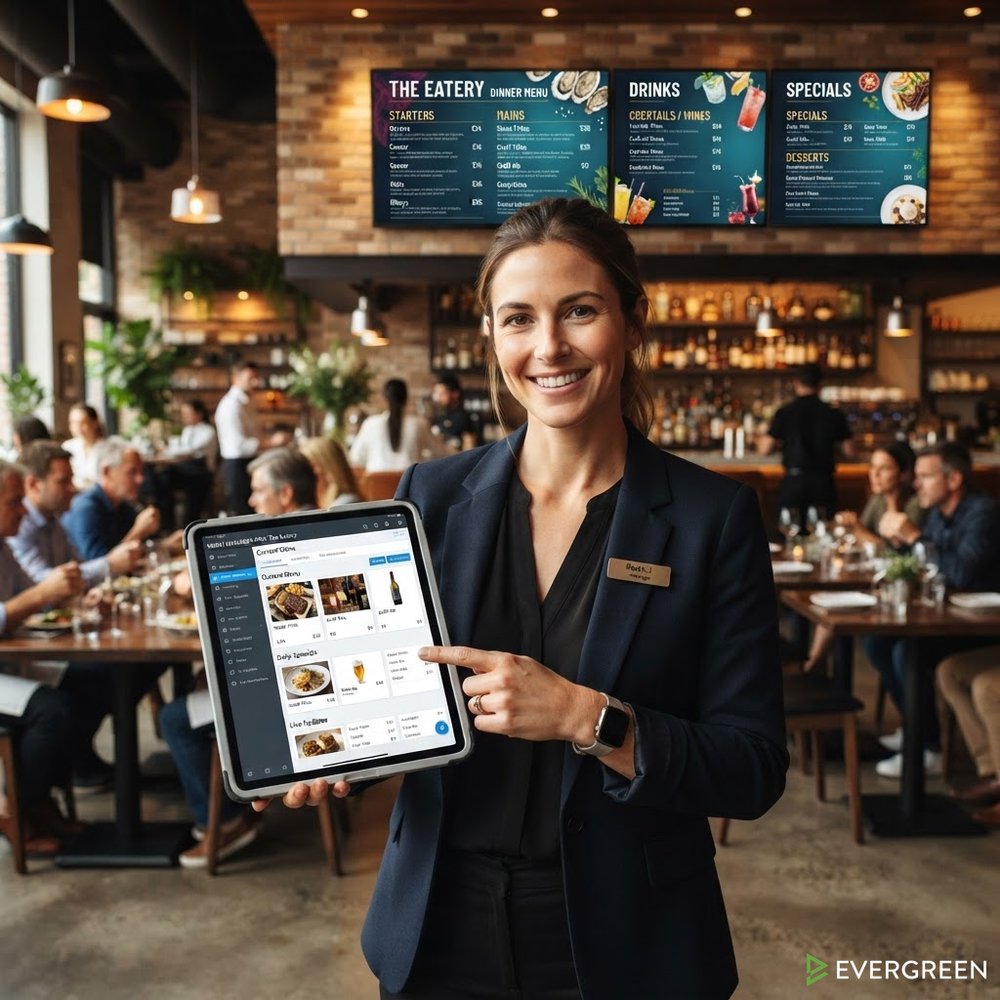
Restaurant Owners See Evergreen’s Digital Menu Software in Action
Join 4,500+ restaurants, bars, and breweries using Evergreen to modernize their menus.
When prices change or items sell out, your digital board updates instantly. You avoid updating screens manually during a busy dinner service. This detailed guide explains what a POS integration restaurant menu link really means for your venue and daily dining operations.
Understanding the Core Concept of a Restaurant POS Connection
A restaurant POS connection links your central point-of-sale database directly to your menu displays. The point-of-sale system holds active item prices, inventory records, and sales transaction logs. Without a link, staff members re-enter item details into separate digital display software. Manual entry wastes labor hours and causes human errors during busy service shifts. A POS integration restaurant menu setup removes this redundant work entirely. It allows both software platforms to share identical pricing and product availability details automatically. Your register becomes the single source of truth for all customer-facing boards. Any price adjustment made at the terminal reflects instantly across every connected display screen. This automated background link keeps your staff focused on guest hospitality instead of screen management. In short, a POS integration restaurant menu bridge keeps your digital boards accurate without extra labor. Operators can read about POS integration mastery to explore advanced bar software stack setups.
What Data Actually Flows Across a Digital Menu POS Link?
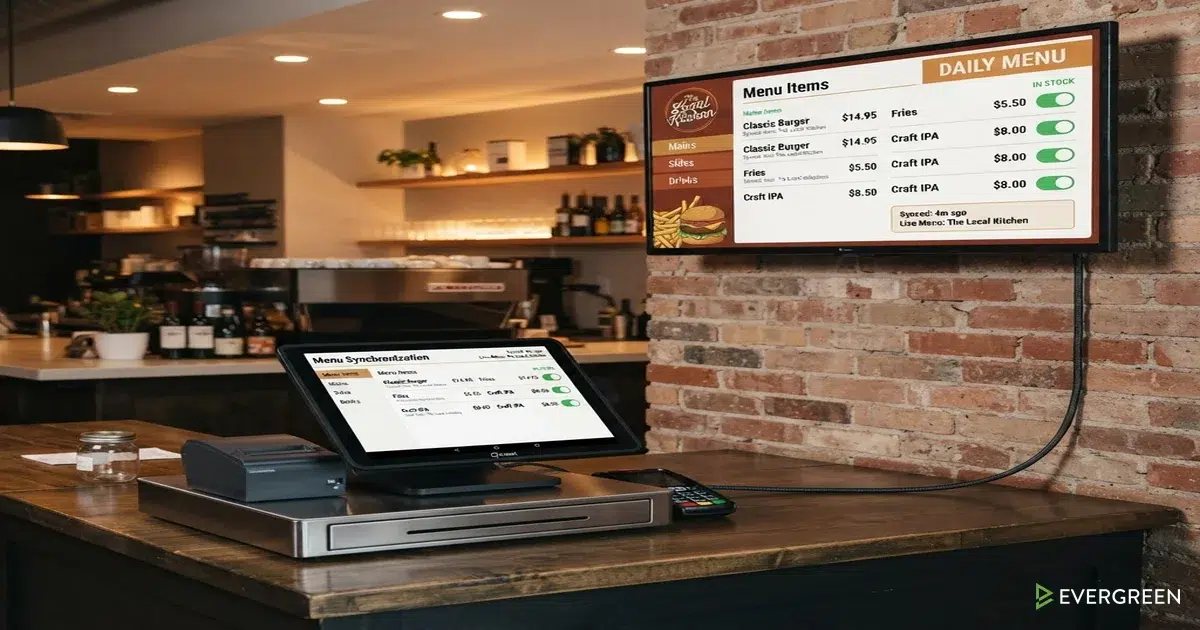
Understanding a digital menu POS link requires looking at the specific data moving between systems. The connection primarily transfers structured product data from your register software. First, it syncs item names, descriptions, and category classifications. Second, it sends updated pricing data, including happy hour discounts or special holiday pricing. Third, it passes real-time stock availability status to your digital boards. When an item hits zero in register inventory, the POS menu sync hides it automatically. Fourth, it shares allergen tags, alcohol content percentages, and dietary indicators. A POS integration restaurant menu pipeline usually transfers data in one direction from register to screen. This keeps screen management secure without risking register database changes from external displays. Every digital menu POS link ensures that your guest displays mirror your active register inventory. You can review leading Toast technology strategies to see how modern point-of-sale data feeds function.
What POS Integration Does NOT Do (Clearing Common Myths)
To grasp a POS integration restaurant menu fully, you must understand its functional boundaries. First, integration does not design your menu layout or graphic artwork. Your point-of-sale database holds plain text and price numbers, not visual design layouts. Display software still formats colors, fonts, food photos, and screen template animations. Second, a restaurant POS connection does not replace your digital display hardware or media player boxes. You still need reliable hardware to render visual signals on physical commercial screens. Third, it does not alter kitchen order tickets or kitchen display workflows. The link simply reads sales data to present accurate information on guest-facing boards. It acts as a smart display filter rather than a complete register replacement. A POS integration restaurant menu system focuses on data accuracy rather than graphic content creation. Learning about digital menu board software helps operators separate display design tools from data feeds.
Restaurant Owners See Evergreen’s Digital Menu Software in Action
Join 4,500+ restaurants, bars, and breweries using Evergreen to modernize their menus.
Major Operational Problems Solved by POS Menu Sync
Implementing a POS menu sync solves several persistent daily operational headaches for restaurant managers. The biggest issue solved is guest disappointment over sold-out food and drink items. When a popular draft beer keg kicks, staff often forget to wipe chalkboards or update manual screens. Guests order unavailable items, creating awkward service delays and frustrated kitchen staff. High-volume pizza shops and craft taprooms previously lost hours updating daily tap lists across multiple boards. With an automated link, sold-out beers disappear from screens the moment the final glass is poured. This keeps customer expectations clear and saves servers from repeated apologies during peak rushes. Another major benefit is pricing consistency across all guest touchpoints. A POS integration restaurant menu prevents price discrepancies between digital boards and register bills. Furthermore, an automated POS menu sync reduces staff labor overhead during daily menu changeovers. Using a POS integration restaurant menu workflow eliminates manual double entry across all shift transitions. Operators can consult industry reports on Restaurant Business Online regarding modern restaurant automation benefits. You can also explore specific hardware links like Toast POS integrations and Square POS integration options. Additionally, trade insights from QSR Magazine highlight how automated menus boost speed of service.
Explaining How the POS Integration Restaurant Menu Link Operates in Real Time
Understanding the technical operation of a POS integration restaurant menu link is straightforward. Modern systems use cloud application programming interfaces to exchange menu updates securely. When a manager updates a price in the register, the system generates an instant event signal. The cloud platform receives this signal and sends updated product records to your screen players. This event-driven digital menu POS link updates screens in seconds across multiple locations. Older systems used scheduled polling, checking for menu changes every hour or every night. Real-time event signals ensure your public display never shows stale prices or unavailable items. Every reliable restaurant POS connection relies on these fast background data pipelines. Choosing a solid POS integration restaurant menu platform guarantees instant visual synchronization across all screens. To set up data connections, read our guide on how to integrate your POS with digital menus. You can also review cloud-based digital menu management strategies for multi-unit restaurant chains. For broader technology trends, check analysis from Hospitality Technology.
Frequently Asked Questions About POS Menu Connections
| Question | Answer |
|---|---|
| What is a POS integration restaurant menu setup? | It is a software link connecting your point-of-sale register database directly to digital menu screens for automatic updates. |
| Does a digital menu POS link work with any register system? | Most modern cloud point-of-sale systems support digital display integrations through secure application programming interfaces. |
| How fast does a POS menu sync update prices on screen? | Cloud-based systems update digital menu displays within seconds after changes are saved on your register terminal. |
| Will a restaurant POS connection fix incorrect menu item graphics? | No, the connection transfers text and pricing data, while your display software manages visual designs and graphics. |
| Why choose a POS integration restaurant menu over manual entry? | An automated software connection saves staff labor hours, eliminates pricing errors, and keeps stock availability accurate. |
Transforming Digital Displays
A POS integration restaurant menu system transforms static digital displays into live operational tools. By establishing a direct restaurant POS connection, managers save valuable staff hours every week. Automated POS menu sync features keep guest expectations aligned with kitchen inventory levels. A secure digital menu POS link protects brand reputation by guaranteeing accurate menu prices. Investing in a POS integration restaurant menu architecture sets your venue up for long-term operational growth.
Restaurant Owners See Evergreen’s Digital Menu Software in Action
Join 4,500+ restaurants, bars, and breweries using Evergreen to modernize their menus.
Transform Your Menu Operations with Automated Software Links
Connecting your point-of-sale system to digital screens streamlines daily operations and eliminates manual entry errors. An automated POS integration restaurant menu workflow ensures accurate pricing, instant 86-item updates, and better guest experiences. Discover how Evergreen helps restaurants simplify digital signage management across every location. Call our team at (619) 512-2337 or Book a Demo today to get started. Implementing a POS integration restaurant menu strategy gives your business a permanent operational advantage.

About Casey Marte
Senior SEO & Digital Marketing Strategist, EvergreenHQ
Casey Marte is a Senior SEO & Digital Marketing Strategist at EvergreenHQ. She brings over 14 years of experience across content strategy and AI marketing. She specializes in making technical digital concepts practical for operators.
At EvergreenHQ, Casey brings a data-first mindset to search optimization and brand presence across all platforms. Whether running a single taproom or a multi-unit group, she ensures your digital presence works hard.