Top 7 Features to Look for in Digital Menu Board Software

Top 7 Features to Look for in Digital Menu Board Software

Choosing the right digital menu board software is one of the most important technology decisions a bar or restaurant operator makes. The wrong platform means menus that are painful to update, hardware that doesn’t work reliably, and a system your team abandons within weeks. The right platform means menus that are always accurate, updates that take seconds instead of hours, and a competitive advantage over every competitor still running printed menus. This guide covers the 7 features that separate great digital menu board software from mediocre options — so you can make a confident, informed decision before you spend a dollar.

What to Look for in Digital Menu Board Software

Not all digital menu board software is created equal. The market includes everything from basic slideshow apps to enterprise CMS platforms — and the price range runs from free to thousands per month. What you actually need depends on your operation, but these 7 features are non-negotiable for any serious bar or restaurant operator.

Evergreen Digital Menu App

All 7 Must-Have Features. One Platform.

Join 4,500+ restaurants, bars, and breweries using Evergreen to modernize their menus.

The 7 Must-Have Features in Digital Menu Board Software
digital menu board software feature

1. Real-Time Menu Updates From Any Device

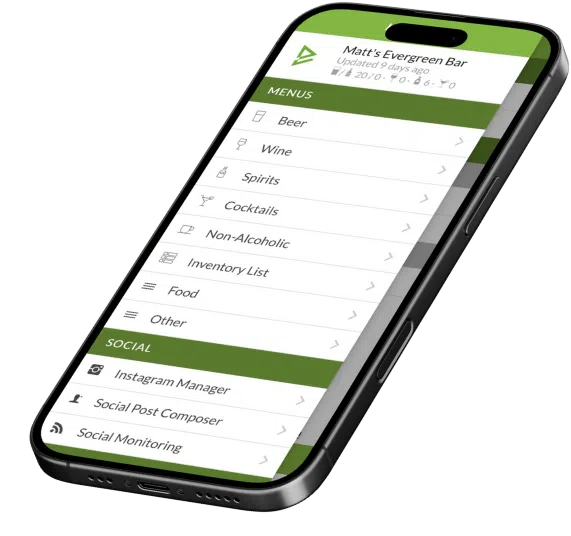
The defining feature of great digital menu board software is the ability to update your menu from your phone, tablet, or laptop — and have that change appear on every screen within seconds. Not minutes. Not after a scheduled sync. Seconds. When a keg kicks mid-service or a special sells out, you need to act immediately. Any platform that requires you to be at a dedicated terminal or wait for a sync cycle isn’t built for real hospitality operations.

Evergreen updates every board — and your website menu — simultaneously from a single dashboard, in real time, from any connected device.

2. Multi-Location Management

If you operate more than one location — or plan to — your digital menu board software needs to support multi-location management from a single account. Updating 5 locations individually defeats the purpose. The right platform lets you push a menu change to one location, all locations, or any combination — with one action. This is especially important for franchise operators and growing regional concepts.
website menu sync

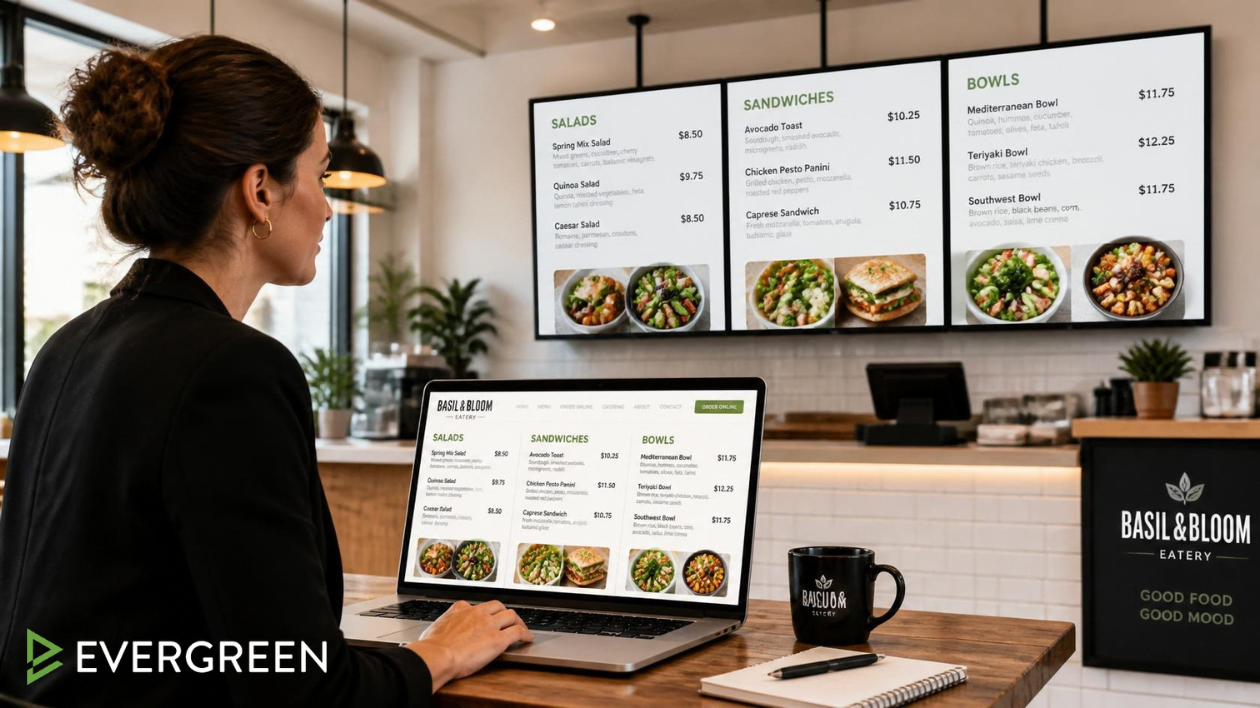
3. Website Menu Sync

Your digital menu boards and your website menu should always match. When they don’t — a guest sees something online that you’re not serving — it creates friction, disappointment, and sometimes a lost customer. The best digital menu software syncs your in-venue boards and your website menu from the same database. Change it once, it updates everywhere. Evergreen does exactly this — your website menu is always a live reflection of what you’re actually serving.

4. Flexible Display and Layout Options

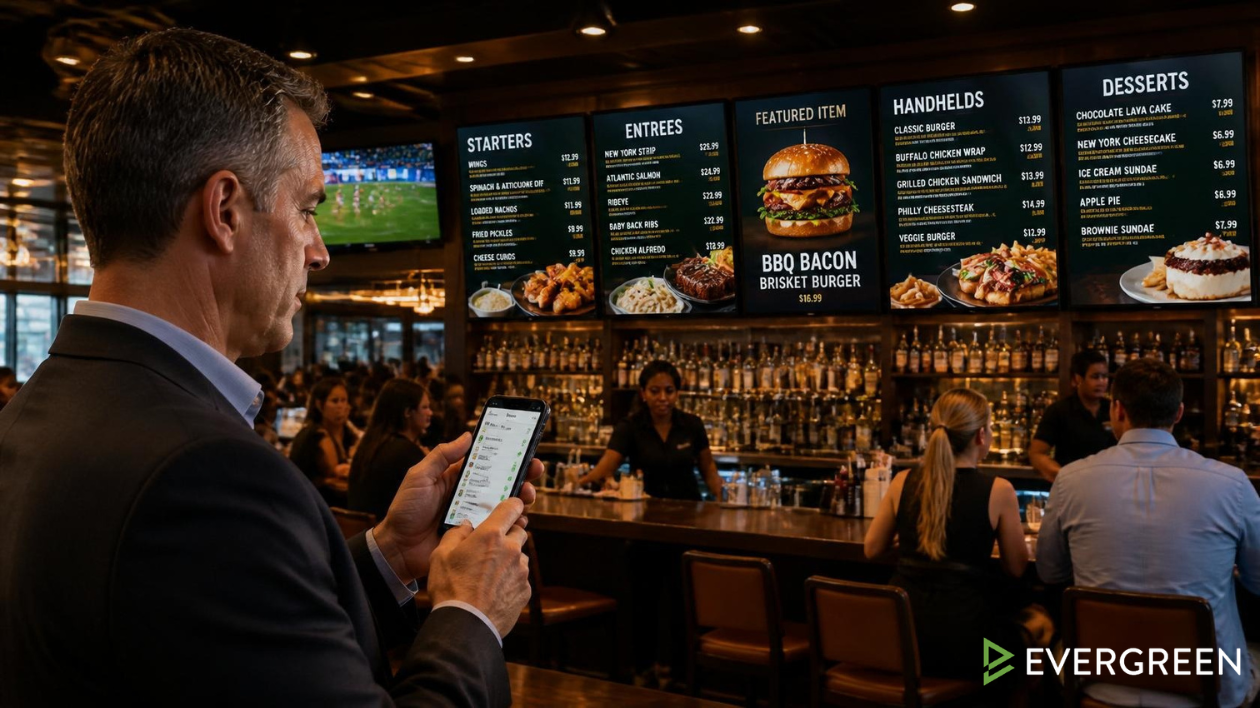
Your digital menu board software needs to support the variety of screen orientations, sizes, and use cases you’ll encounter in a real venue. Landscape boards behind the bar. Portrait screens near the entrance. A TV above the tap handles showing only the tap list. A screen near the kitchen showing daily specials. A great platform handles all of these with zone-based content management and flexible templates — not a one-size-fits-all layout.

5. Scheduling and Automation

Happy hour doesn’t require a manual flip. Breakfast shouldn’t still show on your boards at 11:01 AM. The best digital menu board software includes scheduling so your boards automatically switch between dayparts, menus, and price sets at the times you specify. Set it once, it runs itself. This is one of the most impactful time-savers for any multi-daypart operation — and it eliminates the pricing errors that come from forgetting to manually switch menus.

6. Reliable Hardware Compatibility

Software is only as good as the hardware it runs on. The best digital menu board software platforms are designed to run on commercial-grade displays with dedicated media players — not consumer-grade smart TVs that lock up, lose internet connection, or require regular reboots. Look for platforms that support dedicated hardware like BrightSign players or purpose-built media sticks, with remote monitoring so you can see if a screen goes offline without walking the floor.

7. Onboarding Support and Ongoing Customer Service

The best digital menu board software in the world is useless if your team can’t operate it. Look for platforms that offer real onboarding — not just a YouTube video — and ongoing customer support that you can actually reach when something goes wrong during dinner service. This is one of the most underrated differentiators between platforms, and one of the most important ones for independent operators without dedicated IT staff.

Digital Menu Board Software Comparison: What to Ask Before You Buy

FeatureMust HaveNice to HaveAsk the Vendor
Real-time updatesHow fast does a change appear on-screen?
Mobile update capabilityCan I update from my phone mid-service?
Website menu syncDoes the same update hit my website?
Multi-location support✅ (if 2+ locations)Can I manage all locations from one login?
Daypart schedulingCan menus switch automatically at set times?
Hardware monitoringCan I see if a screen goes offline remotely?
POS integrationDoes it connect to my existing POS?
Dedicated onboardingWho helps me get set up and trained?
Evergreen Digital Menu App

4,500+ Operators Trust Evergreen for Their Digital Menus

Join 4,500+ restaurants, bars, and breweries using Evergreen to modernize their menus.
Frequently Asked Questions About Digital Menu Board Software

QuestionAnswer
What is digital menu board software?Software that manages the content displayed on digital screens in your bar or restaurant — menus, specials, promotions, and tap lists — and updates them in real time from a central dashboard.
How much does digital menu board software cost?Plans typically range from $50–$300/month depending on location count and features. Hardware (screens + players) is an additional one-time cost.
What hardware do I need for digital menu boards?Commercial-grade displays (40–75″) and a media player (BrightSign, Amazon Fire Stick, or proprietary hardware depending on the platform).
Can I manage multiple locations from one account?The best platforms support multi-location management — push updates to one location, all locations, or any combination from a single login.
Does Evergreen sync with my website menu?Yes — Evergreen updates your digital boards and your website menu simultaneously from one dashboard. Change it once, it updates everywhere.
What’s the most important feature in digital menu board software?Real-time updates from any device. If you can’t change your menu in seconds from your phone mid-service, the software isn’t built for real hospitality operations.

Choose Digital Menu Board Software Built for Real Hospitality Operations

The best digital menu board software pays for itself in weeks through print cost elimination and revenue upside from smarter menu presentation. Evergreen delivers all 7 must-have features — real-time updates from any device, website menu sync, multi-location management, scheduling, reliable hardware support, and dedicated onboarding. Join 4,500+ bars, restaurants, and breweries already running smarter menus. Start your free trial today — no credit card required.

About Evergreen

Evergreen is digital menu software built for bars, restaurants, and breweries. Since 2010, Evergreen has helped 4,500+ operators manage their digital menu boards, website menus, and print menus from a single platform — making every update instant, accurate, and effortless.

YOU MAY ALSO LIKE...