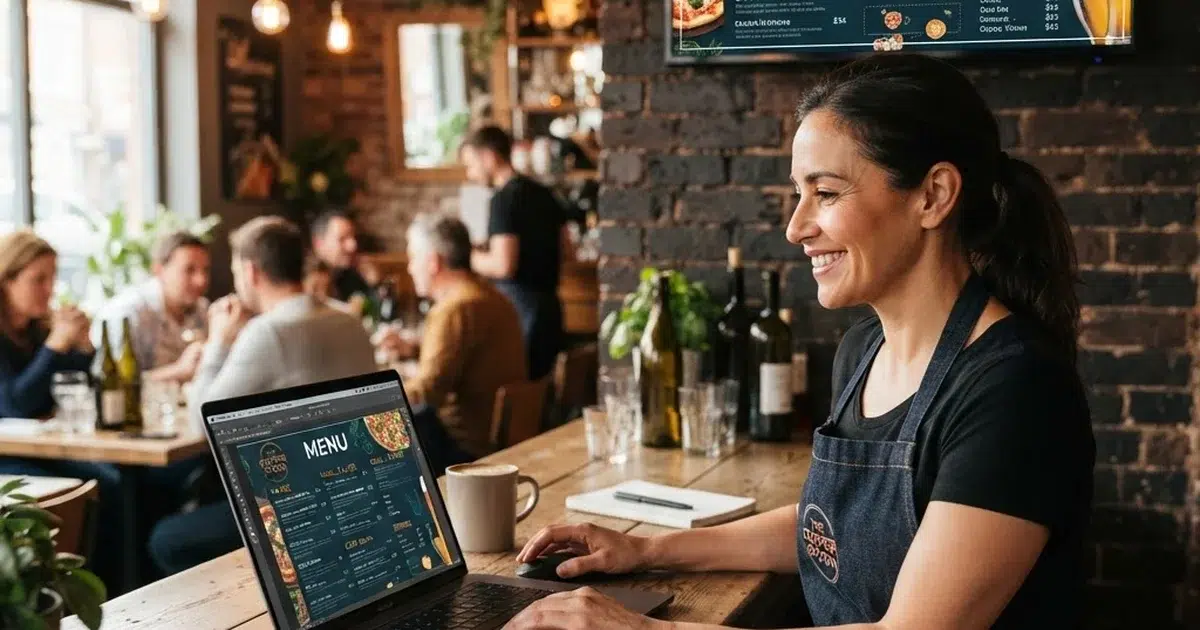
Learning how to create a digital menu board is the best way to boost sales and update your restaurant. The transition from old paper lists to bright, digital displays is a major step forward for your growing business. A modern digital screen will showcase your tasty food items and help you edit item prices in real time. This detailed guide shows you how to buy screens, select software, and build stunning lists for your guests. Let us explore the simple steps to launch your successful digital menus in your business starting today.
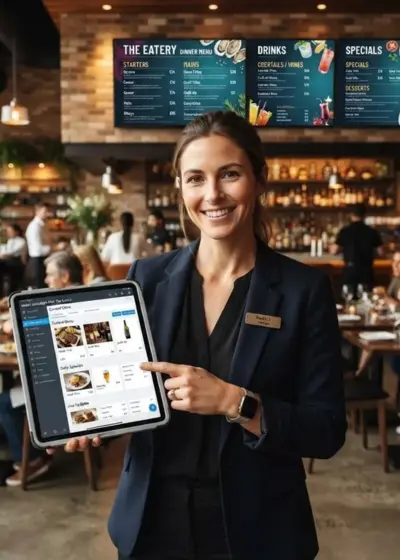
Bar Owners See Evergreen’s Digital Menu Software in Action
Join 4,500+ restaurants, bars, and breweries using Evergreen to modernize their menus.
Selecting Your Commercial Display Hardware
When planning how to create a digital menu board, your first decision is about the hardware itself.
Do not make the common mistake of buying a cheap home television for your active restaurant counter. Commercial screens are built to stay on all day, which is vital when discovering how to create a digital menu board. They feature heavy-duty cooling fans and stronger glass to protect against kitchen grease and hot steam. You also need a reliable media player to stream your content to the display screen. Many restaurants use compact media players like Amazon Fire TV Stick or a simple Raspberry Pi device. Ensure your selected player has a stable internet connection to prevent any display lag during service.
Choosing the Ideal Menu Management Platform
If you want to know how to create a digital menu board, choosing the right platform is essential.
Good software makes it easy for owners who are learning how to create a digital menu board.
The right digital menu board software allows you to update your pricing in real time.
Using modern cloud-based software allows you to create a digital menu in under ten minutes.
Operators who need the best digital menu board for small restaurants prefer simple drag-and-drop web interfaces. Ensure your system has high uptime and allows offline playback when your internet connection drops.Look for systems that offer automated menu updates to save your management team hours of manual work.

Fast and Physical Screen Setup and Mounting
Our next phase of how to create a digital menu board involves the physical setup of screens.
Many operators researching how to create a digital menu board worry about the actual wiring and mounts. Your physical digital menu board setup requires stable wall mounts and strong media players. Mount your screens at a comfortable viewing angle above or behind your main service counter. Make sure to hide all power cords behind the drywall to keep the area clean.
You can find great advice in the National Restaurant Association technology resources manual.
Double-check that your wall studs can support the weight of commercial displays safely.
Best Practices for Effective Screen Design
The visual aspect is a major element of how to create a digital menu board for your restaurant.
High contrast and clear fonts are necessary when you learn how to create a digital menu board.
Keep your digital menu board design simple by using high-contrast colors and readable fonts.
You can use template tools to make a digital menu board that looks highly professional.
You can check some digital menu examples to find creative layouts for your business.
Remember to apply menu engineering with digital boards to highlight your highest-margin food items. Do not clutter your screens with too many animations or small text paragraphs. Guests should be able to read your entire display from ten feet away easily. Use high-quality photos of your signature dishes to tempt diners and boost impulse purchases.
Live Testing and Final Screen Deployment
The final step of how to create a digital menu board is to test your new system live.
You should walk your dining room to see how to create a digital menu board that stays legible.
Check how your colors look under different lighting levels during the day and night.
We highly recommend using Evergreen digital menu boards to streamline your design process.
Fix any overlapping text or slow loading images before you welcome your first customer.
You can read about modern restaurant technology trends to optimize your hardware settings.
Make sure to test your software’s scheduling tool to swap from lunch to dinner specials automatically.

Real-World Efficiency Gains for Fast-Casual Operators
Many operators discover that learning how to create a digital menu board solves their biggest scheduling issues. Your team can save hours of labor once you master how to create a digital menu board. One restaurant group reported that updating rotating beverages used to take managers hours of manual work every single week. After switching to an integrated digital menu system, they updated their boards, print lists, and website with one click. This simple change eliminated data entry errors and freed up staff to focus entirely on customer service. Investing in restaurant digital menu creation is a proven method to increase your average order value.
You can also use interactive digital menus to engage customers further at the point of sale.
Feel free to review Square’s restaurant resources for more advice on operational efficiency.
Bar Owners See Evergreen’s Digital Menu Software in Action
Join 4,500+ restaurants, bars, and breweries using Evergreen to modernize their menus.
Frequently Asked Questions About Digital Menus
| Question | Answer |
|---|---|
| What are the initial steps on how to create a digital menu board? | You must buy a commercial screen, connect a reliable media player, and install professional menu software. |
| Do I need a commercial screen or a standard TV? | Commercial screens are recommended because they are built to run for twelve or more hours daily. |
| How often can I update my menu board? | You can update your menu board instantly using cloud-based management systems on your phone or computer. |
Boosting Sales with Modern Menu Displays
Upgrading your ordering experience is easy when you know how to create a digital menu board for your venue. Bright displays and smart layouts attract more customers and raise average ticket sizes.You will save valuable manager time while keeping your pricing fully accurate. Are you ready to grow your restaurant revenue today? Visit EvergreenHQ to explore our custom design options and start your free trial.\
Bar Owners See Evergreen’s Digital Menu Software in Action
Join 4,500+ restaurants, bars, and breweries using Evergreen to modernize their menus.

About Casey Marte
Senior SEO & Digital Marketing Strategist, EvergreenHQ
Casey Marte is a Senior SEO & Digital Marketing Strategist at EvergreenHQ, with over 14 years of experience across content strategy, search optimization, and AI-driven marketing. She specializes in making complex digital concepts practical for the operators who need them most.
At EvergreenHQ, Casey brings a data-first mindset to everything from how your business ranks in search to how your brand shows up across platforms. Whether you are running a single taproom or a growing multi-unit restaurant group, she is focused on making sure your digital presence works as hard as your team does.