Wine menu design is one of the most underleveraged revenue tools in the restaurant and bar industry. A poorly organized wine list loses sales — guests get overwhelmed, default to the cheapest option, or skip wine entirely. A well-designed wine menu guides guests toward confident choices and higher-margin bottles. This guide covers how to structure, price, and present your wine menu design for maximum sales — and how a digital menu board makes keeping it current effortless.
The Fundamentals of Wine Menu Design
The best wine menu designs share one trait: they make choosing easy. Too many options without context overwhelms guests. The right structure gives them anchors — by style, by region, or by occasion — so they can navigate confidently.
| Structure Option | Best For | Guest Experience |
|---|---|---|
| By style (light/bold, dry/sweet) | Casual bars, gastropubs | Intuitive — guests know what they like |
| By region (France, Italy, California) | Fine dining, wine bars | Appeals to enthusiasts — signals credibility |
| By price tier (under $40 / $40–70 / $70+) | All venues | Removes budget anxiety — speeds up decisions |
| By occasion (by the glass / bottles / pairings) | Full-service restaurants | Drives upsell from glass to bottle naturally |
See Evergreen in Action
Thousands of bars and restaurants use Evergreen to manage their digital menus. Start your free trial — no credit card required.
Wine Menu Design Pricing Strategy
Most operators use a 3x markup on cost as a baseline — a $10 bottle retails for $30. But effective wine menu design uses anchor pricing. Feature a high-price bottle prominently, and the bottles just below it feel like strong value. Guests regularly choose the second-most-expensive option — it’s a well-documented ordering behavior. Position your highest-margin bottles there.
By-the-glass programs should target a 20–25% pour cost. Feature them prominently on your digital menu board — they’re your highest-turnover wine revenue.
Displaying Your Wine Menu on a Digital Board
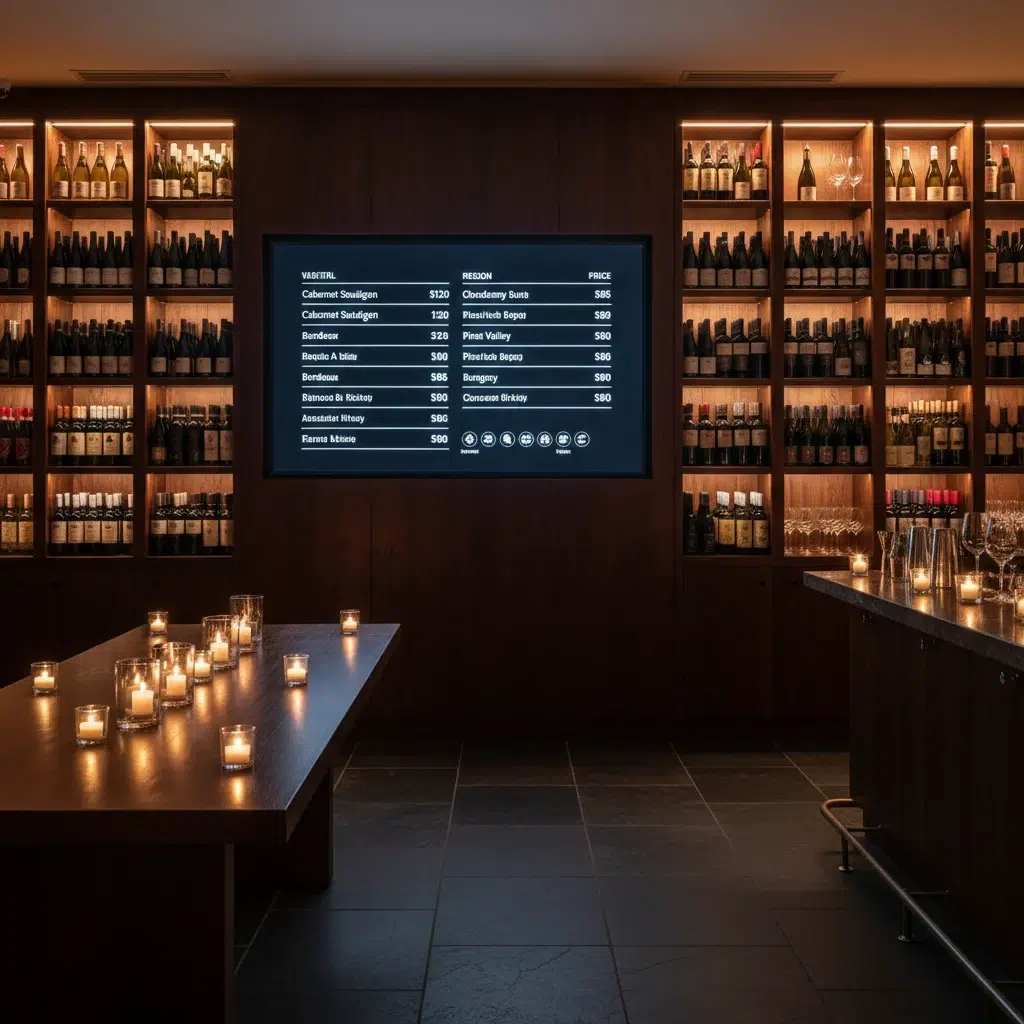
A digital menu board software solution transforms wine menu design from a static document into a live selling tool. When a bottle sells through, remove it instantly. When a new vintage arrives, add it in seconds. When you want to feature a specific bottle for a promotion, move it to the top without reprinting anything.
For bars with rotating wine lists, a digital signage display is the only practical way to keep guests looking at an accurate list at all times.
How Many Wines Should Be on Your Menu?
Less is more in wine menu design. Research consistently shows that more choices reduce sales — guests freeze when overwhelmed. Aim for:
- By the glass: 6–10 options (2–3 whites, 2–3 reds, 1 rosé, 1 sparkling)
- Bottles: 20–40 options for casual dining; 60–100+ for fine dining or dedicated wine bars
- Featured: Always have 1–2 highlighted selections driving attention and conversation
Frequently Asked Questions
| Question | Answer |
|---|---|
| How often should a wine menu be updated? | At minimum seasonally — quarterly is better. Digital menus make this continuous rather than a scheduled project. |
| Should wine descriptions be long or short? | Short. Two to three flavor descriptors max. Long descriptions slow guests down and rarely improve conversion. |
| What’s the best way to upsell wine? | Feature high-margin bottles at eye level on your menu and boards. Train staff to suggest food pairings — it increases both wine and food spend. |
A Better Wine Menu Design Starts with Evergreen
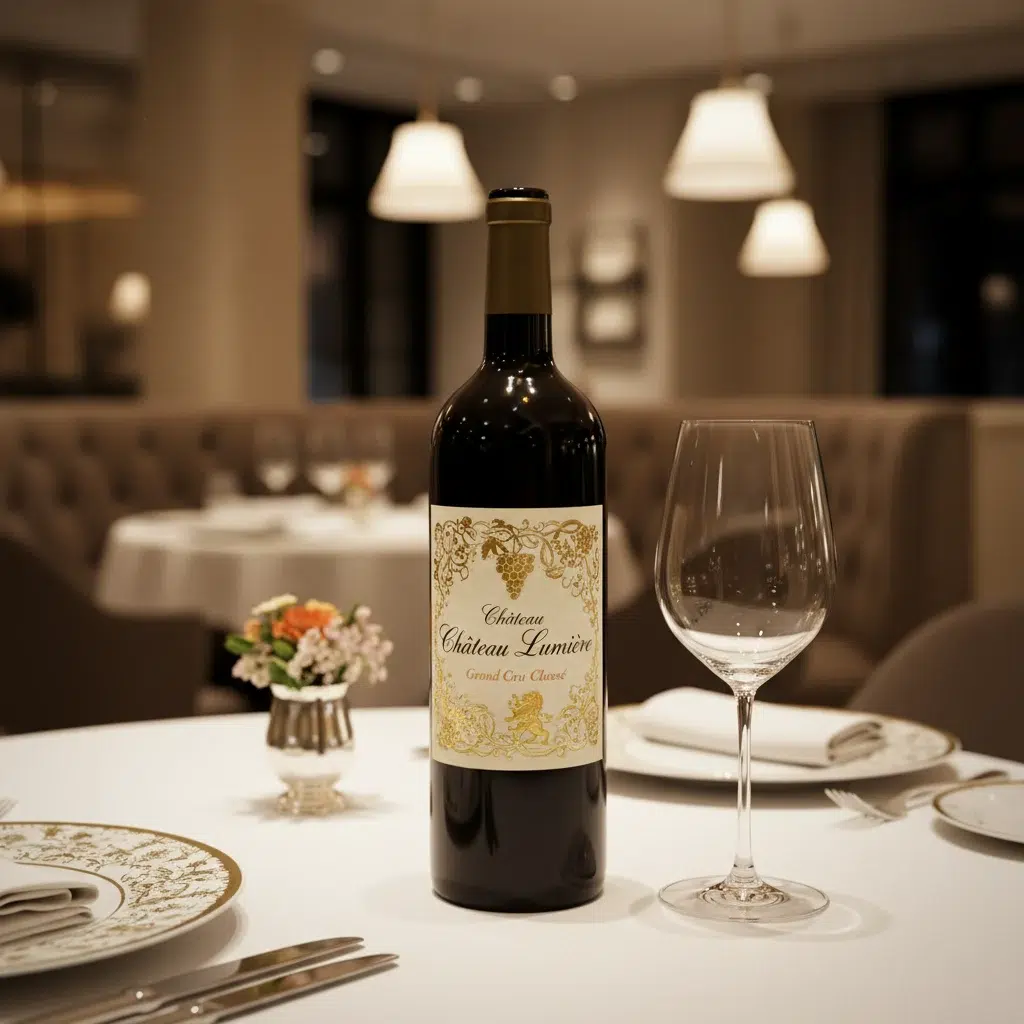
Great wine menu design is an ongoing process, not a one-time project. Evergreen keeps your digital menu boards current so your wine list always reflects what’s actually available and what you want to sell. Start your free trial or contact us today.
About Evergreen
Evergreen is a cloud-based digital menu board software platform built for bars, restaurants, and multi-location operators. Real-time menu updates, scheduling, and menu software management from one simple dashboard.
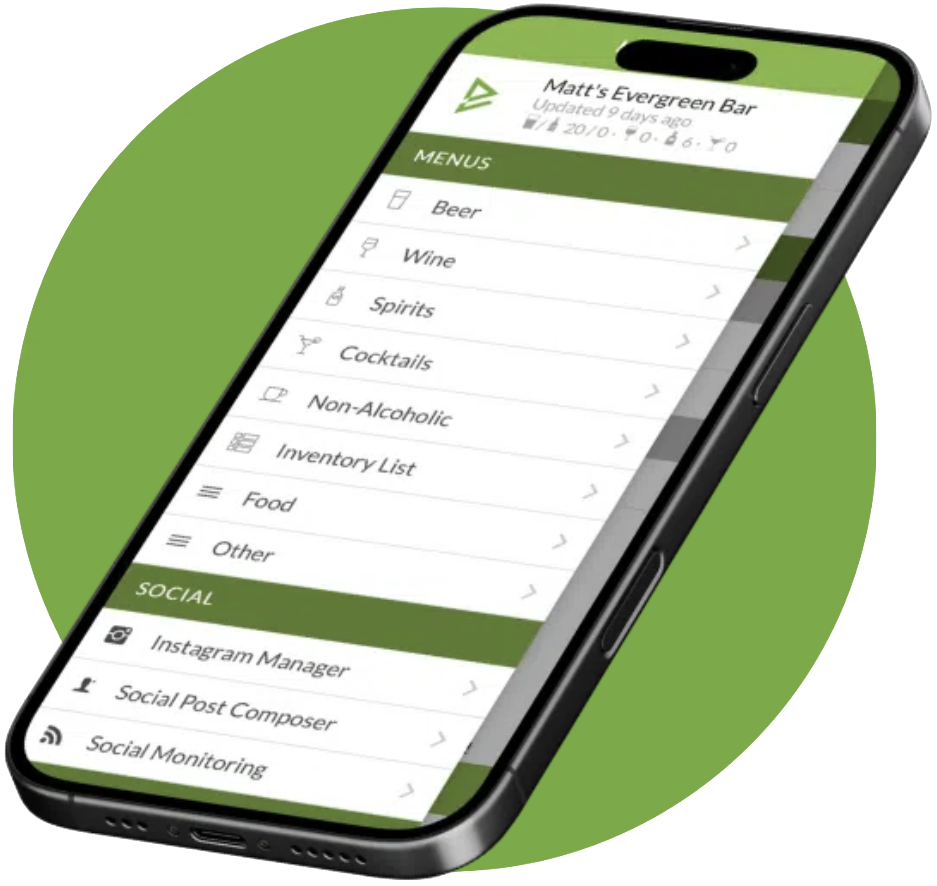
See Evergreen’s Digital Menu Software in Action
Join 4,500+ restaurants, bars, and breweries using Evergreen to modernize their menus.
Start Free Digital Menu Trial (No Credit Card)
Trusted by The Griffon, British Beer Co, Whole Foods since 2010

About Casey Marte
Senior Technical Content & Product Marketing Manager, EvergreenHQ
Casey Marte is the Senior Technical Content & Product Marketing Manager at EvergreenHQ, where she turns complex bar and restaurant tech into clear, practical stories operators can actually use. Drawing on years of experience with POS systems, inventory platforms, and front-of-house tools, she specializes in explaining how technology, automation, and AI can simplify daily service and boost profitability.
At EvergreenHQ, Casey partners closely with the product team to shape new features, test tools, and make sure every operator — from a single-location taproom to a multi-unit restaurant group — has the information they need to grow.