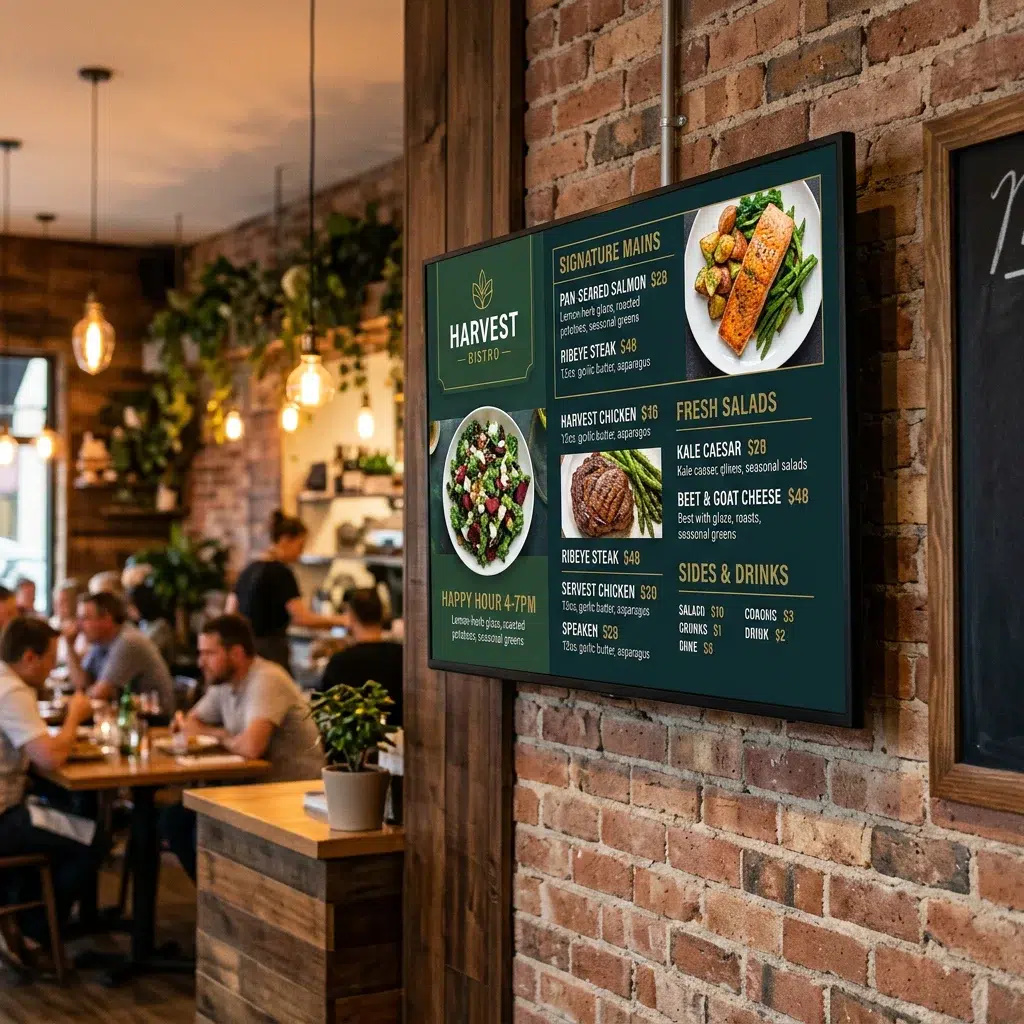
Setting up a digital signage display in your restaurant is one of the fastest upgrades you can make to both guest experience and your bottom line. Restaurant digital signage drives higher average checks, reduces perceived wait time, and keeps your menu always accurate. This step-by-step guide covers hardware selection, software setup, and how to get your first digital menu board live — fast.
What You Need Before You Start
Three things to have sorted before you mount anything:
- A display screen — commercial-grade preferred, but consumer TVs work well for most setups
- A media player — or a smart TV with app support (Amazon Fire Stick, Android TV, or similar)
- Digital menu board software — your content management system. Evergreen handles design, scheduling, and multi-screen management from one cloud dashboard
Step-by-Step: Digital Signage Setup for Your Restaurant
| Step | What to Do | Notes |
|---|---|---|
| 1. Choose your display location | Above the counter, behind the bar, or near the entrance — wherever guests look most | Eye-level or slightly above works best |
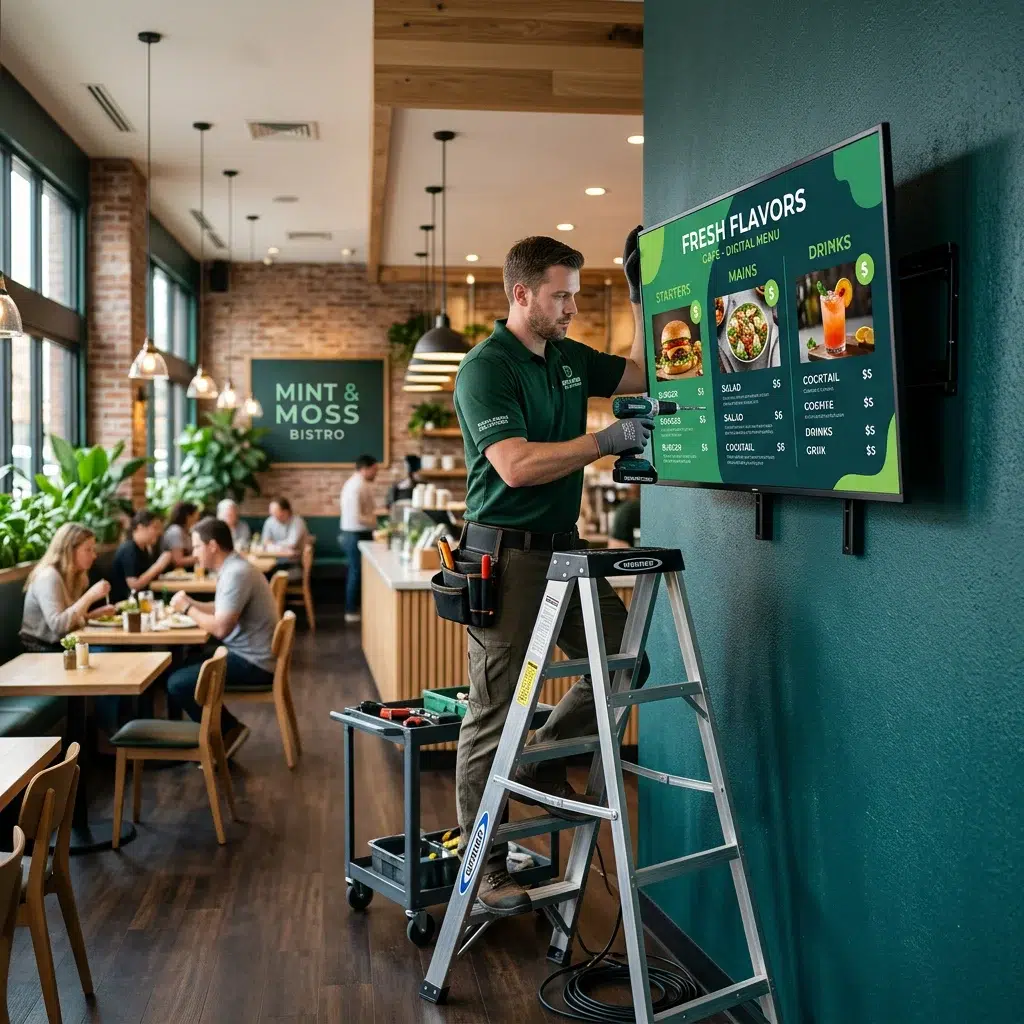
| 2. Mount your screen | Use a VESA-compatible wall mount. Run cables through the wall for a clean install. | 43″–65″ is standard for most restaurants |
| 3. Connect your media player | Plug into HDMI port. Connect to your restaurant’s WiFi — or wired ethernet for reliability. | Wired is more stable for commercial use |
| 4. Install Evergreen on the player | Download the Evergreen app on your media player or smart TV | Takes under 5 minutes |
| 5. Build your menu board | Use Evergreen’s template library — add items, prices, photos, and schedule dayparts | Templates are restaurant-ready out of the box |
| 6. Publish and go live | Hit publish in the Evergreen dashboard — content appears on screen immediately | All future updates push remotely from any device |
Hardware Tips for Restaurant Digital Signage
Hardware choice affects long-term performance. A few things to keep in mind when selecting screens for your digital signage setup:
- Commercial vs. consumer displays: Commercial screens are rated for 16–18 hours of daily use. Consumer TVs are rated for 4–6. For a busy restaurant running boards all day, commercial is worth the investment.
- Brightness: Near windows or in brightly lit spaces, look for 500+ nits. Standard commercial displays run 350–500 nits.
- Orientation: Most menu boards run landscape, but vertical displays work well for single-column drink lists or specials boards.
For specialty setups — food trucks, hotel restaurants, food courts — check out Evergreen’s food truck digital menu boards and hotel restaurant digital menu boards pages for setup-specific guidance.
See Evergreen in Action
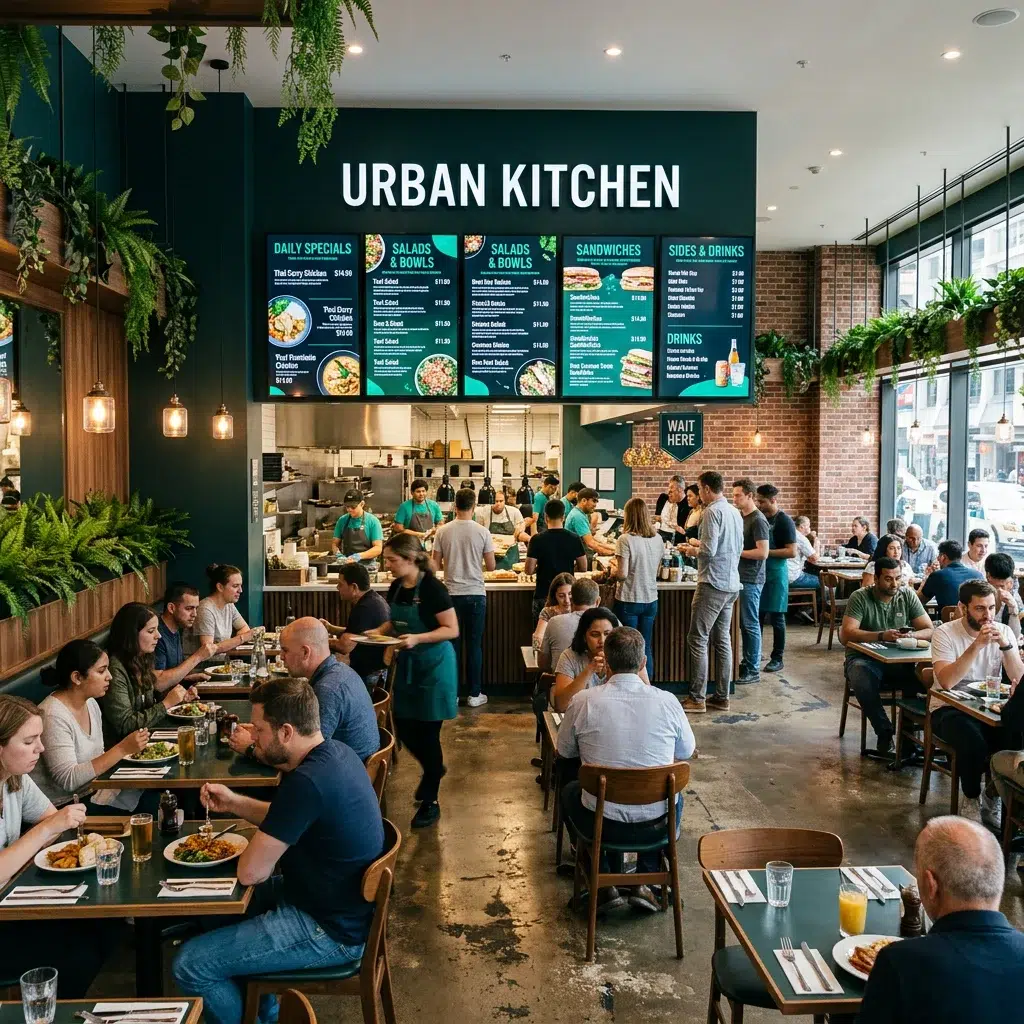
Thousands of bars and restaurants use Evergreen to manage their digital menus. Start your free trial — no credit card required.
Frequently Asked Questions
| Question | Answer |
|---|---|
| Can I use a regular TV for restaurant digital signage? | Yes, especially for a starter setup. For displays running 8+ hours daily, commercial screens last much longer. |
| Do I need WiFi for digital signage? | Yes for setup and updates. Evergreen caches content locally so boards keep displaying if WiFi drops briefly. |
| How many screens can I run with Evergreen? | Unlimited screens across unlimited locations on appropriate plans. |
| Can I run different content on different screens? | Yes. Each screen can show unique content, or you can sync all screens to the same layout. |
Get Your Restaurant Digital Signage Live Today
The setup is simpler than you think — and the results show up immediately. Evergreen handles design, scheduling, and multi-screen management. Start your free trial or contact us to get your first screen live.
About Evergreen
Evergreen is a cloud-based digital menu software platform for restaurants, bars, and multi-location foodservice operators. Simple setup, powerful management, real-time updates from anywhere.