
How Digital Menu's Work
Evergreen’s digital menu platform is designed for ease, flexibility, and control. Whether you’re running a single location or managing multiple venues, our tools make it simple to launch, update, and promote your menus from any device.
GET MY FREE DEMO
Free Demo form used on multiple pages.
How Digital Menu Board Software Works — Step-by-Step
Digital menu board software like Evergreen replaces static printed menus and disconnected screen systems with a live, cloud-connected menu platform. Every change you make in one place updates every screen, your website menu, and your social channels simultaneously. Here’s exactly how it works — from setup to your first live board.
Step 1: Connect Your Screens to Evergreen
Plug Evergreen’s media player into the HDMI port on any commercial TV or monitor. The device connects to your WiFi and automatically links to your Evergreen account. No IT setup. No configuration menus. Most operators have their first menu screen live in under 30 minutes.
Step 2: Build Your Menu in the Evergreen Dashboard
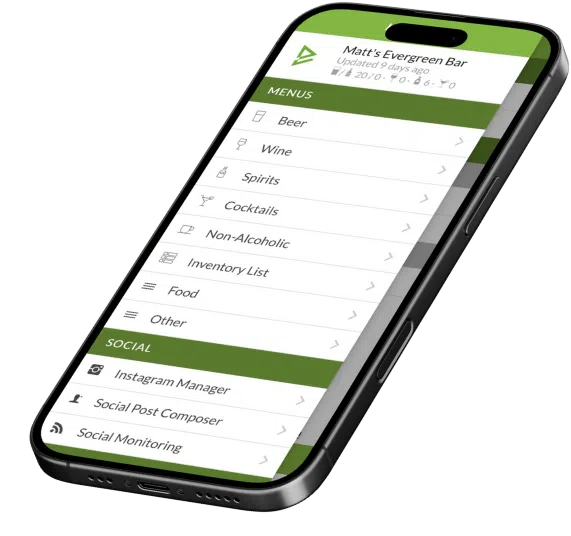
Log into Evergreen from any browser — phone, tablet, or computer. Add your menu items: name, price, description, photos, ABV (for beer), allergen notes, and more. Choose a professional template and apply your branding. Your digital menu is ready to display.
Step 3: Every Screen Updates Automatically
Make a change in Evergreen — add a special, update a price, 86 a sold-out item — and every connected screen updates in seconds. No USB drives. No remote desktop. No calling the tech person.
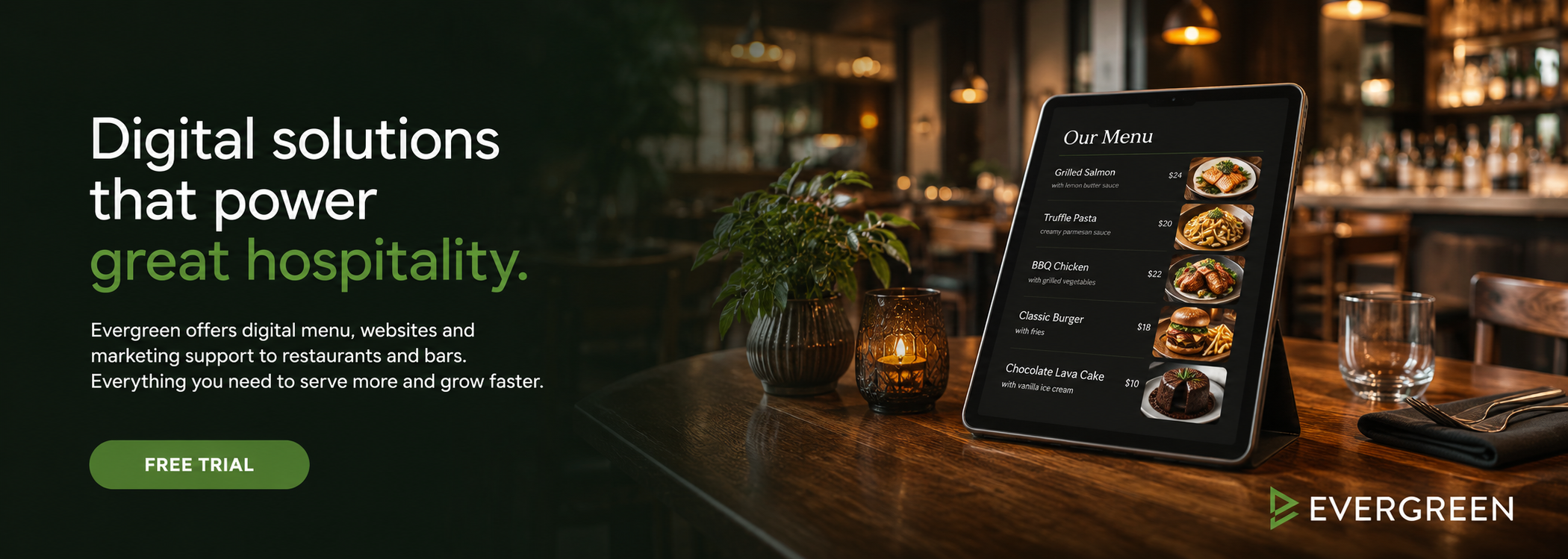
What Digital Menu Board Software Manages
| What You Can Manage | How It Works |
|---|---|
| In-venue menu boards | Live screens behind your bar or at your counter — updated instantly from the dashboard. |
| Website menu | Embed your Evergreen menu on your website — it updates automatically with every change. |
| Social media posts | Push menu updates and specials to Facebook and Instagram in one click. |
| Print menus | Generate print-ready PDF menus from your Evergreen data — no designer needed. |
| Inventory | Track stock, build order lists, and remove sold-out items from all menus at once. |
| Loyalty program | Run visit-based or spend-based loyalty rewards — all connected to your menu platform. |
See How It Works in Your Venue — Free Trial
Full platform access. No credit card. Most operators have their first board live within an hour.
How Long Does Setup Take?
| Task | Typical Time |
|---|---|
| Account setup | 5 minutes |
| Connect first screen | 15–30 minutes |
| Build your first menu | 30–60 minutes (depending on menu size) |
| Embed website menu | 10–15 minutes (one line of code) |
| Connect social channels | 5–10 minutes |
| Total time to full setup | Under 2 hours for most operators |
Frequently Asked Questions — How Digital Menu Board Software Works
| Question | Answer |
|---|---|
| Do I need technical skills to set this up? | No. If you can plug in a TV and connect to WiFi, you can set up Evergreen. No IT required. |
| What screens does Evergreen work with? | Any commercial TV or monitor with an HDMI port — 32" or larger recommended for menu boards. |
| How quickly do changes appear on screens? | Typically within seconds. Update your menu in Evergreen and every screen refreshes automatically. |
| Can I control multiple locations from one account? | Yes. Evergreen's multi-location dashboard lets you manage all venues and screens from a single login. |
| What if I need help setting up? | Evergreen's onboarding team is available to walk you through setup. Book a demo for a guided walkthrough. |
Ready to See Digital Menu Board Software in Action?
Start your free trial today — no credit card, no commitment. Have your first board live in under an hour. Or book a demo and we’ll walk you through every step of the setup process.
About Evergreen
Evergreen is digital menu software built for bars, restaurants, and breweries. Since 2010, Evergreen has helped 4,500+ operators get their digital menu board software live — fast, without technical headaches, and at a price that makes sense for independent operators.





