
How Digital Menu Board Software Works (Step-by-Step)

How Digital Menu's Work

Evergreen’s digital menu platform is designed for ease, flexibility, and control. Whether you’re running a single location or managing multiple venues, our tools make it simple to launch, update, and promote your menus from any device.

GET MY FREE DEMO

Free Demo form used on multiple pages.

Here’s our digital menu works—from setup to daily management.

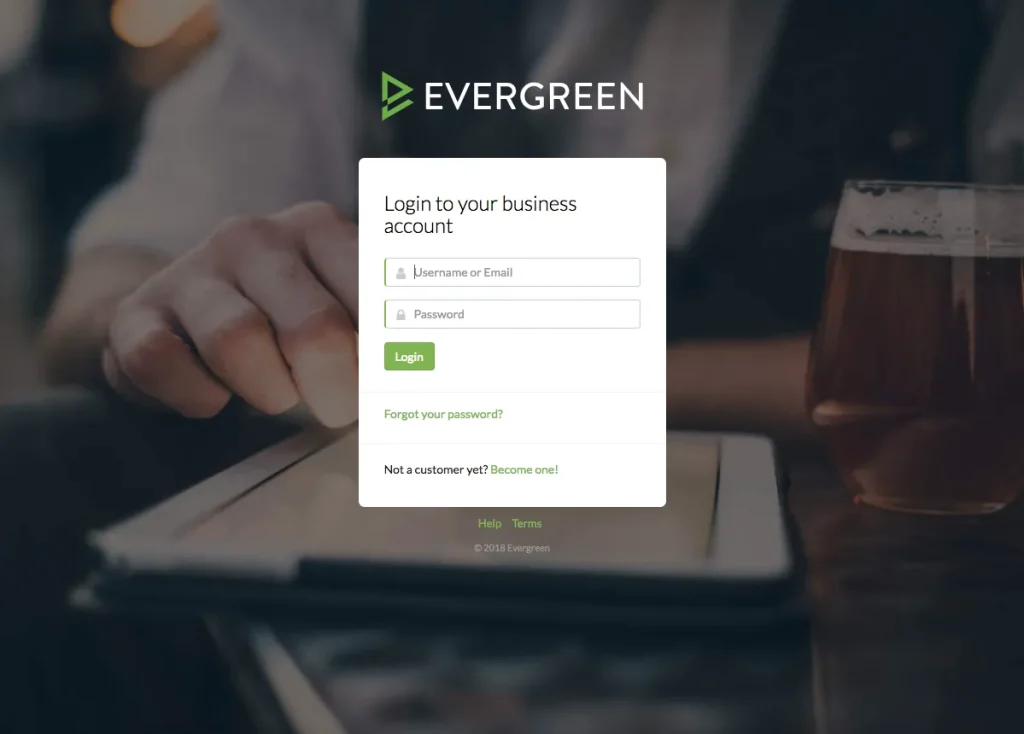
Step 1: Log In to Your Dashboard

Start by logging into your Evergreen dashboard at:
👉 https://www.taphunter.com/admin/login-evergreen

If you manage multiple locations, you’ll see a list and can switch between them anytime using the dropdown in the top-right corner.

Need help with your password? Click “Forgot Password” at login or reset it from the dashboard menu.

How Digital Menu Board Software Works (Step-by-Step)
digital-menu-dashboard

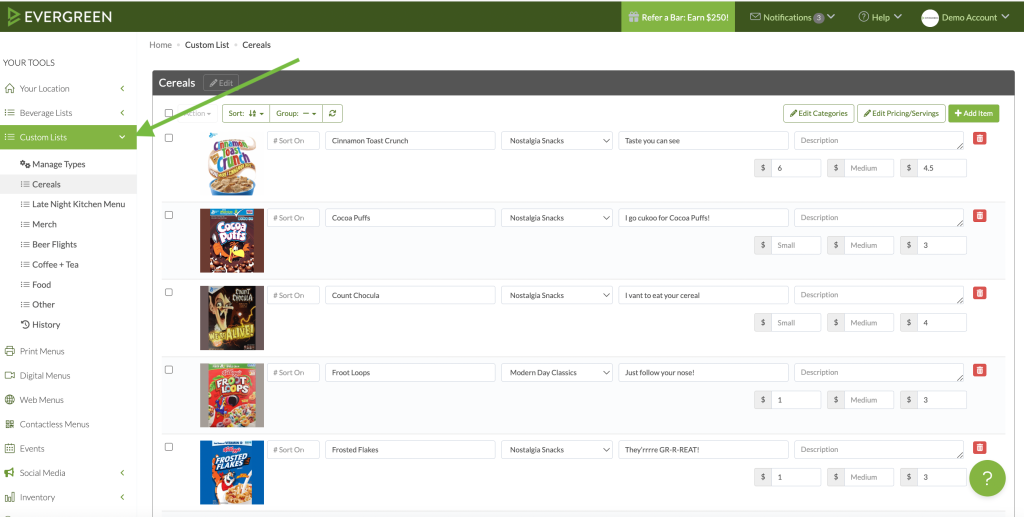
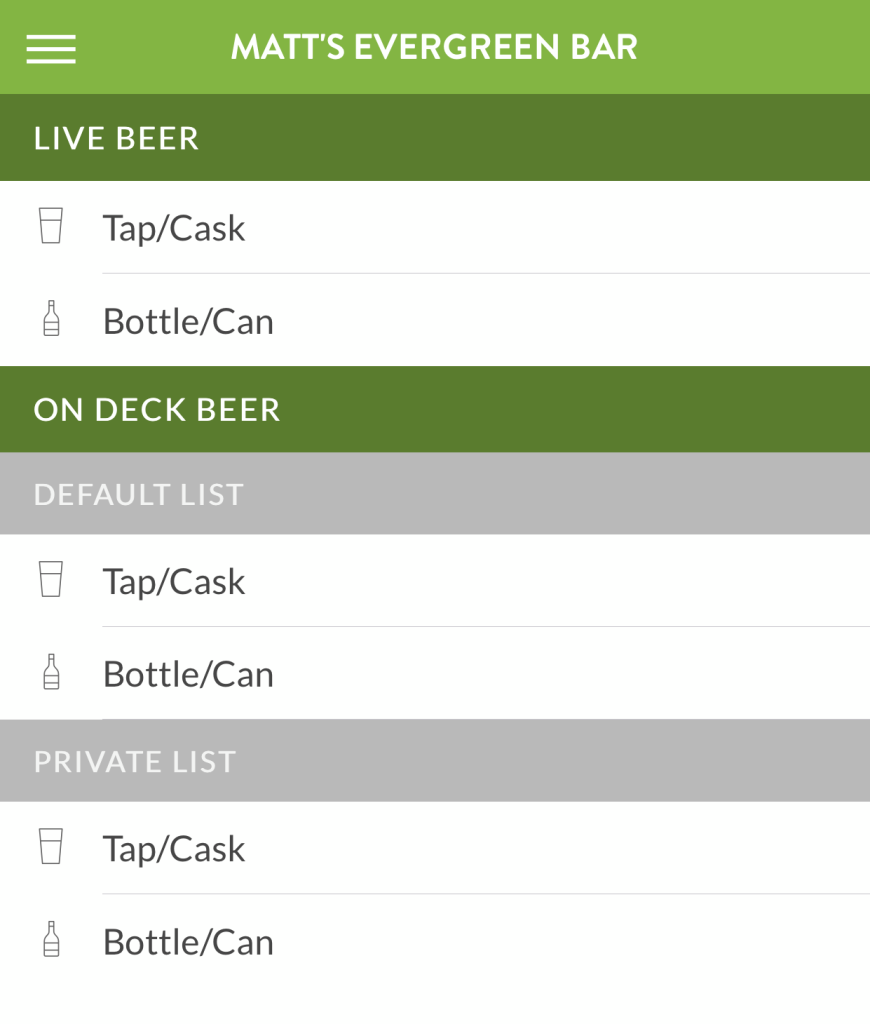
Step 2: Set Up Your Menu Lists

Once inside your menu dashboard, your first step is building your menu. Evergreen supports:

  • Beer
  • Wine
  • Spirits
  • Cocktails
  • Non-Alcoholic options
  • Custom lists (like food or merchandise)

Each list powers your digital menu boards, website menus, and print menus—update once, and your changes sync across platforms

How Digital Menu Board Software Works (Step-by-Step)

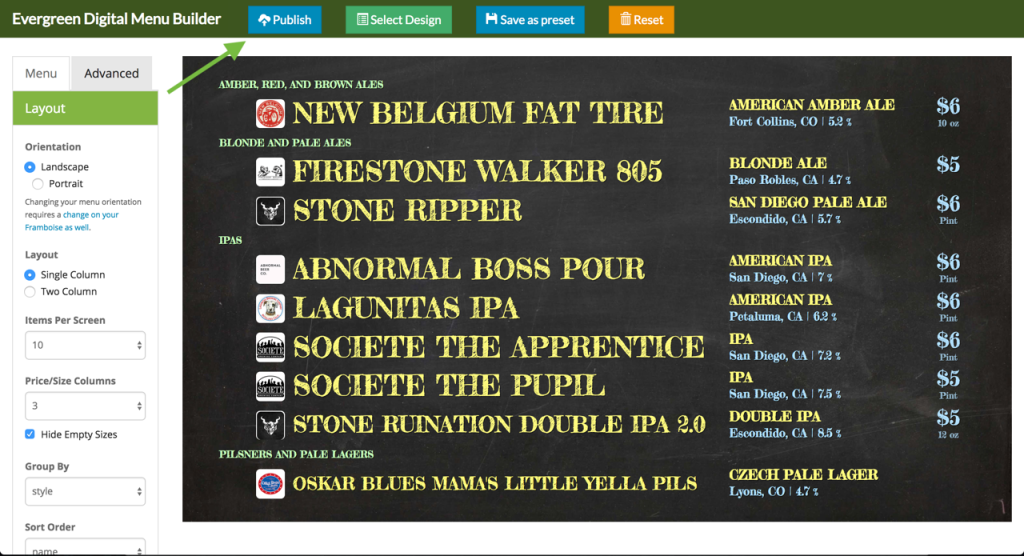
Step 3: Go Live on Your Screens

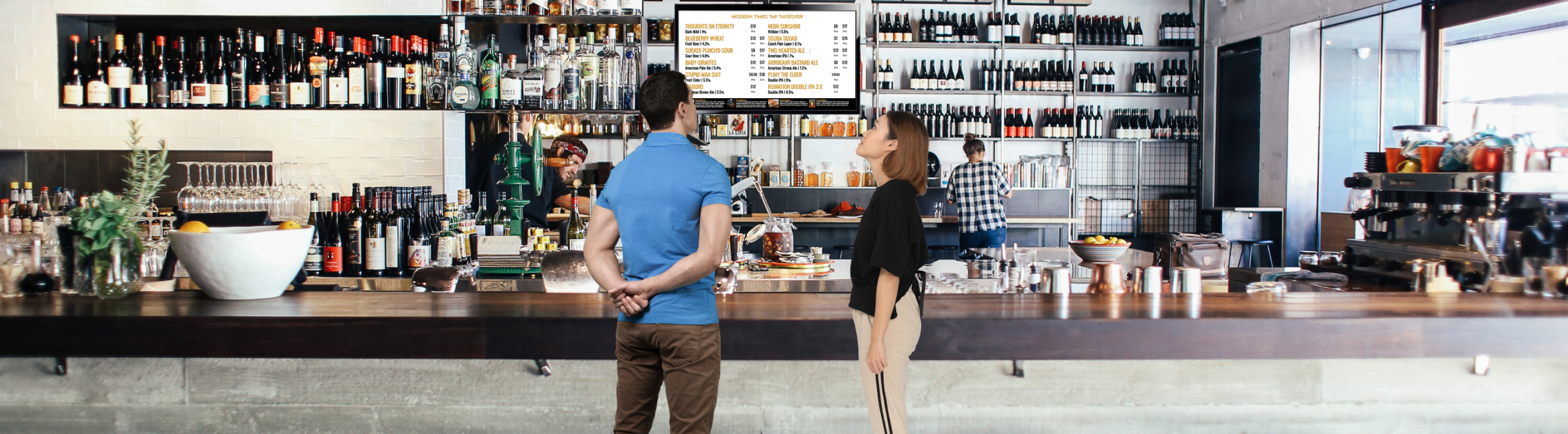
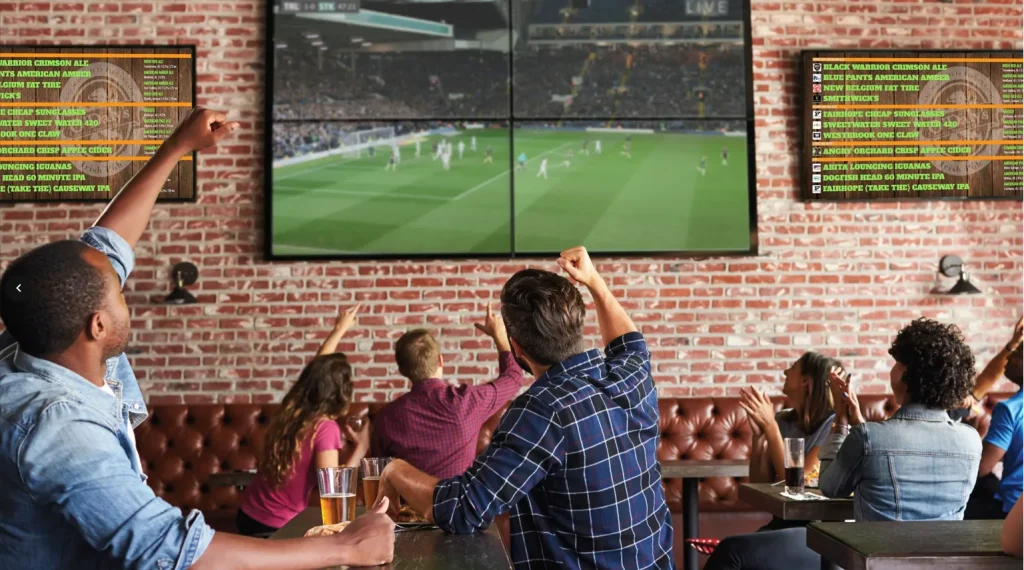
After entering your menu, your digital display is ready. Evergreen’s system automatically formats your lists for screen display and pushes content in real-time.

Your package includes:

  • Pre-configured media player
  • Commercial-grade display (if purchased through us)
  • Cloud-connected software to control your menu anytime

No technical background needed—just plug in, connect, and go live.

publishing-digital-menu-board
How Digital Menu Board Software Works (Step-by-Step)
updating-digital-menu-board

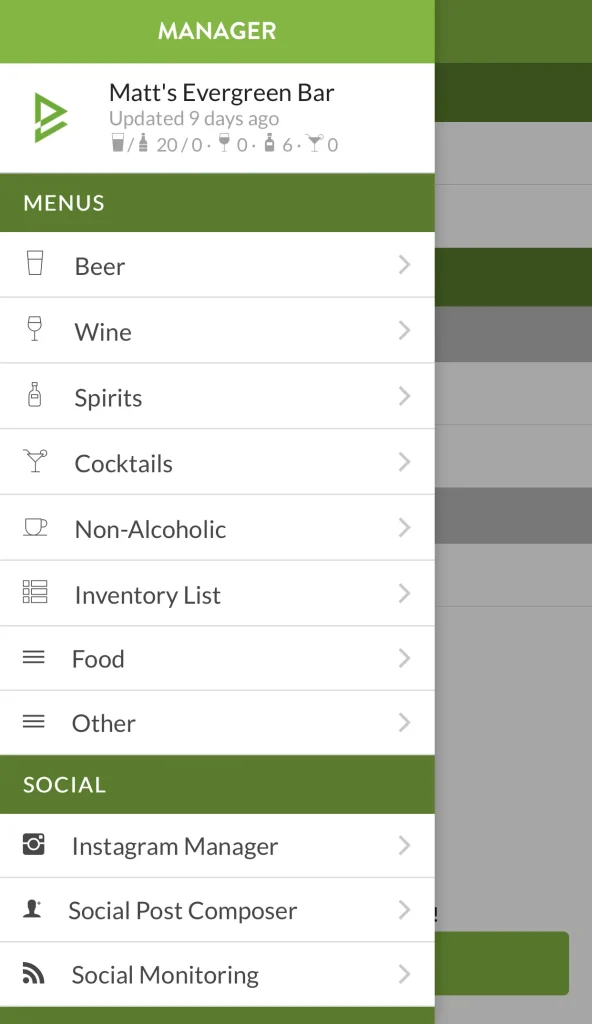
Step 4: Update From Anywhere

Need to make a quick menu change? Log into the dashboard or use the Evergreen mobile app (available on iOS and Android) to:

  • Add or remove menu items
  • Edit prices or availability
  • Push updates instantly to your digital board

You can also manage inventory, create suggested social posts, and monitor online mentions—all from your phone.

How Digital Menu Board Software Works (Step-by-Step)

Step 5: Promote Events and Specials

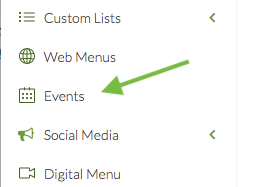
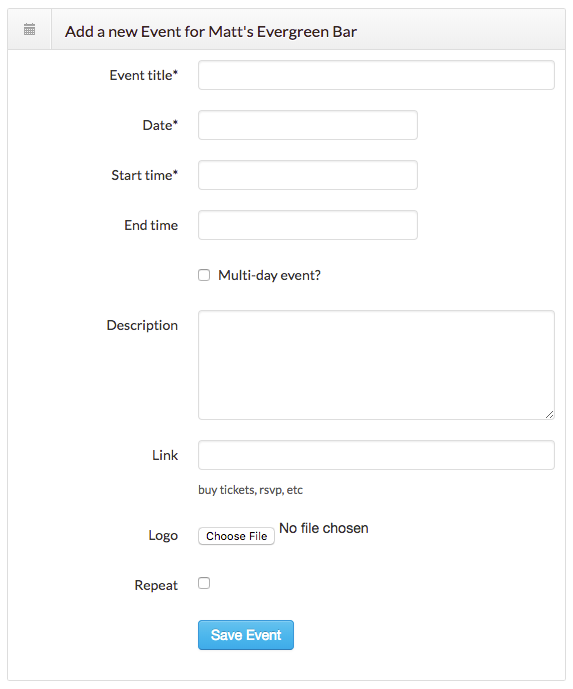
Add events directly in the dashboard to automatically display them:

  • In the footer of your digital menu board
  • On your website and Facebook menus
  • As shareable posts via our Social Composer tool
  • On printed menus (if enabled)

This ensures your latest events always reach customers wherever they’re browsing.

digital-menu-board-events
How Digital Menu Board Software Works (Step-by-Step)
social-media-integration-digital-menu

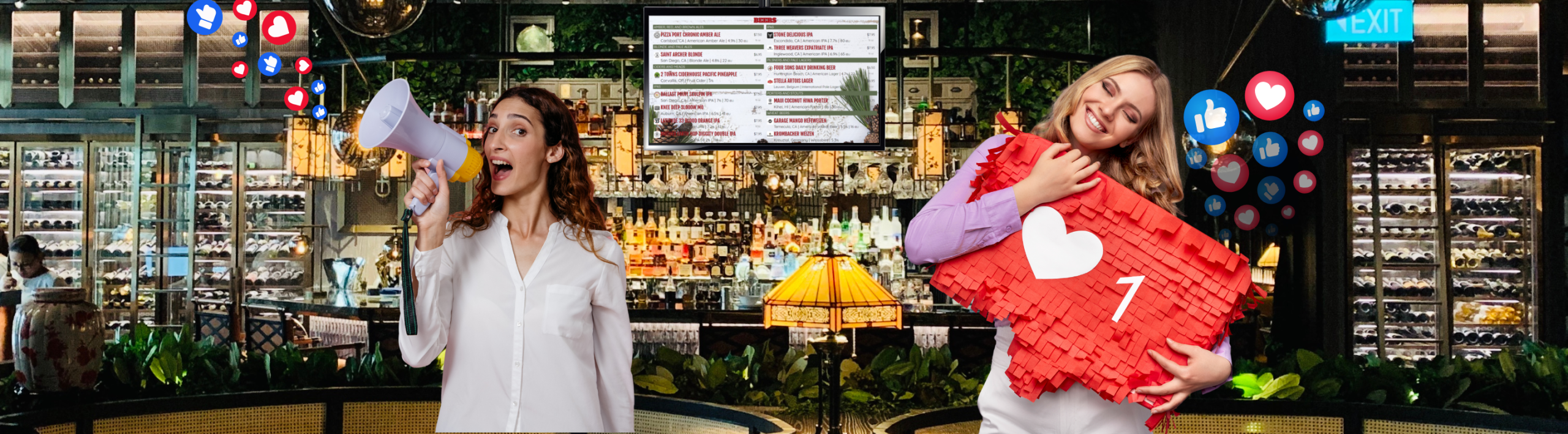
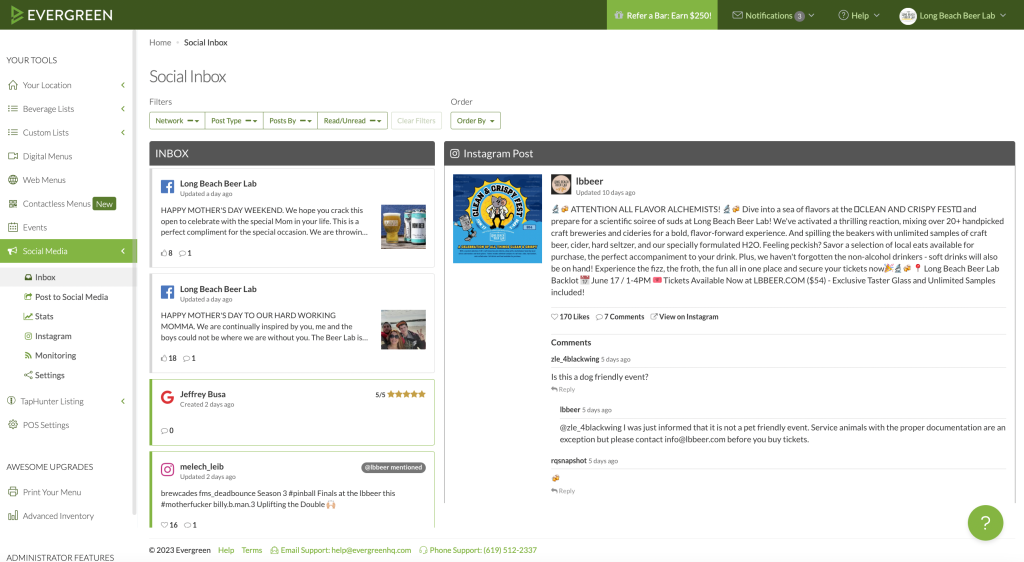
Step 6: Connect Social Media & Reviews

On the Social Settings page, link your Facebook, Instagram, and Twitter accounts to:

  • Schedule and post menu updates
  • Monitor mentions and reviews
  • Flag negative sentiment for response

Stay active without extra tools or logins.

How Digital Menu Board Software Works (Step-by-Step)

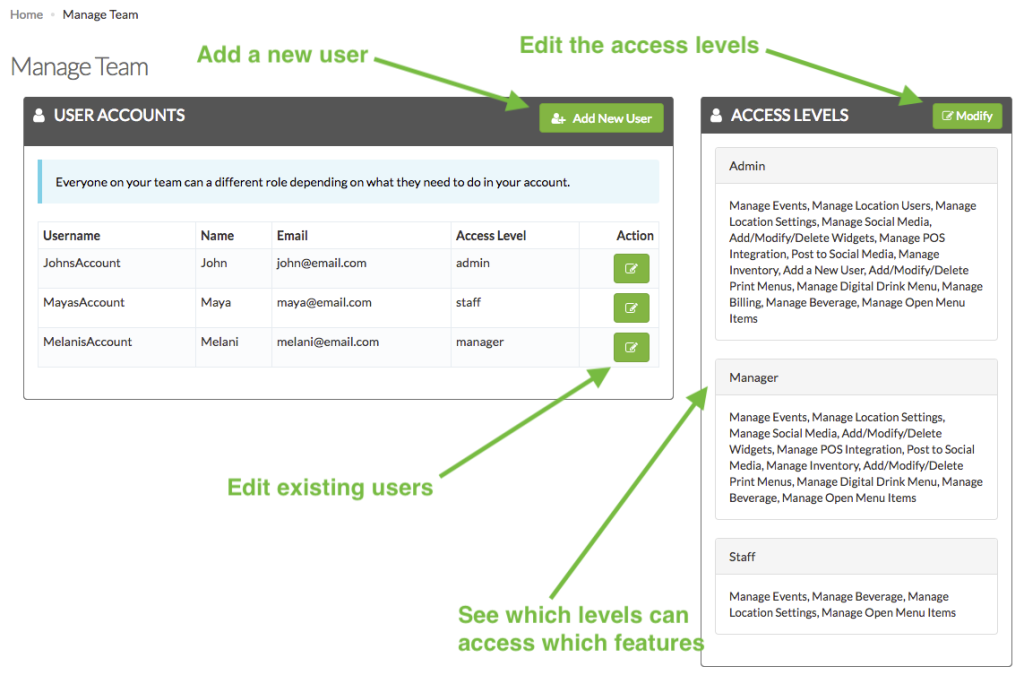
Step 7: Manage Your Team Access

In multi-user environments, the Manage Your Team feature lets you:

  • Add new team members
  • Set access levels (menu-only, admin, etc.)
  • Control what each person can see or change

Each user gets their own login with appropriate permissions.

menu-board-admin-settings
How Digital Menu Board Software Works (Step-by-Step)

Step 8: Use the Location Overview Page

This dashboard home screen shows a live summary of your:

  • Menu activity
  • Social media performance
  • Inventory updates
  • Connected accounts

Click any section to jump directly to the relevant tool and make quick updates.


home page logos

How Digital Menu Board Software Works (Step-by-Step)

Built from the ground up to meet the real-world needs of busy owners and managers.

How Digital Menu Board Software Works (Step-by-Step)

98% customer satisfaction rate from locations in over 12 countries.

WHAT OUR CUSTOMERS SAY

Evergreen makes it easy for me and my employees to focus on serving customers, rather than wasting time in the back office or standing in front of a computer. I love Evergreen’s print menu technology. It lets you update menus really fast without reformatting everything. When something blows or you load a new keg, you can hit print and get a new menu out in the bar in minutes.

How Digital Menu Board Software Works (Step-by-Step)
Katie Judd Division Head

Since signing up with Evergreen, not only have our bar sales grown by 10-15%, but I have saved an immense amount of time in keeping all of our lists updated. From print to website and even social media, Evergreen has made managing our ever growing bar program so very simple and convenient. I would highly recommend this ever improving business tool to anyone who owns/manages any bar or restaurant with a craft beer program!

How Digital Menu Board Software Works (Step-by-Step)
Matthew Schell Manager

Hands down one of the easiest, most thought out services I’ve come across. Menus are all intuitive. Help screens are actually helpful and the Evergreen team is very proactive in making sure my staff knows exactly how to use the service. The level of integration with social media as well as the robust Evergreen app itself makes my cheap butt happy to spend the monthly fee. I can’t find any complaints.

How Digital Menu Board Software Works (Step-by-Step)
Rob Logic Owner

GET MY FREE DEMO